Post by: MrsFlynn on September 28, 2021, 07:49:57 AM
~ Details About The Program:
Dashboard ~ v1.3.8128.27170 (Date: April 2022)
Information: https://modthesims.info/d/387006
Download: https://chii.modthesims.info/getfile.php?file=1048017
Download and extract with 7zip: https://www.7-zip.org/a/7z1900-x64.exe
- Right-click on zipped folder and extract to (name of folder)
- Back up your Sims 3 files and use a copy of them in this tool.
~ What is Dashboard and what does it do?:
In Short, it's designed to help identify problem content within your package files. It also does the following:
- To check to see what your framework status is, and what packs you have.
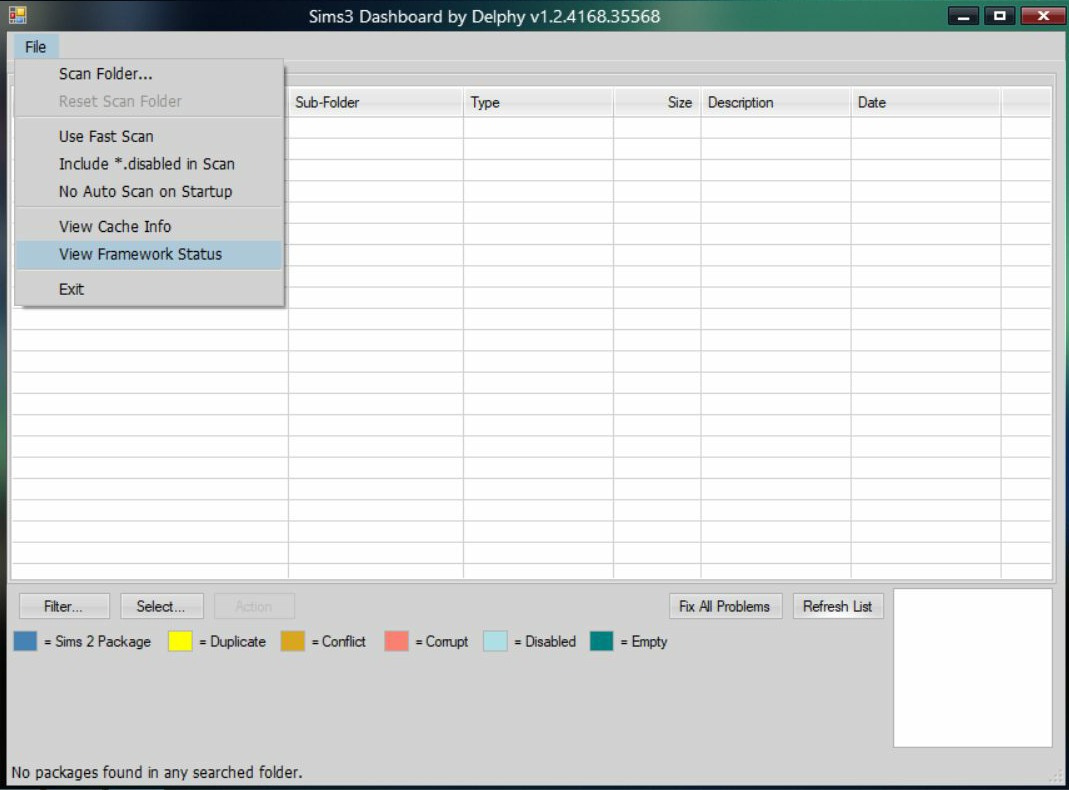
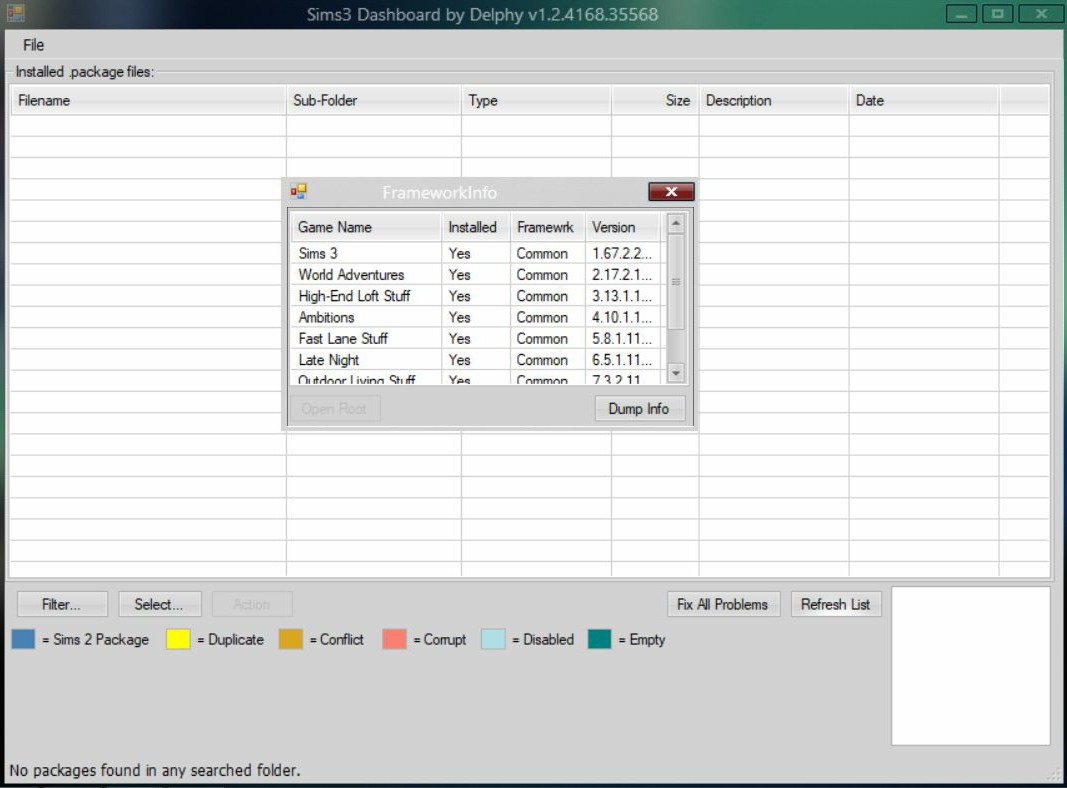
- To show the contents of the Sims 3 cache files, and clear them.
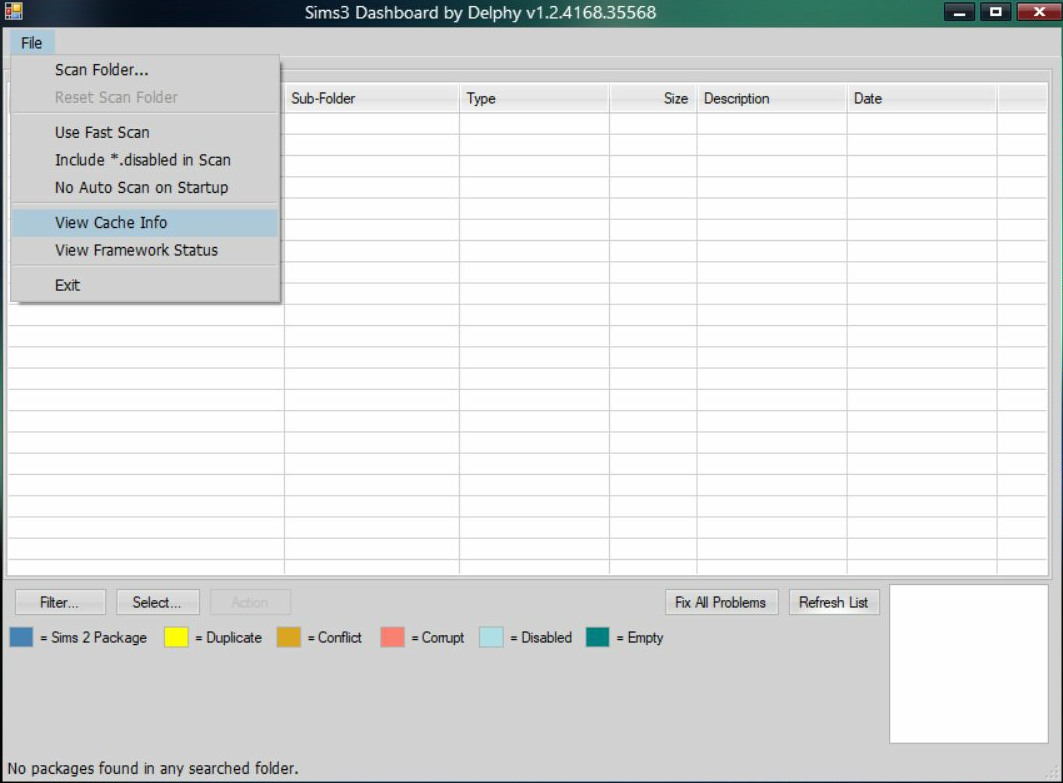
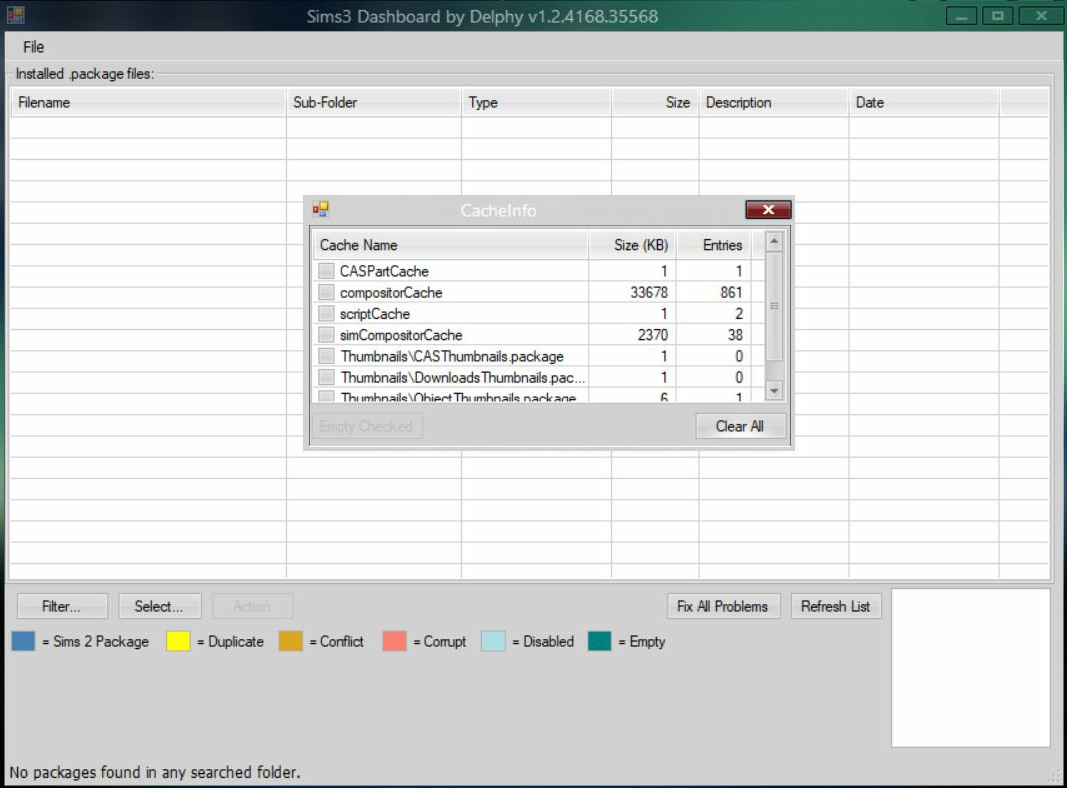
- To show all of your custom content in .package format, and display any "corrupted" files, or Sims 2 content, or stuff that just plain wont work.
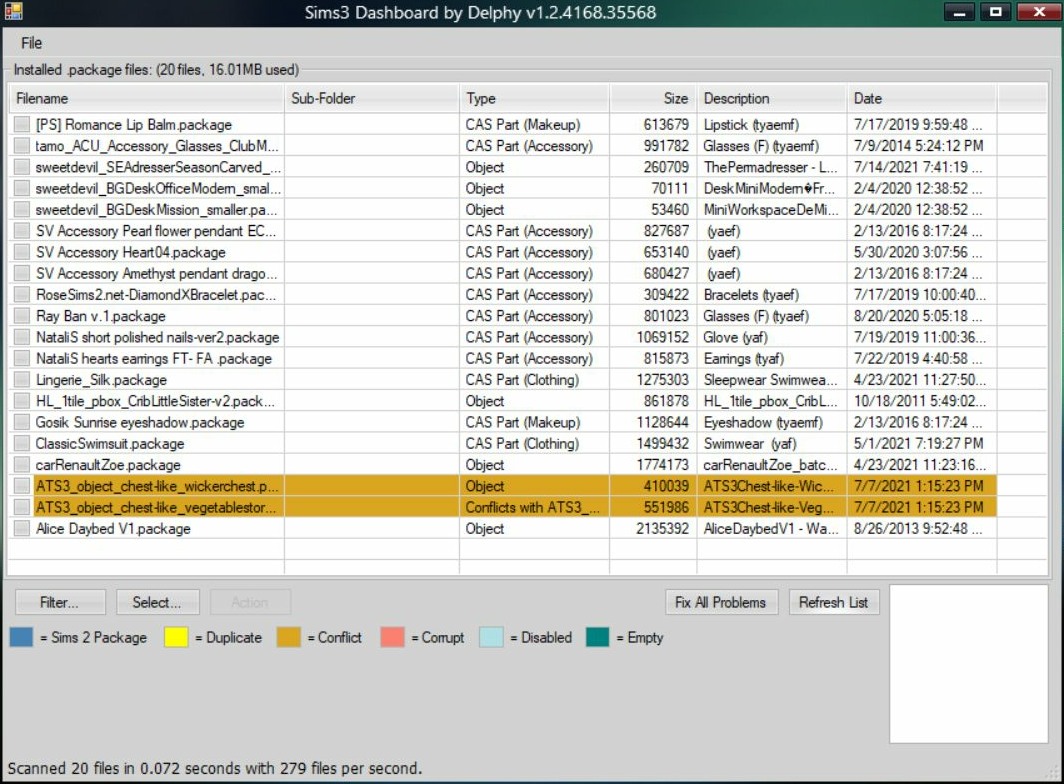
- To fix any problems with corrupted files, empty files, generally broken files, and allow to fix conflicts yourself.
- It does not work with .Sims3Pack files.
Read next post for part 2
Post by: MrsFlynn on September 28, 2021, 02:43:05 PM
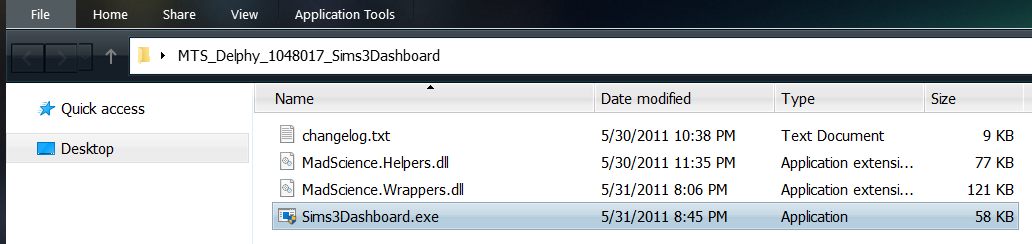
1. Open the resulting folder and Double-click - Sims3Dashboard.exe
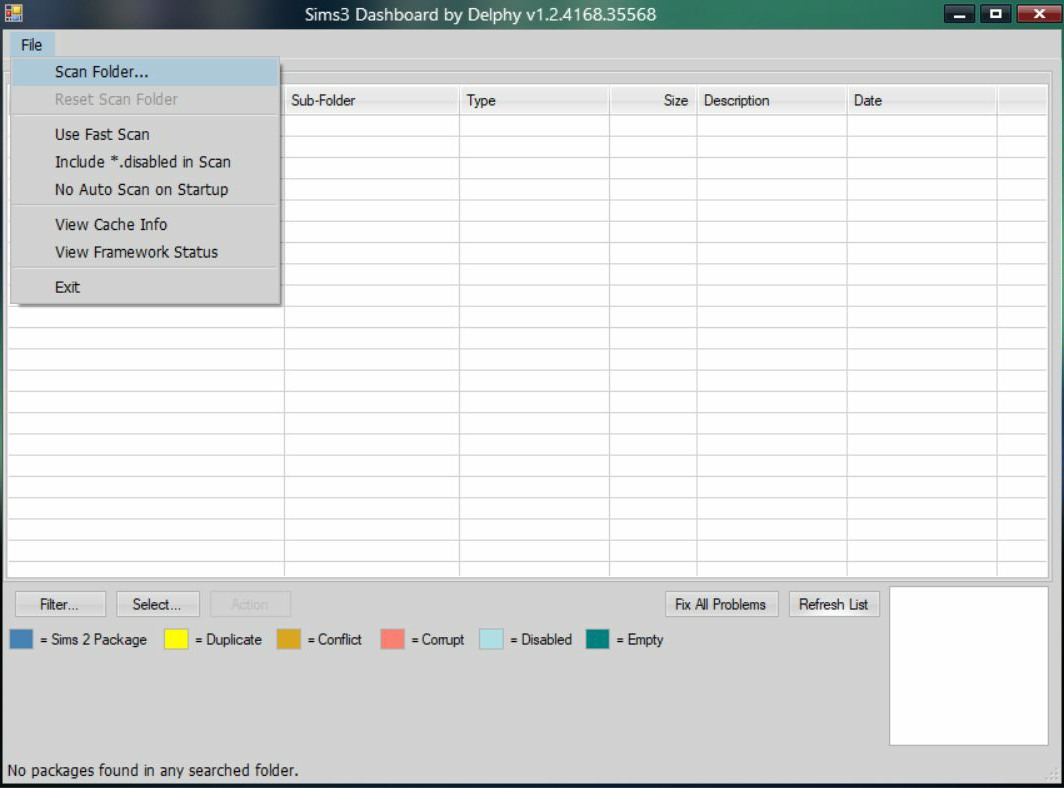
2. Click File > Scan Folder > Browse to Folder (does not work with .Sims3Pack files) and click okay to Open it.
3. It should then show you all the files in the folder you select.
- if there are any Red/Orange colored files, they may need to be removed or tested.
Working with mods > MTS folder:
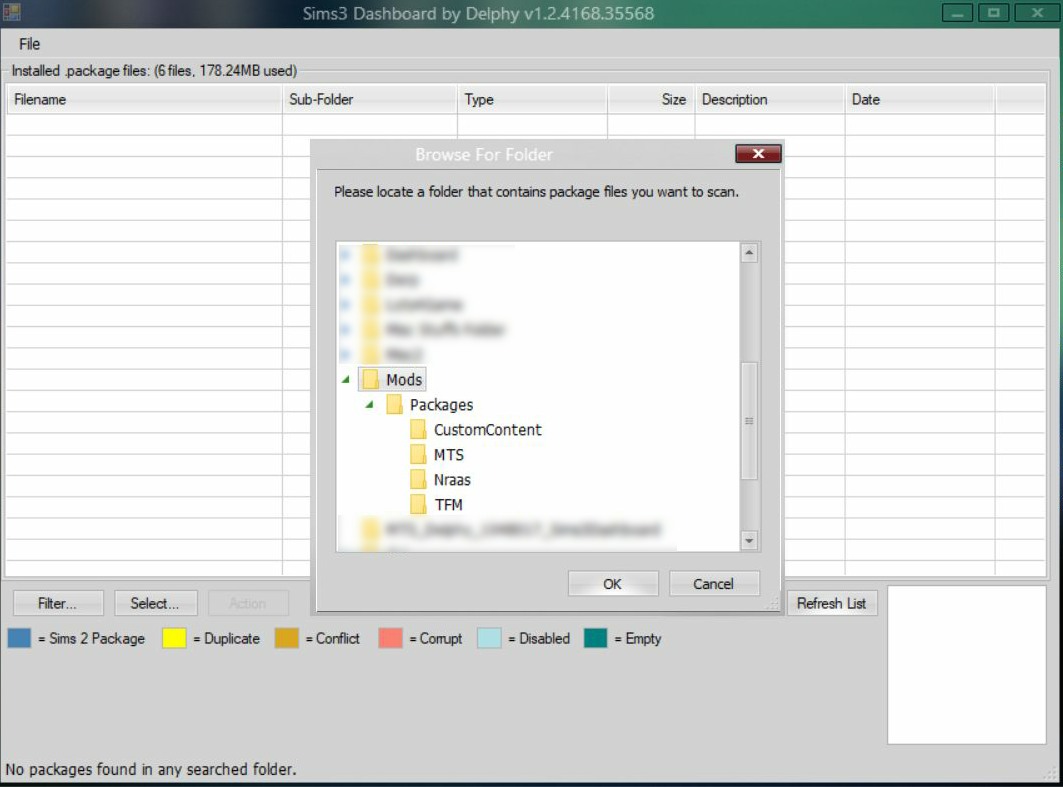
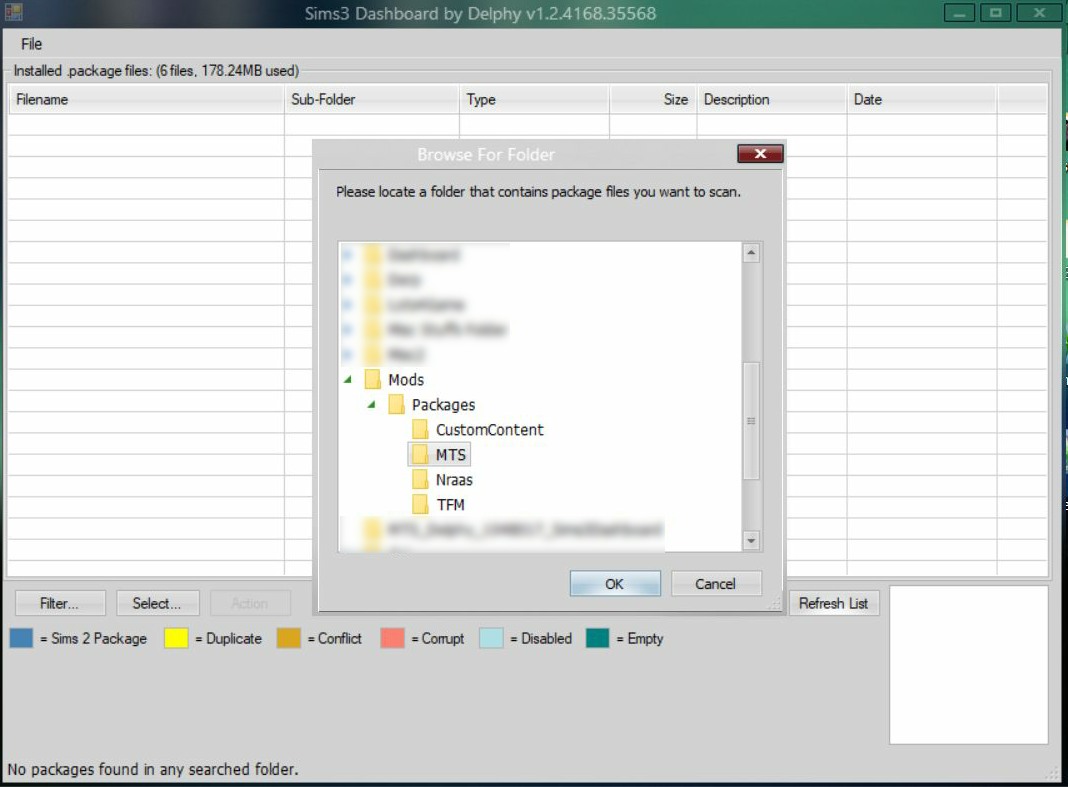
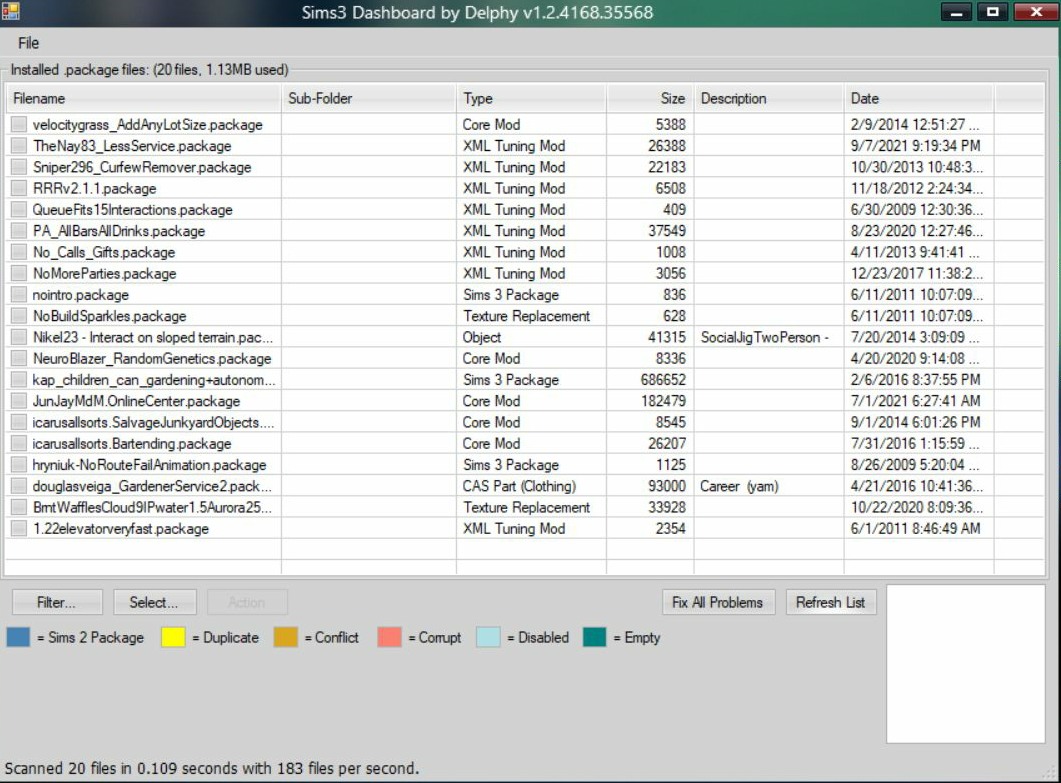
Working with some custom content files:
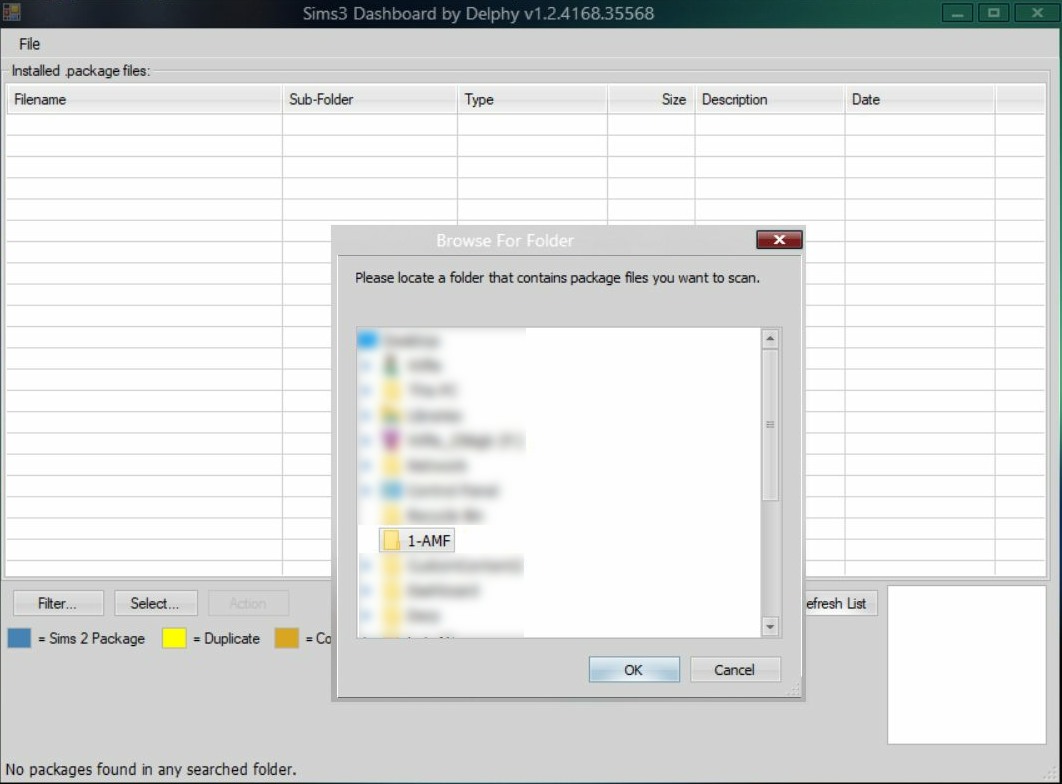
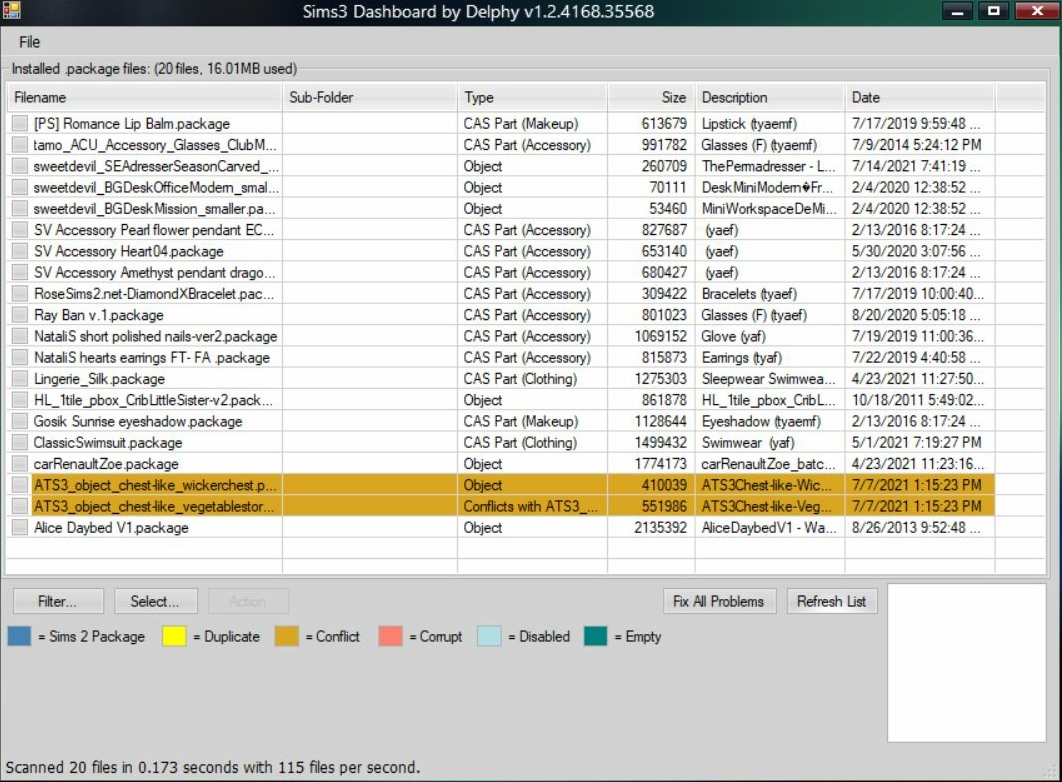
The tool says the files highlighted in Orange conflict, but they don't really conflict as far as I can tell. I have them both placed in my current save and haven't given me any issues. I feel it's a false-positive. This could be due to them having some of the same coding in their file.
If you have something like this, the easiest way I have found to check is to have them both installed and placed in a test save to see if anything happens. If nothing does, then it's safe bet that all is good. Then you can quit the game without saving.
– Testing in a new Sims 3 folder, with a new test save is the best way to test any .Sims3Pack file or .package file. This way you avoid corrupting any save files you have in your main Sims 3 folder.
See this post (https://jadekitten.net/mfhot/index.php?topic=60.msg176#msg176), for a How To Create a Sims 3 folder, or to download one.
~ Reference Links:
Sims 3 Dashboard Tool aka Delphy’s Dashboard
https://leealeesims3.wordpress.com/2017/11/30/sims-3-dashboard-tool-aka-delphys-dashboard/
Delphy’s Dashboard Tool
https://sims3.crinrict.com/en/2011/03/tutorial-delphys-dashboard.html
Understanding Mod and CC Conflicts with Delphy's Dashboard
http://www.simlogical.com/ContentUploadsRemote/uploads/1551/Understanding_Mod_CC_Conflicts_Delphy_Dashboard.pdf