If you've accidently changed a file extension, the best way to fix it is to remove the association. At least in the case where the .package files got associated with notepad.

This is how we fixed it.
Information:
https://www.raymond.cc/blog/how-unassociate-windows-vista-7-file-type/ - First item mentions Types, which works to un-associate file extensions in Windows 10
Download Link:
https://www.raymond.cc/blog/download/did/3757/Download the file Types.zip and extract with 7zip:
https://www.7-zip.org/a/7z1900-x64.exe - Right-click on zipped folder and extract to (name of folder)

1. Open the resulting folder and Double-click - Types.exe

2. Search for the extension (package) or find it in the list.
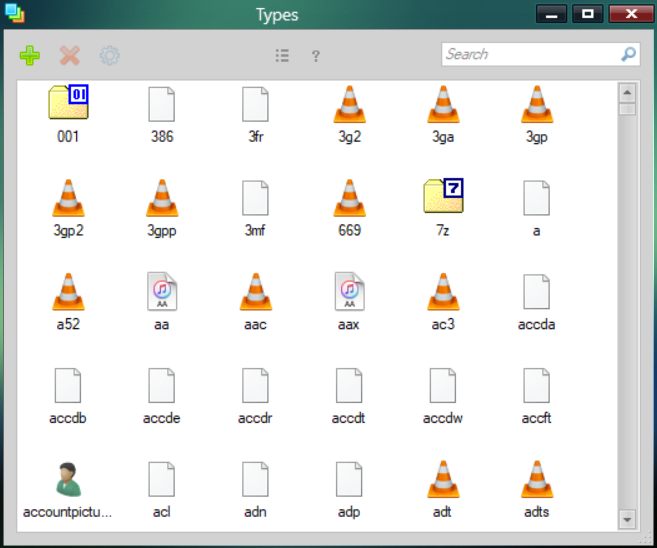

3. Right-click on the (package) extension, select Delete and close the tool.

-- Once finished package files should be back to being associated with none.

Problem solved, heh. >=D

