I created a new "build town" for myself, so I thought I'd share it. I love using Sunset Valley to build houses and community lots in due to it has great lighting for building and getting photos. If you'd like any other "build towns" let me know and I'll see what I can do.
If you have any questions regarding this save file, please post them
here in our Sipping Tea Thread. That is our general chit-chat/questions thread.
--------
~ How-to download and save the file:Click on the file link
here (from Simfileshare.net) to Save. If the browser you're using doesn't allow you to download because it's telling you that Simfileshare is unsecured, please try another browser or check your browser's security settings. For reference, I use Firefox. Read more
here about the SimFileShare Security Warning.
It's suggested to save to desktop for temporary and then later can be deleted or moved to backup drive.
~ How-to extract the file:Extract the file with 7-Zip -
https://www.7-zip.org/Right-click File ➺ 7-zip ➺ Extract to SV-Build.sims3
– This extracts everything into a folder with the name of SV-Build.sims3.
~ Alternative methods:Open File Explorer and find the zipped folder.
To unzip the entire folder, right-click to select Extract All, and then follow the instructions.
To unzip a single file or folder, double-click the zipped folder to open it. Then, drag or copy the item from the zipped folder to a new location.
See more information
here - Zip and unzip files
~ How-to use the save file:Copy the file the unzipping process gives you into:
\Documents\Electronic Arts\The Sims 3\Saves
Then launch game, at the Sims 3 Main Menu, you should find the save file. It's called SV_Build.
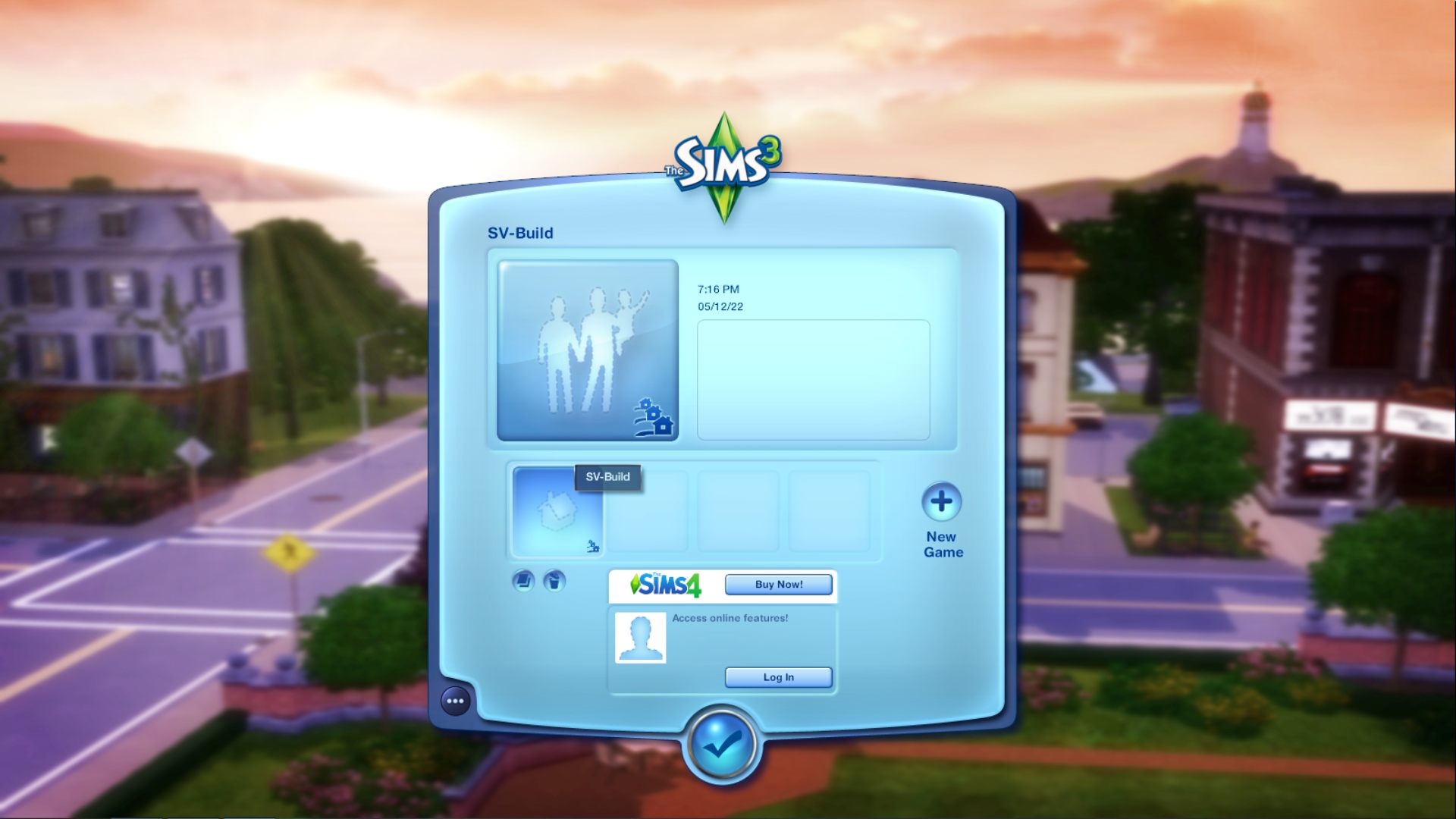
Your main menu may look slightly different that what is pictured above. The silhouetted family means there is no active family. The silhouetted house means the same thing.
Double-click it to launch the save file.
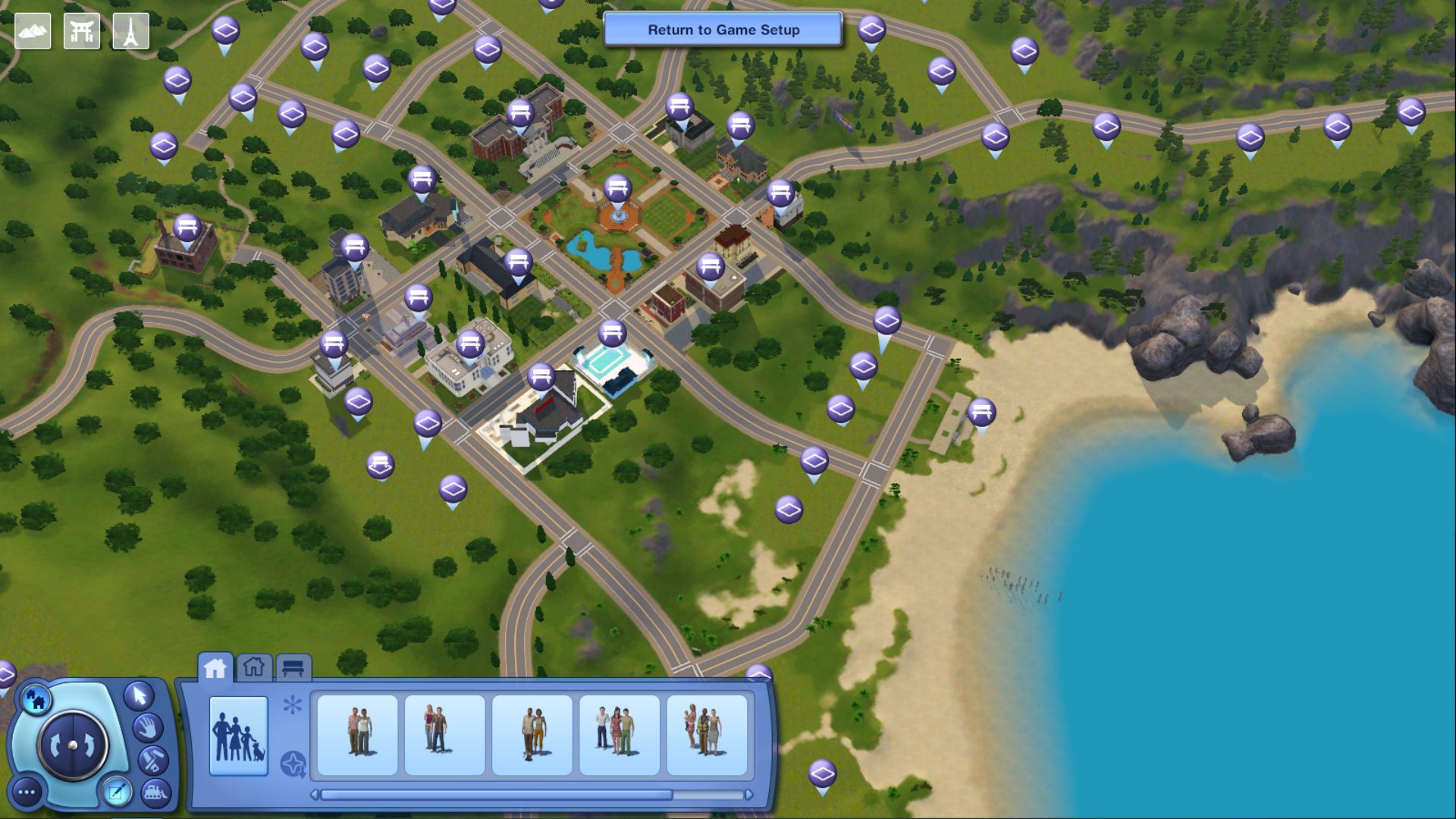
Once loaded you should find a lot of empty lots to build on.

All the base-game community lots were left intact. All you have to do is pick a lot and start building.
I have a mod installed that removes all non-base game community lots, this means no junkyard spawners installed!! 🥳

