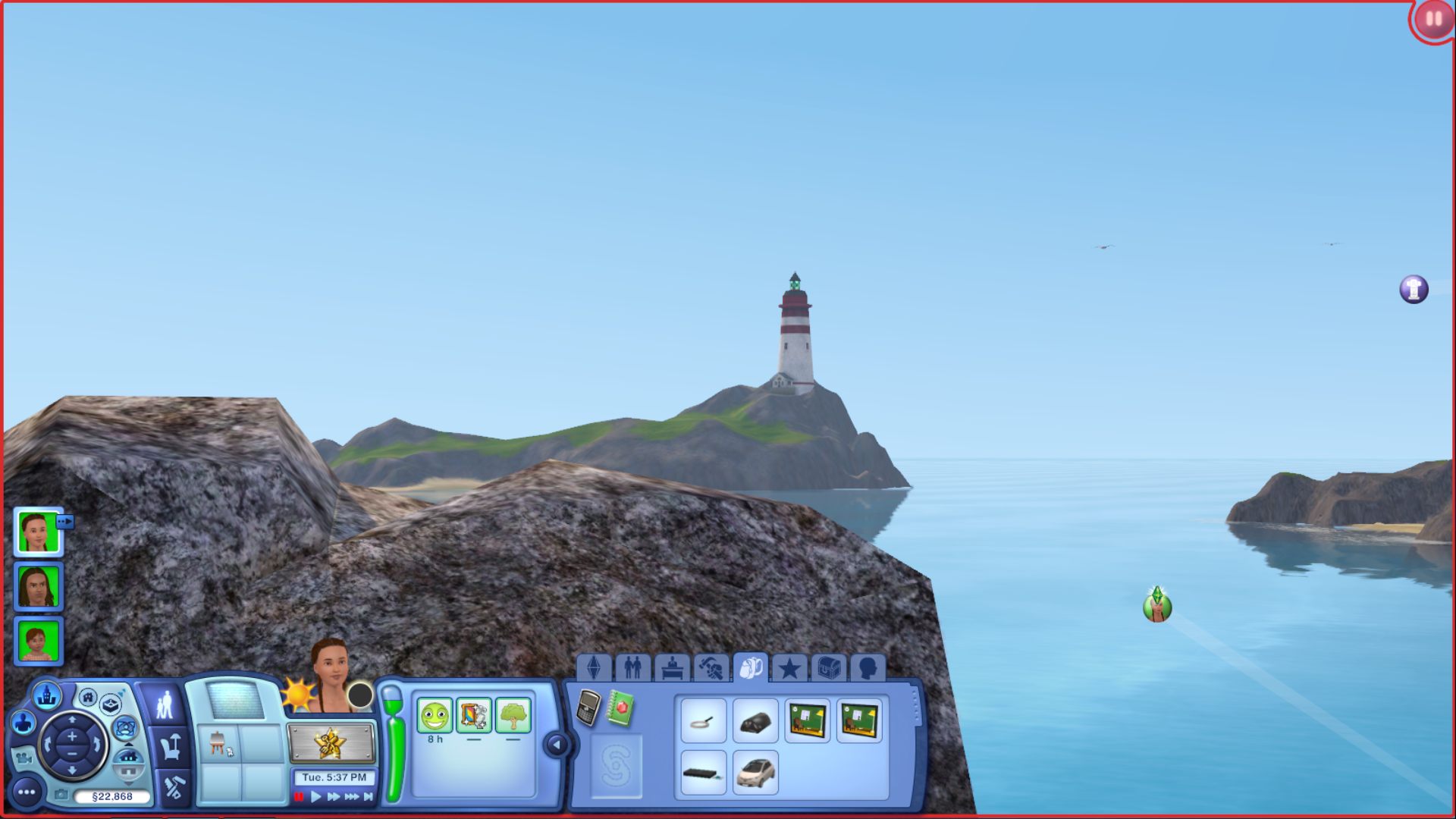
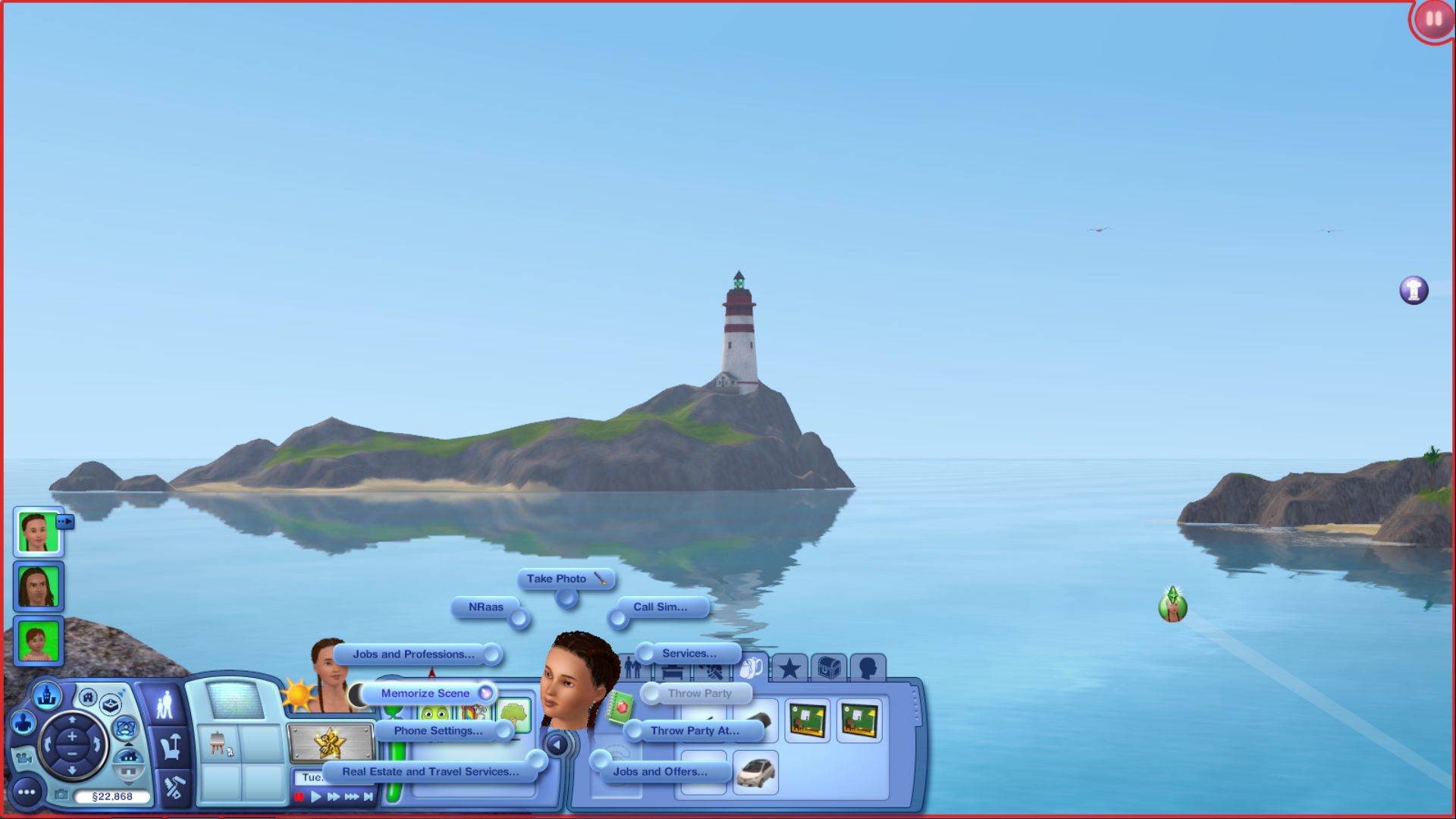
~ Memorize Scene:Take Sim to/near the big rock on the left side of the beach lot. Pause the game. Position the camera to bump up on the rock. Use the phone to Memorize Scene. Take it off pause and position it so the lighthouse is in frame.
When you click I to get the shot, you get the option to take small, medium or large size. To position the camera: Move around the mouse with scroll wheel pressed down. AWSD keys to move up/down side to side. Arrow keys do the same to help position the camera. Z and X zoom in and out. Press the C key to take the shot.
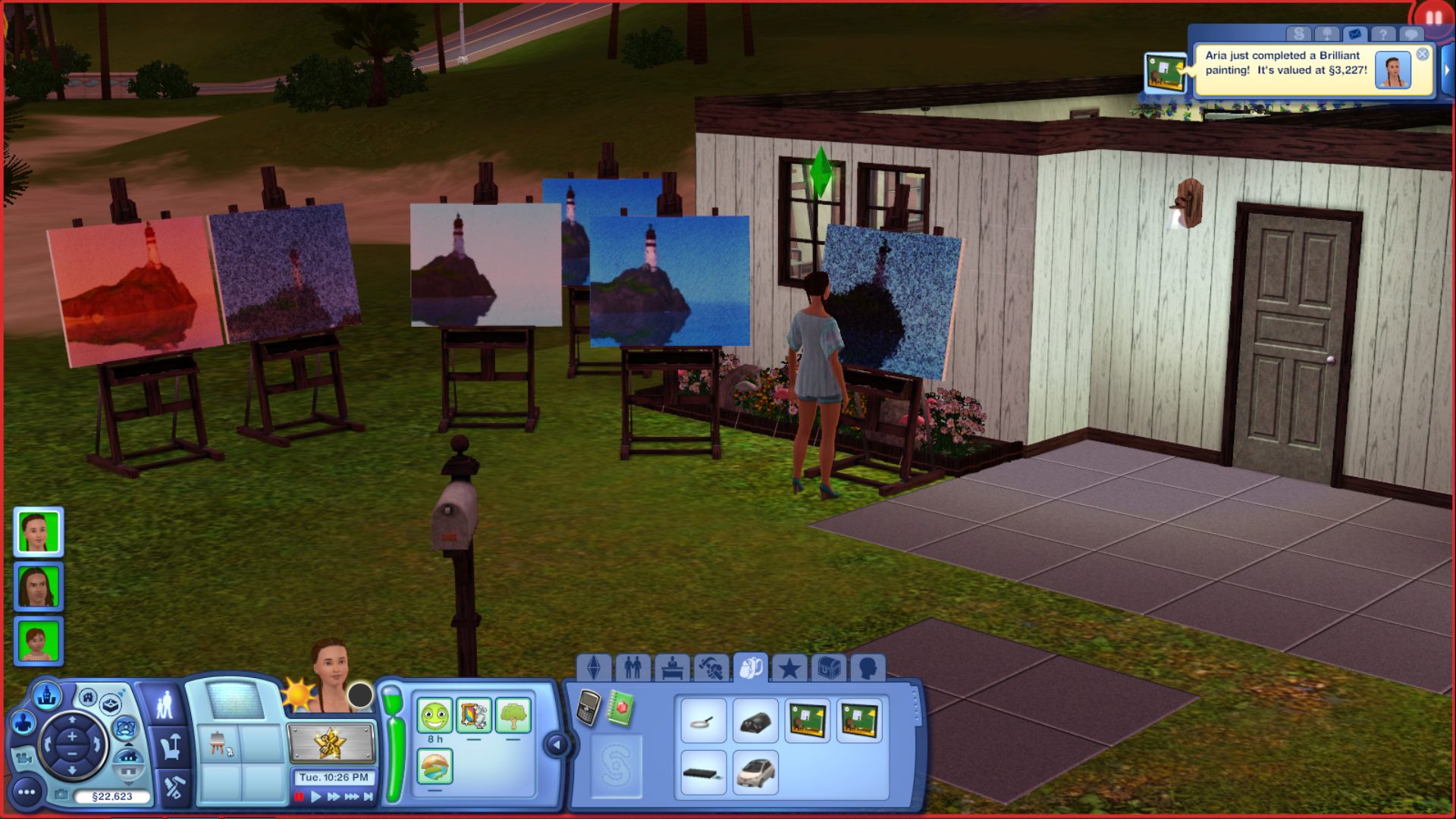
Click images to see larger view. 1. Shows Rock on left side of Beach lot. 2. Bumping up on the rock and positioning the camera. 3. Memorize Scene option. 4. Positioning the shot (light house in frame). 5. My Sim's painting after she was finished with it.


~ Paint Still-Life: (An easel is needed near by what you're trying to take a shot of).
Place an easel on the beach lot. Go to the easel, right-click on it - select Paint Still-Life. Pause the game. Position the camera to get it where you want it. I bumped up on the big rock to get the shot. Unpause the game to take the photo. Click painting when finished to take/sell painting. Can't drag and drop to inventory.
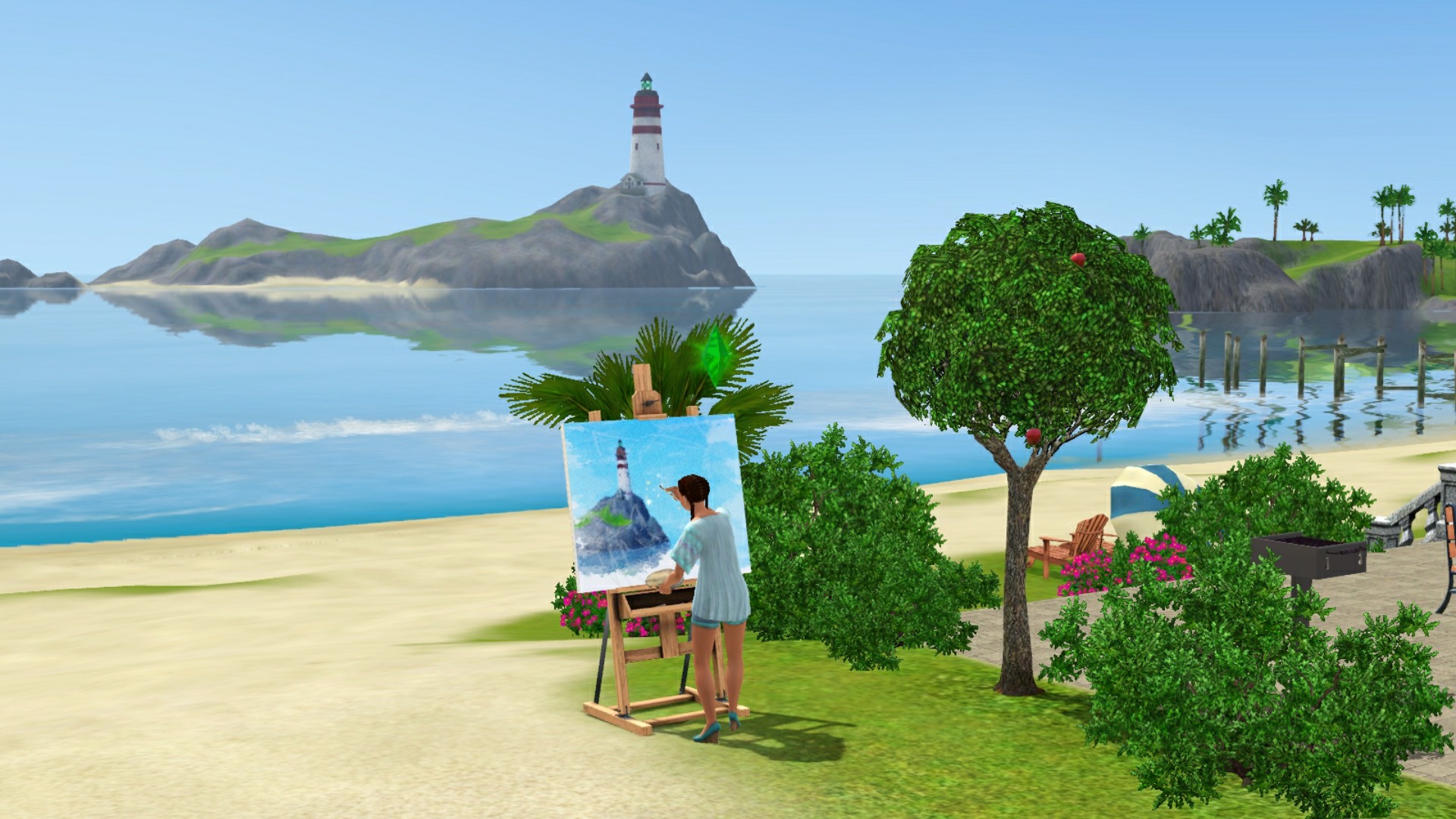
Some paintings may come out blotchy or blurry, this is by design. It's due to what traits the painting Sims have.
Sims 3 Painting Skill ~
https://simswiki.info/wiki.php?title=Game_Help:Sims_3_Skills/Painting

