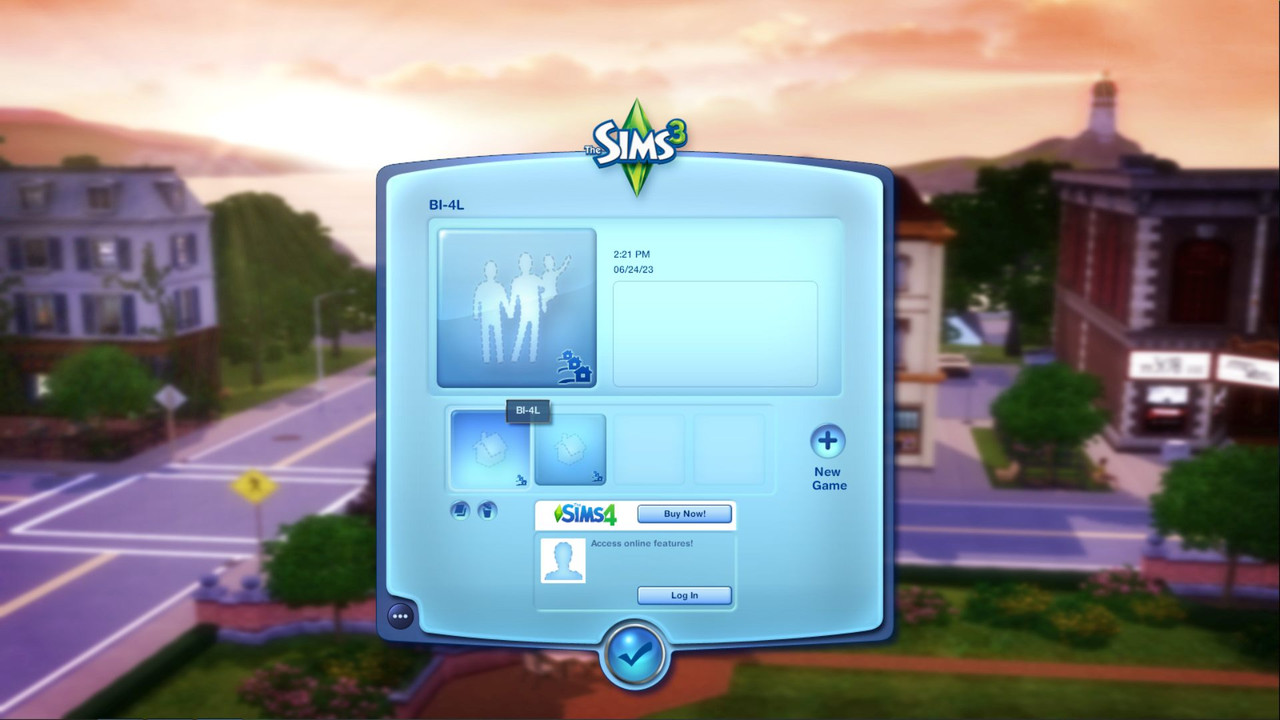
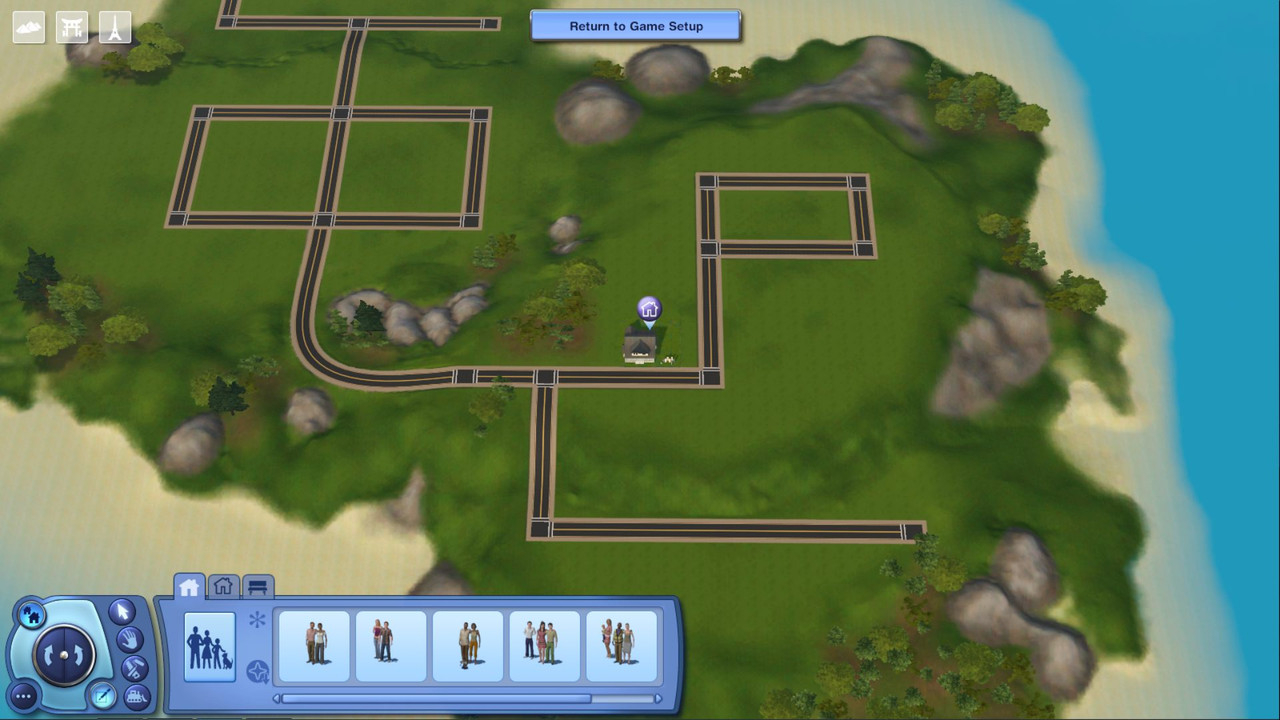
Using my current build-save as an example. BI-4L.sims3
1. Go to your Backup Drive and look in the folder the save is in.
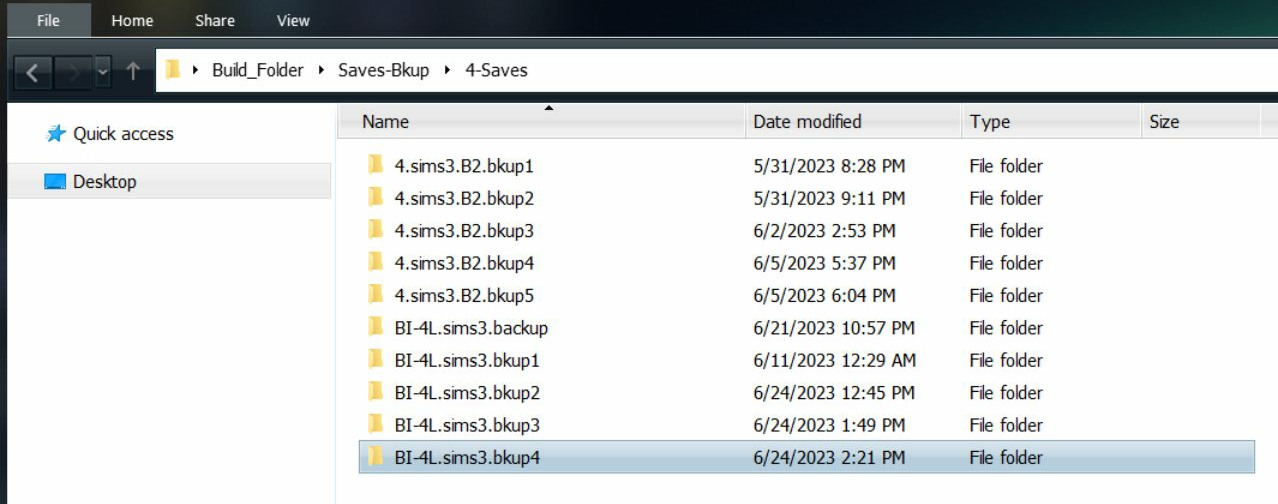
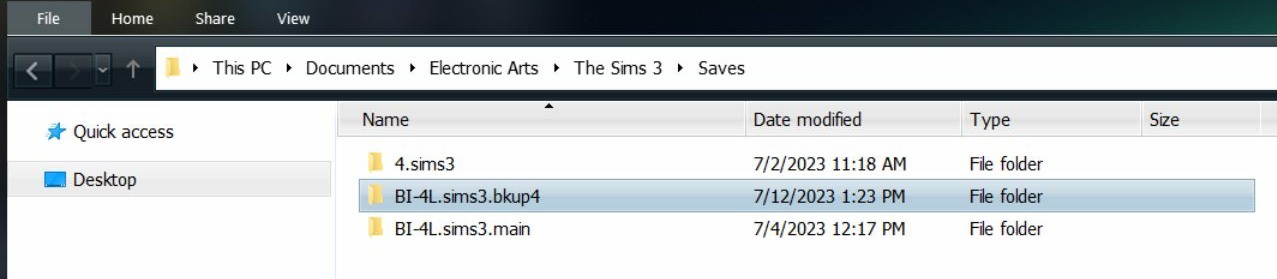
2. Copy the folder (BI-4L.sims3.bkup4) to:
C:\Users\Username\Documents\Electronic Arts\The Sims 3\Saves
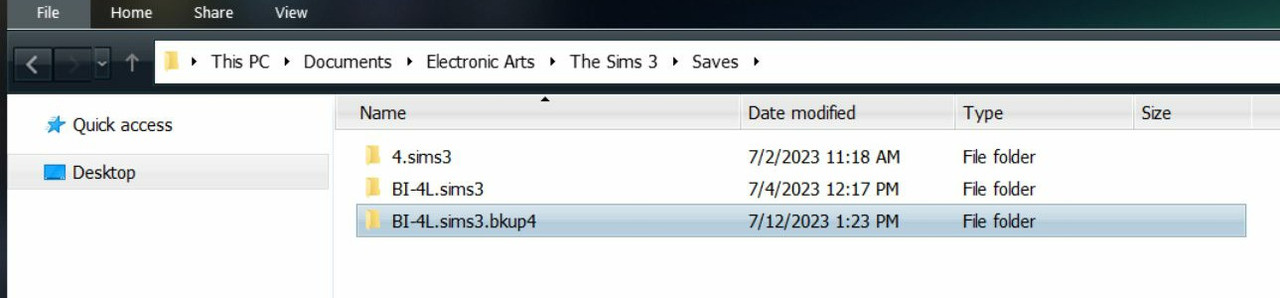
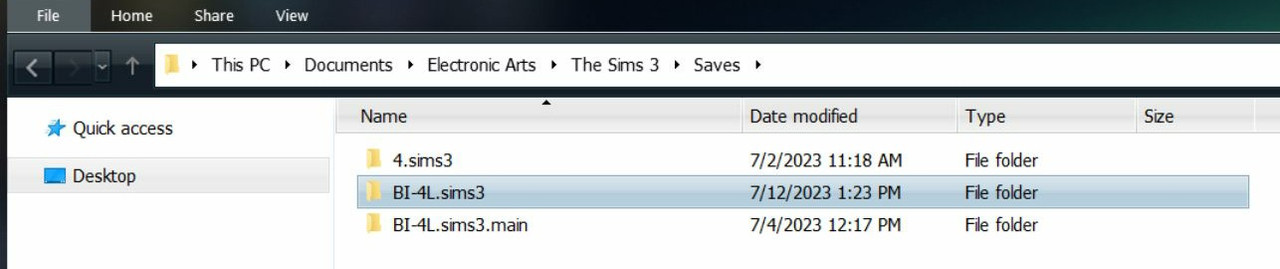
I renamed my main folder, so I don't get them confused. lol
3. Rename the folder you just copied in. Delete the .bkup4 extension
4. Load the game. You may see a save file or save files without any Sims in them - or basically a silhouetted house. Like shown in the first screenshot below. This is normal when building a house without an active family. Double-click the save to open.