Updated ~ Sept.2021Note: I am sharing my mods folder with some folders already setup. Download
here from SimFileShare.net (Add your own mods and custom content files.)
- How I organize my CC and Mods
I am using a ready-made framework setup mods folder from simswiki.info/ModtheSims. That has 2 sub-folders inside the mods folder (Overrides and Packages) along with the Resource.cfg file needed to help make everything work.
Game Help: Installing Sims 3 Package Files/Setup and Files
http://simswiki.info/wiki.php?title=Game_Help:Installing_Sims_3_Package_Files/Setup_and_FilesThe zip file in the article gives you both of the folders and Resource.cfg file mentioned above.
Click images to see larger view
I'm trying a new way of organizing my mods folder. Thanks to a suggestion from Nindigo.
My packages folder looks like this:
- \Documents\Electronic Arts\The Sims 3\Mods
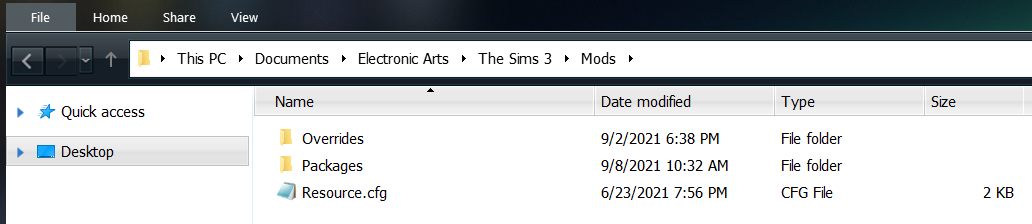
\Overrides - Empty folder
\Packages - In packages folder we have (so far):
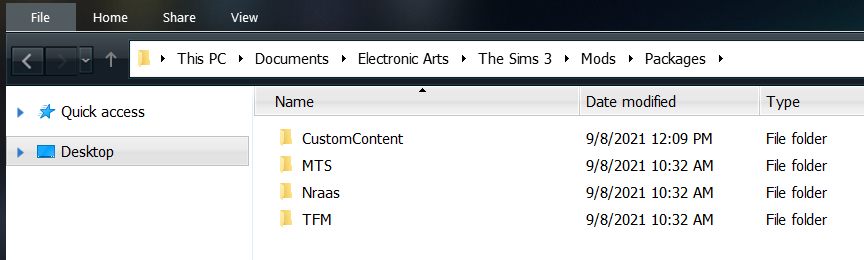
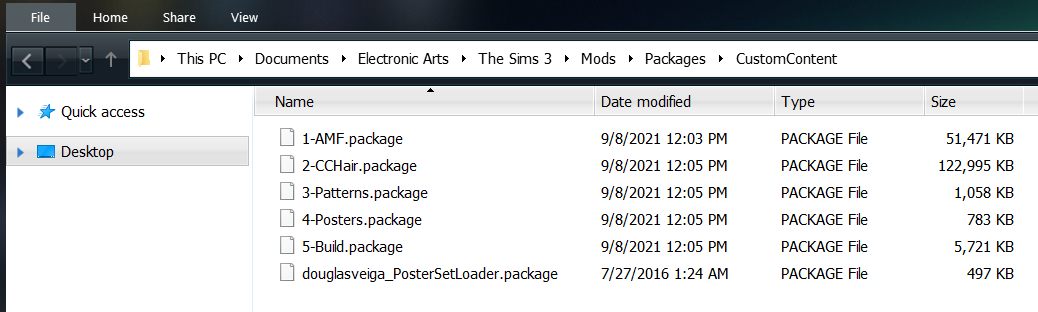
\CustomContent (merged cc files)
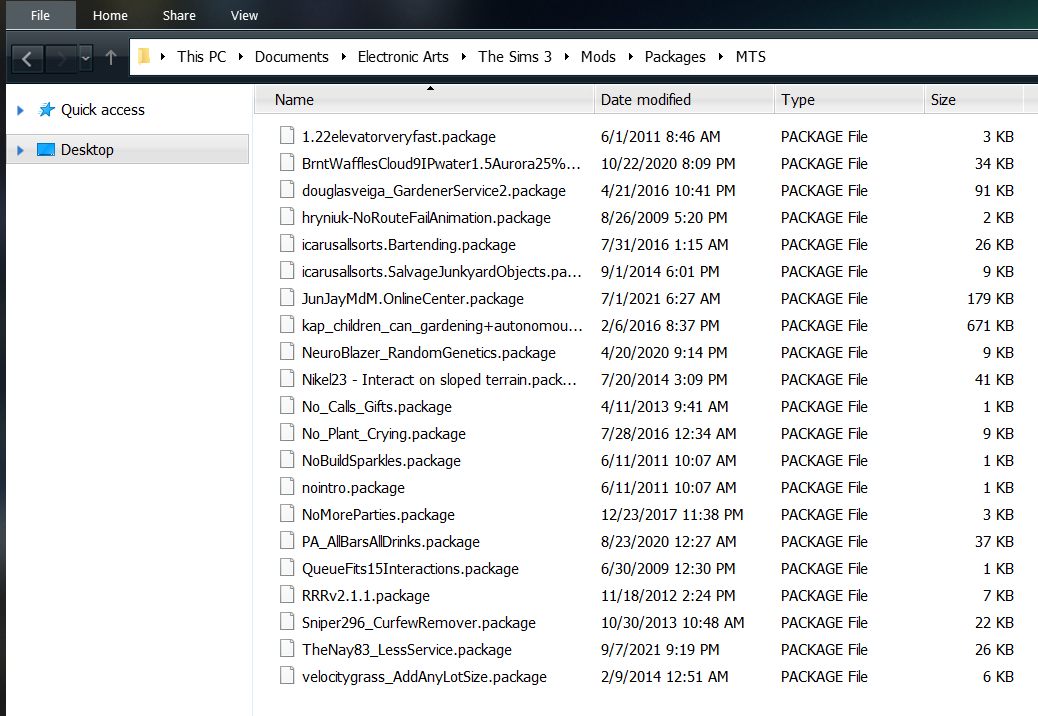
\MTS -- Mods that are mostly from MTS.
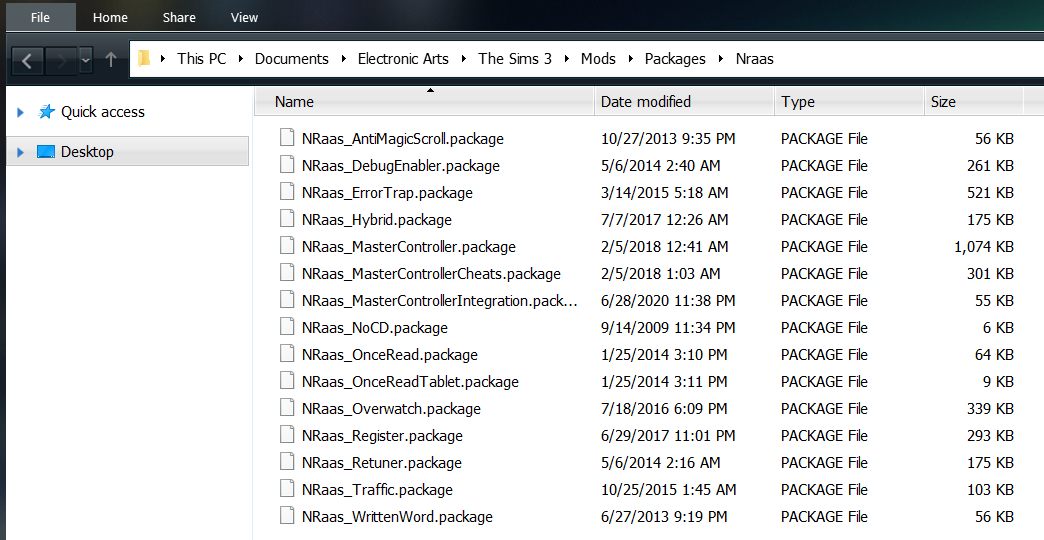
\Nraas -- Mods that are from Nraas
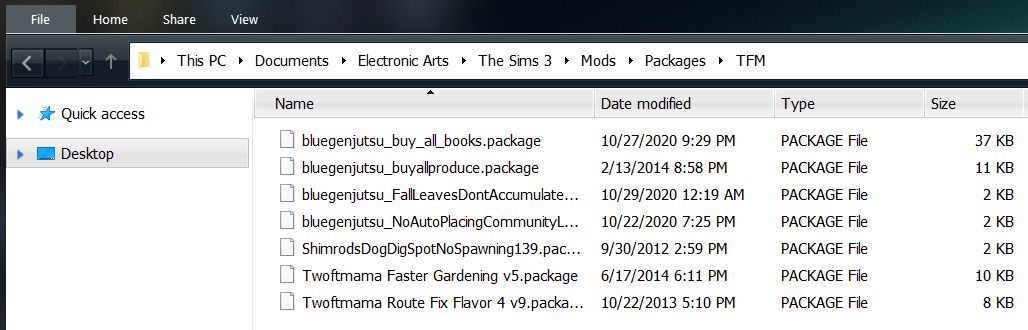
\TFM -- Mods that are from TFM/Simsasylum
----
Nindigo does something similar with her mods folder. No need to edit the resource.cfg. The game can see several sub-folders inside the Package folder. You can create different sub-folders to meet your needs - up to 15, possibly more. If you start running into problems take a look at how many folders you currently have and the amount of custom content and mods you have.
I have done this way of organizing my mods folder to keep the mods separate from the custom content. Easier to keep track if something isn't working correctly.
I've somewhat recently learned how to merge custom content, so I merged the cc I use most frequently into a few .package files.
Just in case you want to learn some basics;
How to Merge Custom Content (Basics)

