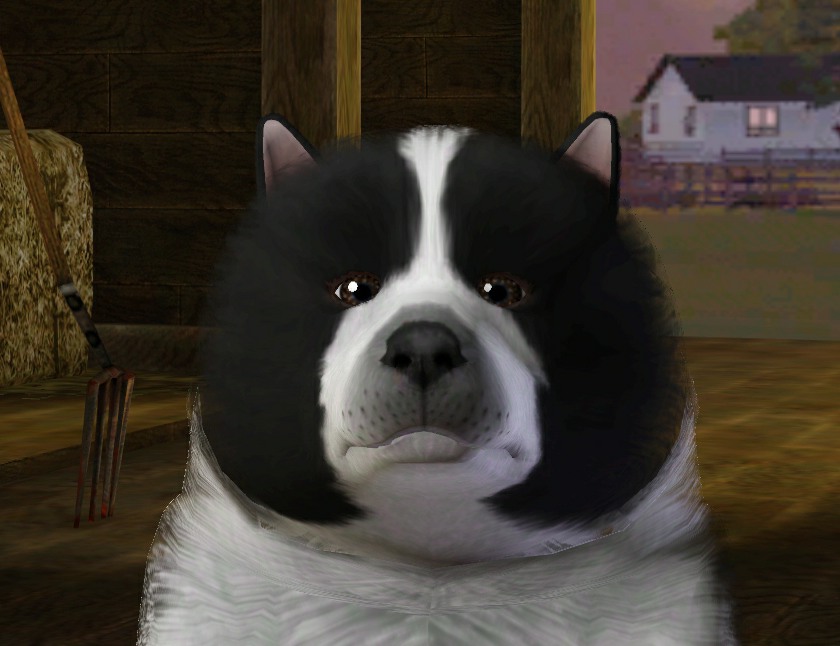
 | * Name: Oreo
* AGTB: Adult Male Dog Keeshound
* Traits: Friendly, Genius, Loyal
* Patch Version: 1.67 - will work with patch 1.69.
=-= * =-= ~ = -= * =-=
Created By: MrsFlynn ~ Aug. 2021
Created in CAS with no skills or family ties
| |
Photos: (Click image to see larger view)
 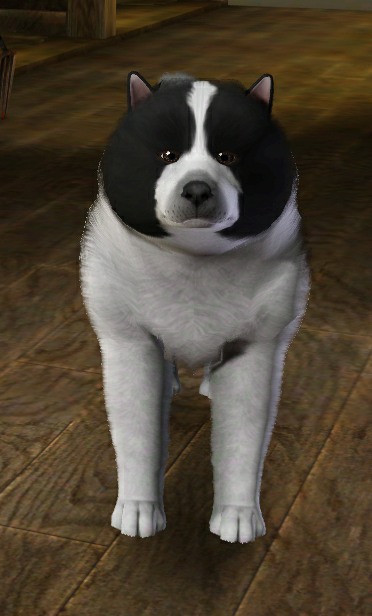 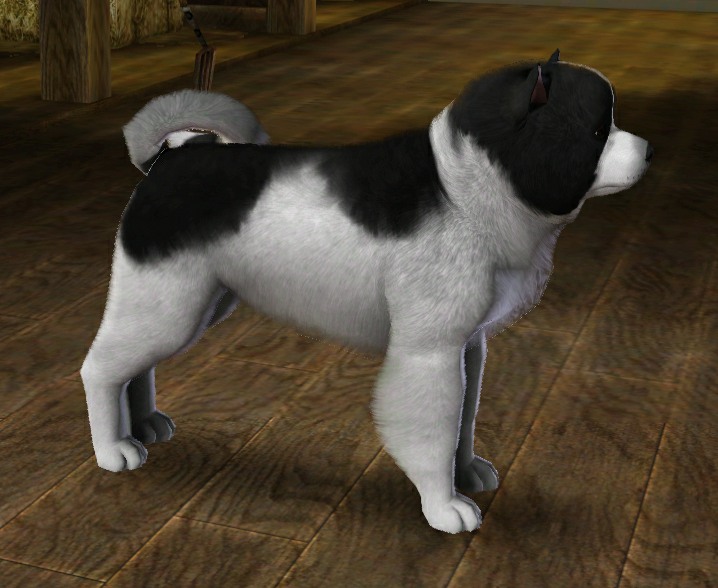
|
✦ – TOU: Feel free to change the Pet and use as desired. Details are left up to the discretion of the story author.
Click Here for information on the shared files and comments on uploads.
⬇️ – Download Oreo
hereThe story behind Oreo is I was playing a
PI play-through with some friends for the 1st time in a long while and just as my Sim was returning home they found this really cute dog in their yard.
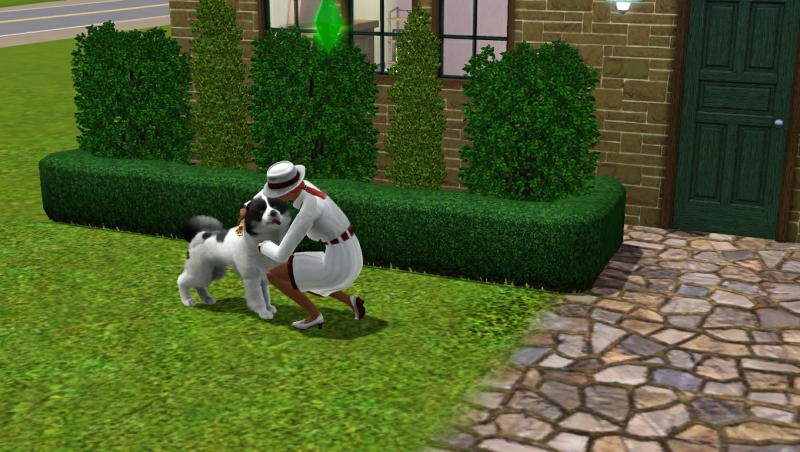
I did get a screenshot of that moment, as seen above, and then had the dog leave the lot. The dog seemed to be a stray dog. Yet I had strays turned off.
After awhile I actually tried to see if I could find the dog and wasn't able to. Thinking maybe because it was a stray, the game deleted them.
I really liked the dog and since I wasn't able to find them, I tried to recreate them from the screenshot I took. Oreo may not be exact, but he's perfect to me. 🥰
I have added him to Media Room > Sims, as I don't usually play with a lot of pets and I don't intend to share a lot of Pets, so I feel adding him here would be okay.
----
Installing the Pet:There are two ways to install the Pet by .sim file or by .package. No need to add both to game.
The .sim file gets copied into:
\Documents\Electronic Arts\The Sims 3\SavedSims
and can be found in CAS > Premade Sims > Dogs
Or
The .package file gets copied into:
\Documents\Electronic Arts\The Sims 3\Library
and can be found in the household library in-game.

