~ Error: Cannot load this save game. It may have been saved with expansion pack data that is no longer present on this system.Click images to see larger view -
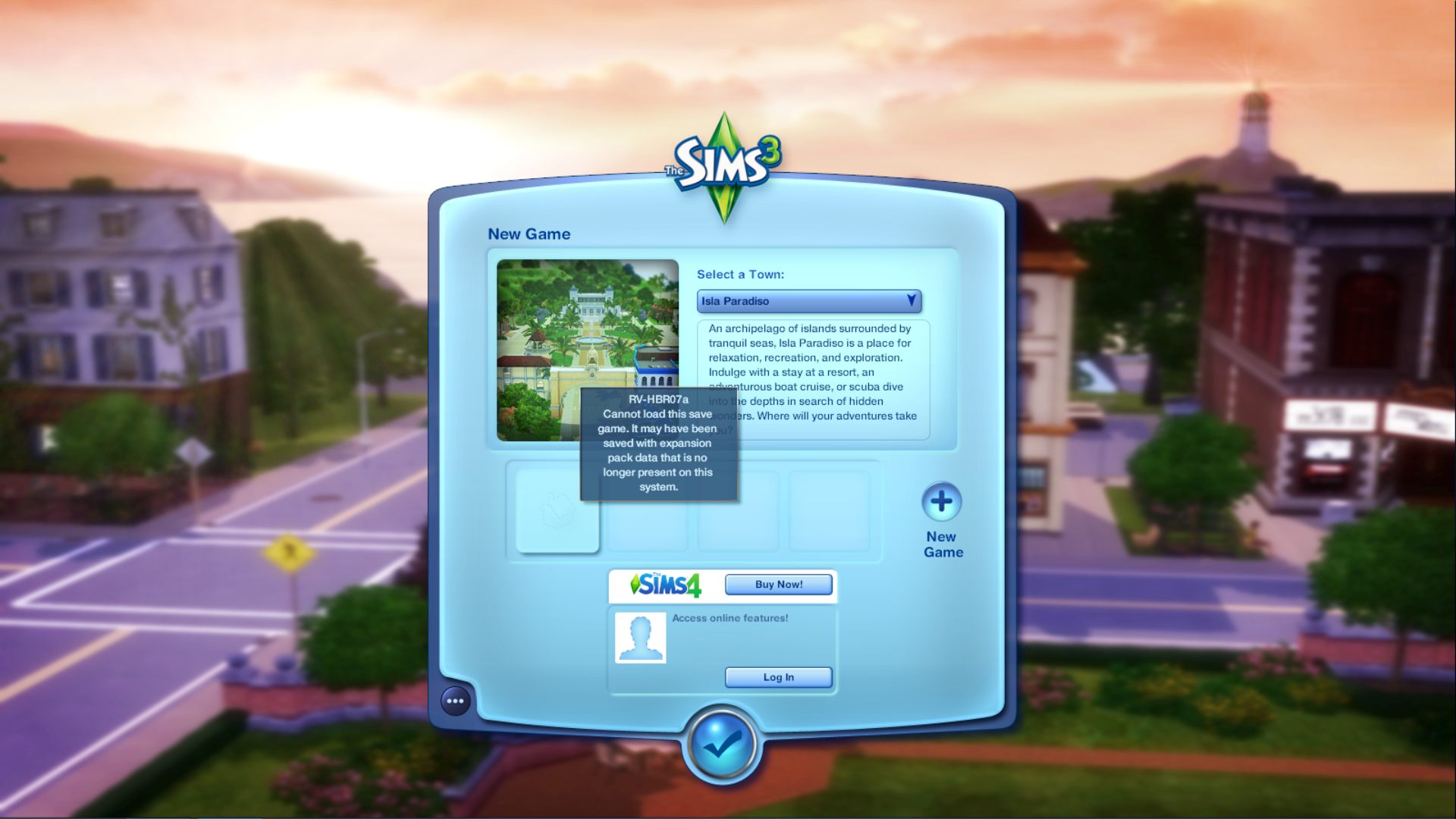
I'm not exactly sure why this error happens, other than something hiccups somewhere along the installation chain or files get corrupted. Sometimes you can fix it by trying a few tricks.
1. If using EA App/Origin (1.69) Check to make sure the Sims 3 launcher has expansions, stuff packs and other files installed.
2. Make sure the save file is installed correctly. By default save files looks like a folder similar to what is shown in the screenshot below.

3. Create a New Sims 3 folder and carefully copying files from old folder to new folder, in small batches. Deleting cache files between batches.
To create a new Sims 3 folder, go to: (\Documents\Electronic Arts) - right-click on the Sims 3 folder and select Rename. I usually rename it something like Sims3-old or Sims3-1. Everything is safe in your old Sims 3 folder.
–- Launch the game and exit it so it creates a new folder.
✦ See
this post to find out what files/folders to add back in.
3. Replace the Meta.data file with a new one from a new save file. Read
this post to learn how to do that.
4. If .Sims3Pack files were installed via the Sims 3 launcher, delete these files -
Delete the igs.bin and platform.bin files in the SigsCache folder
▪︎ C:\Users\Username\Documents\Electronic Arts\The Sims 3\SigsCache
Delete the missingdeps.idx file from the DCCache Folder
▪︎ C:\Users\Username\Documents\Electronic Arts\The Sims 3\DCCache
5. Try fully uninstalling the world and reinstalling it, deleting the cache files mentioned above and those in the Sims 3 folder as well.
For reference the cache files can be found in (Documents\Electronic Arts\The Sims 3) folder and are:
CasPartCache.package ; compositorCache.package ; scriptCache.package ; simCompositorCache.package ; socialCache.package
When I've gotten this error I start over in a new save as well, but for special save files, we want to try these things to see if it can be fixed.

From what I gather from the thread linked below the magic may be in coping files over to a new Sims 3 folder.
Re: Common Problem for "Expansion Pack Data".
https://answers.ea.com/t5/Technical-Issues-PC/Common-Problem-for-quot-Expansion-Pack-Data-quot-SOLVED/m-p/10123985

