✽ Click on images to see larger view --
Note: If adding garage to right side of house. May need to remove some of the walls, inside fencing and internal foundation to help with the level terrain part. -- Removing the roof may help as well.
The example how to below explains how to add a garage on the left side of the house.
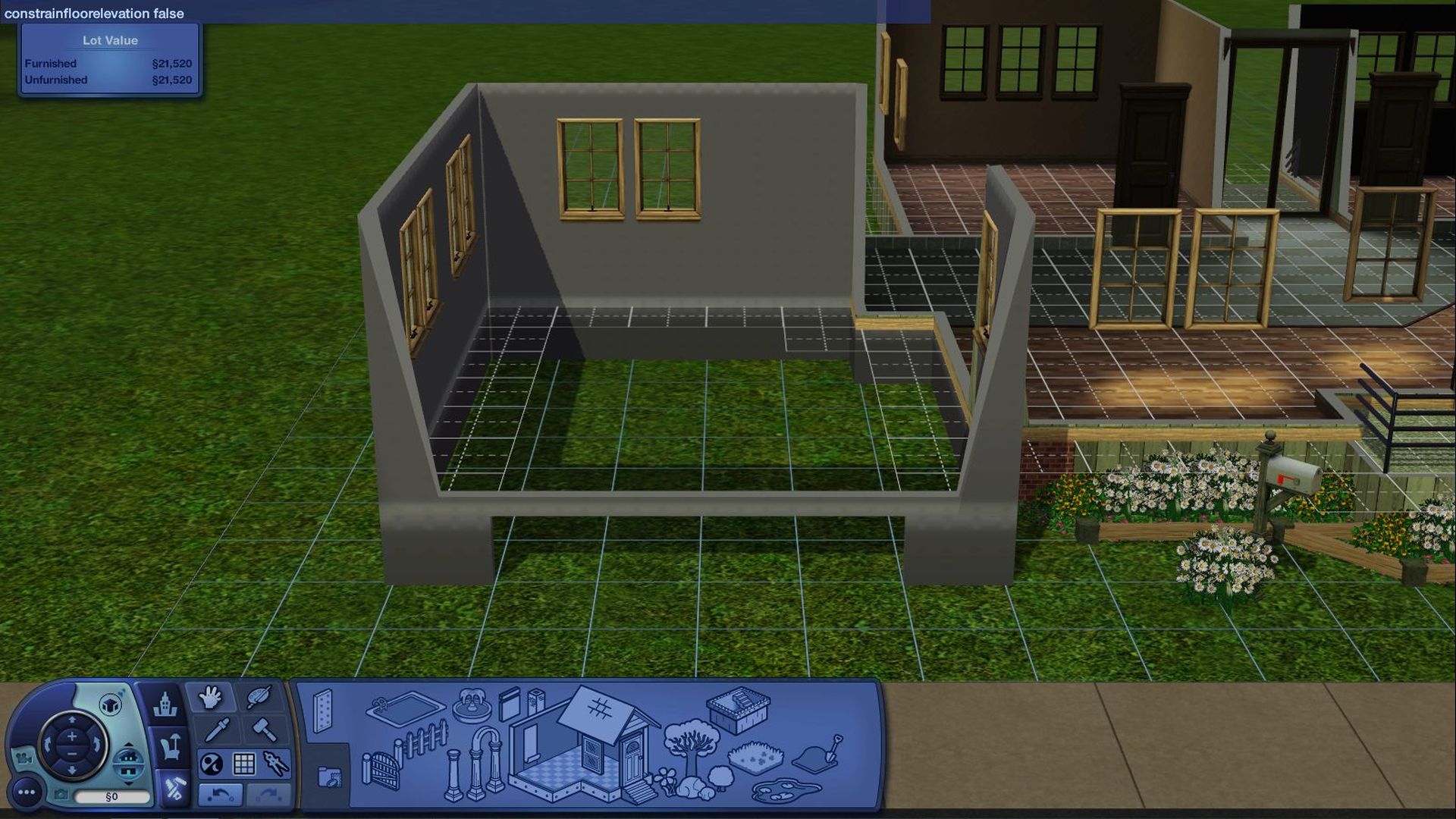
*Tip* Press Ctrl Shift C together -- Type in testingcheatsenabled on and then type in constrainfloorelevation false (Turns CFE on) and press Enter when needing to use CFE.
1. Draw out a foundation of 4 to 6 squares wide by 11 squares long, for example.
+Tip+: 3x7 = parking stall size. Good tip to add one or two of these and draw a box around them to get an idea for the size of garage.
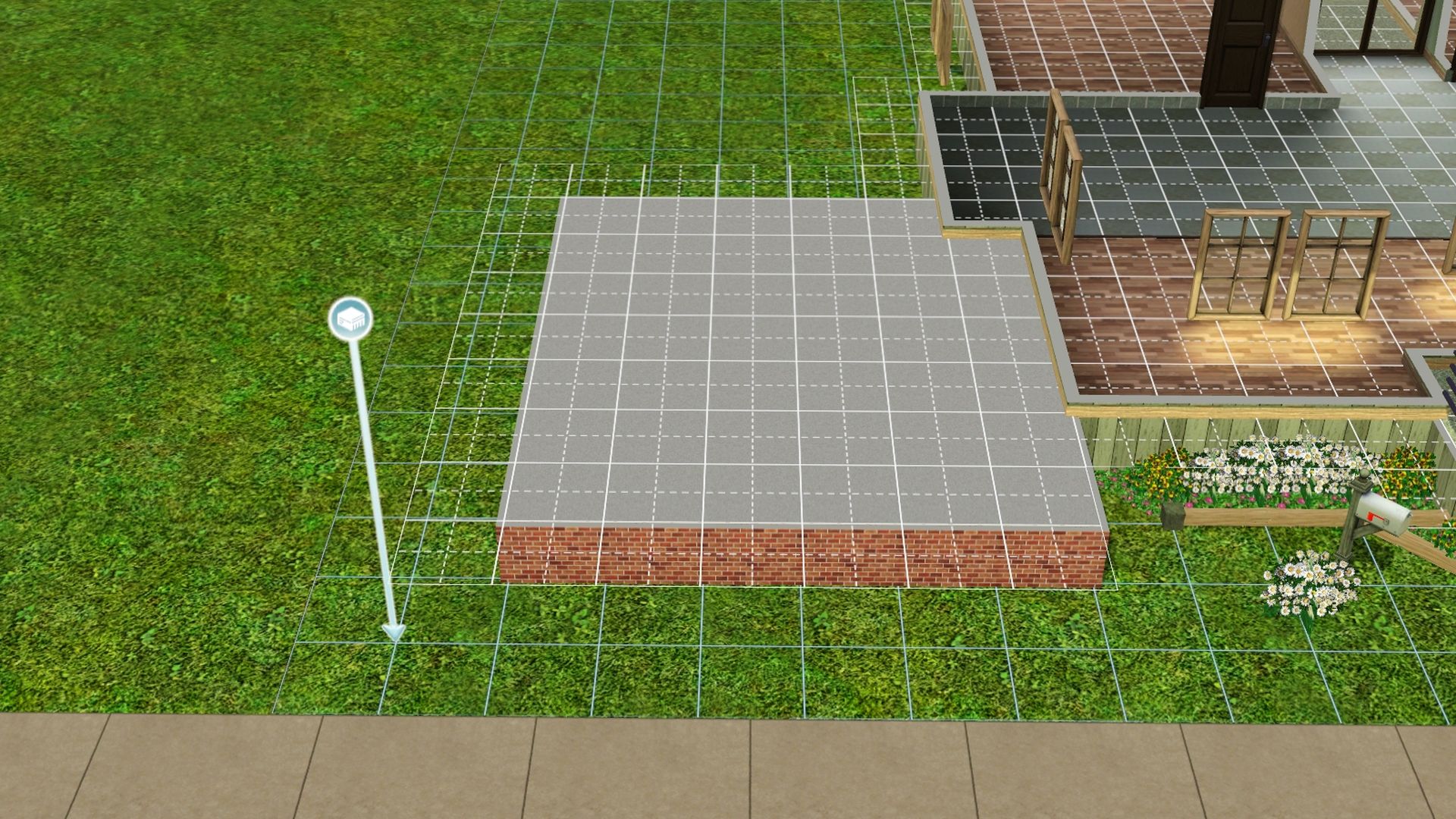
2. Draw out the walls for the garage.
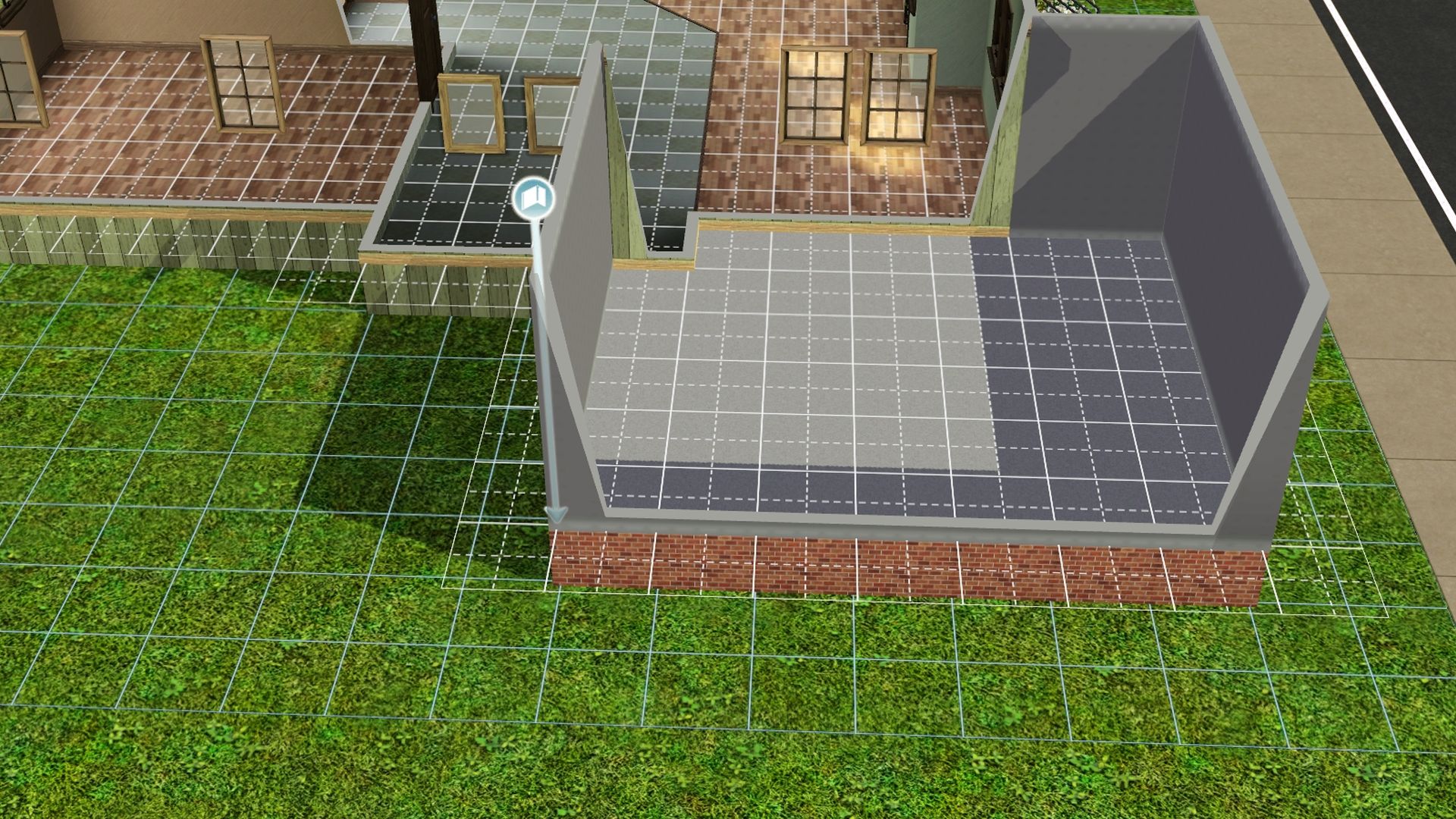
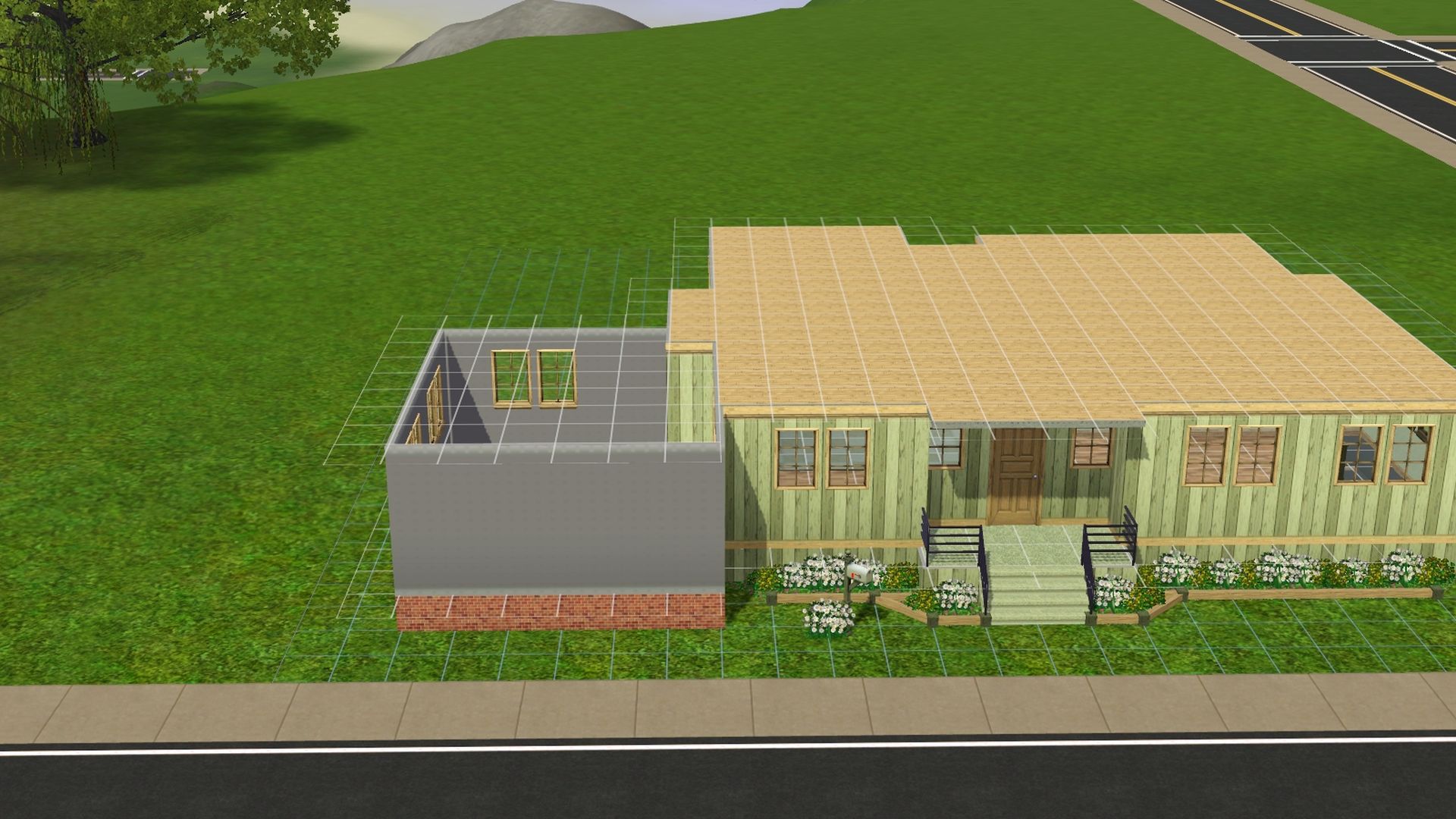
3. Take the sledgehammer tool and delete the foundation.
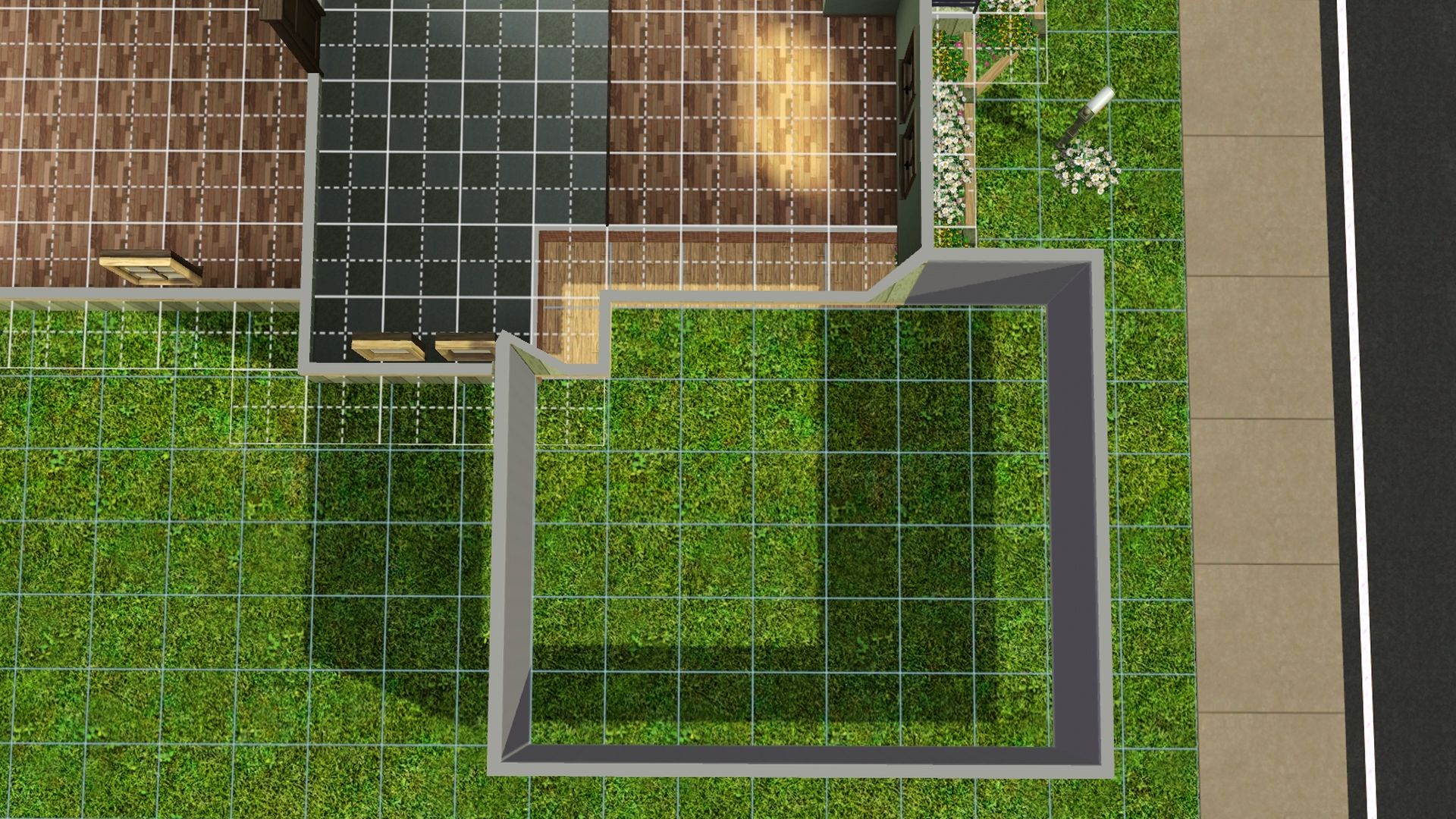
4. Draw the foundation walls in, add back the internal foundation and add back the main wall to close in the house.
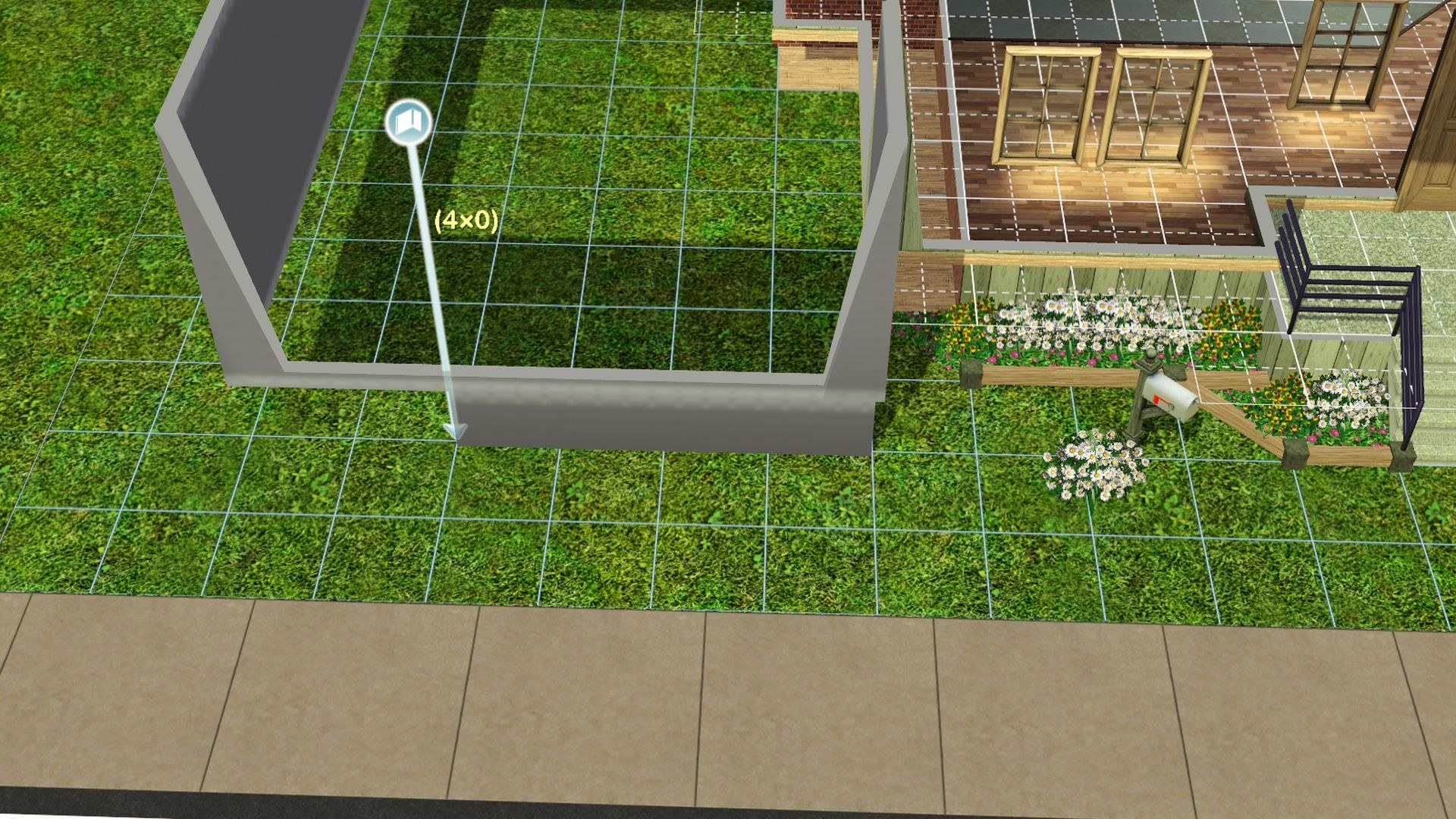
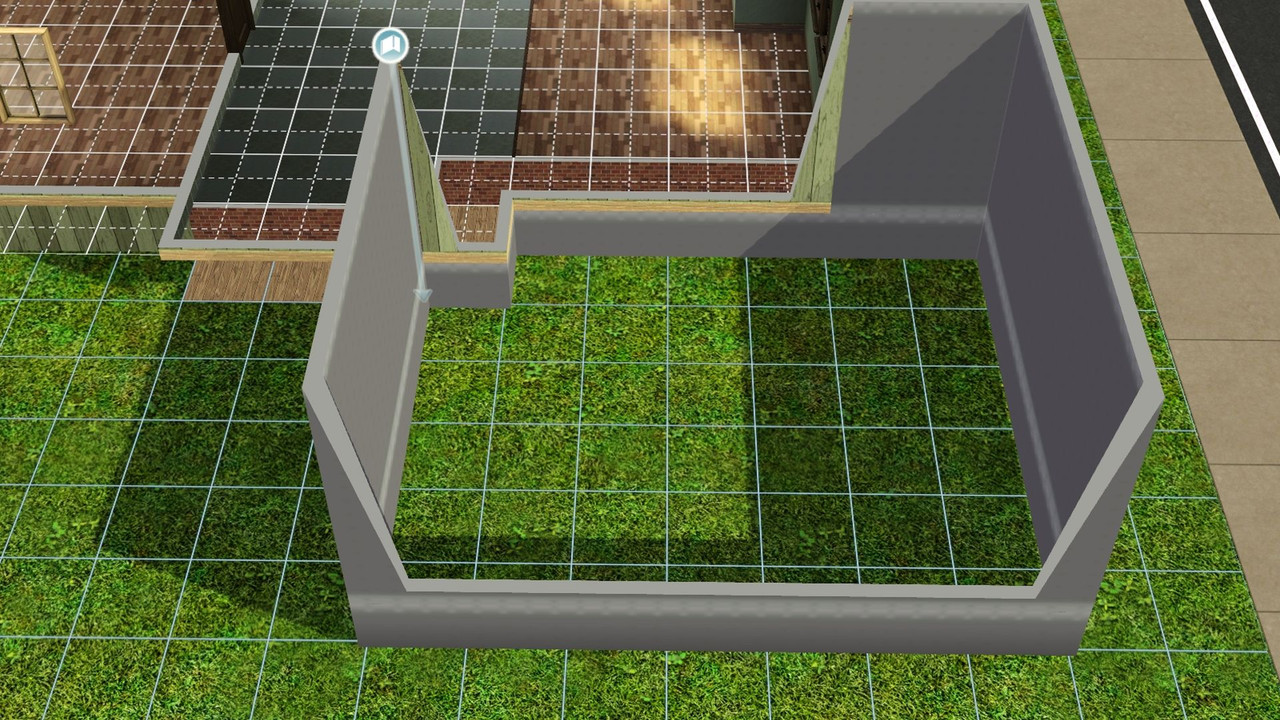 +Tip+:
 Add a small piece of foundation back if you want to add windows to the garage.
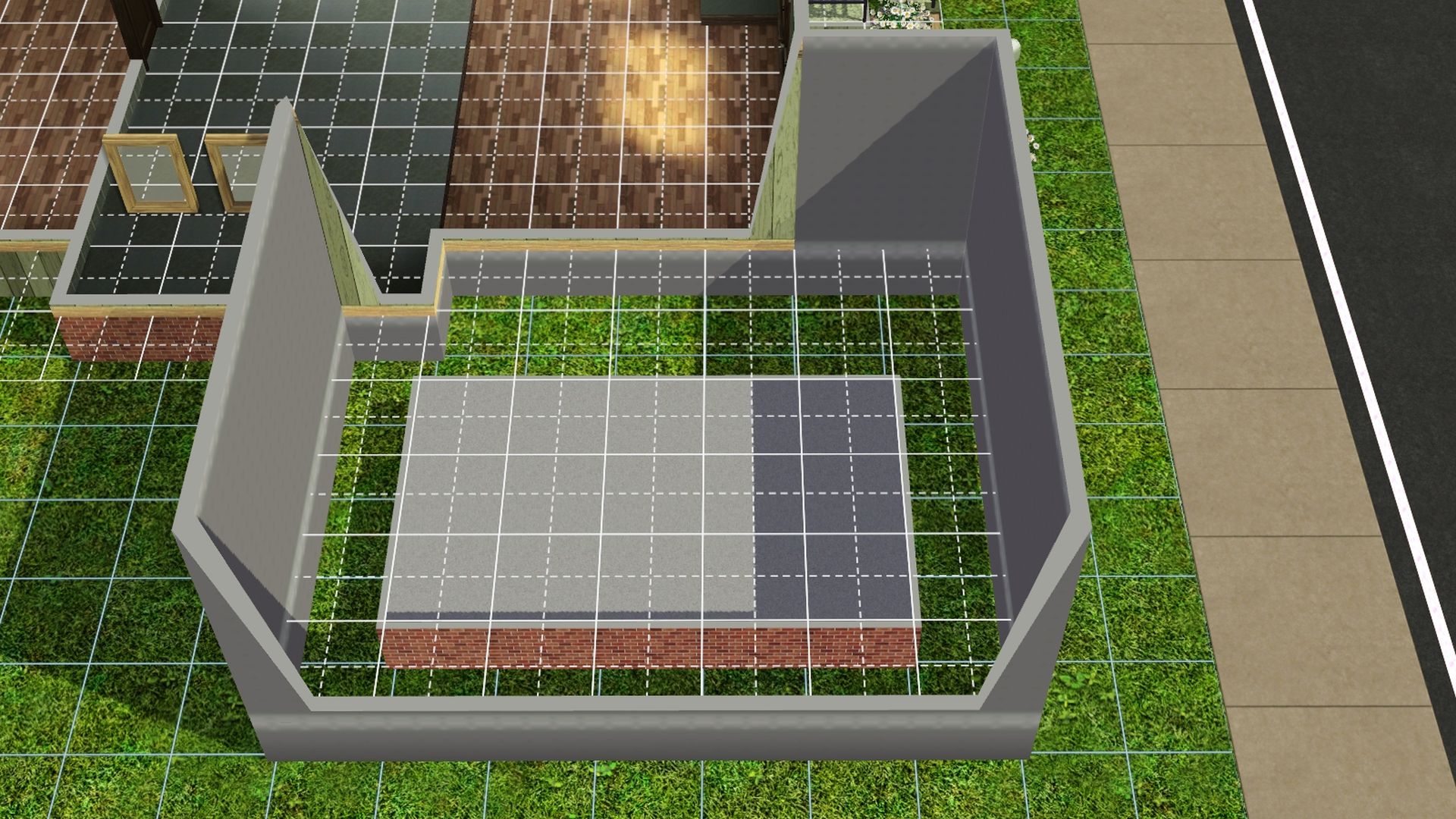
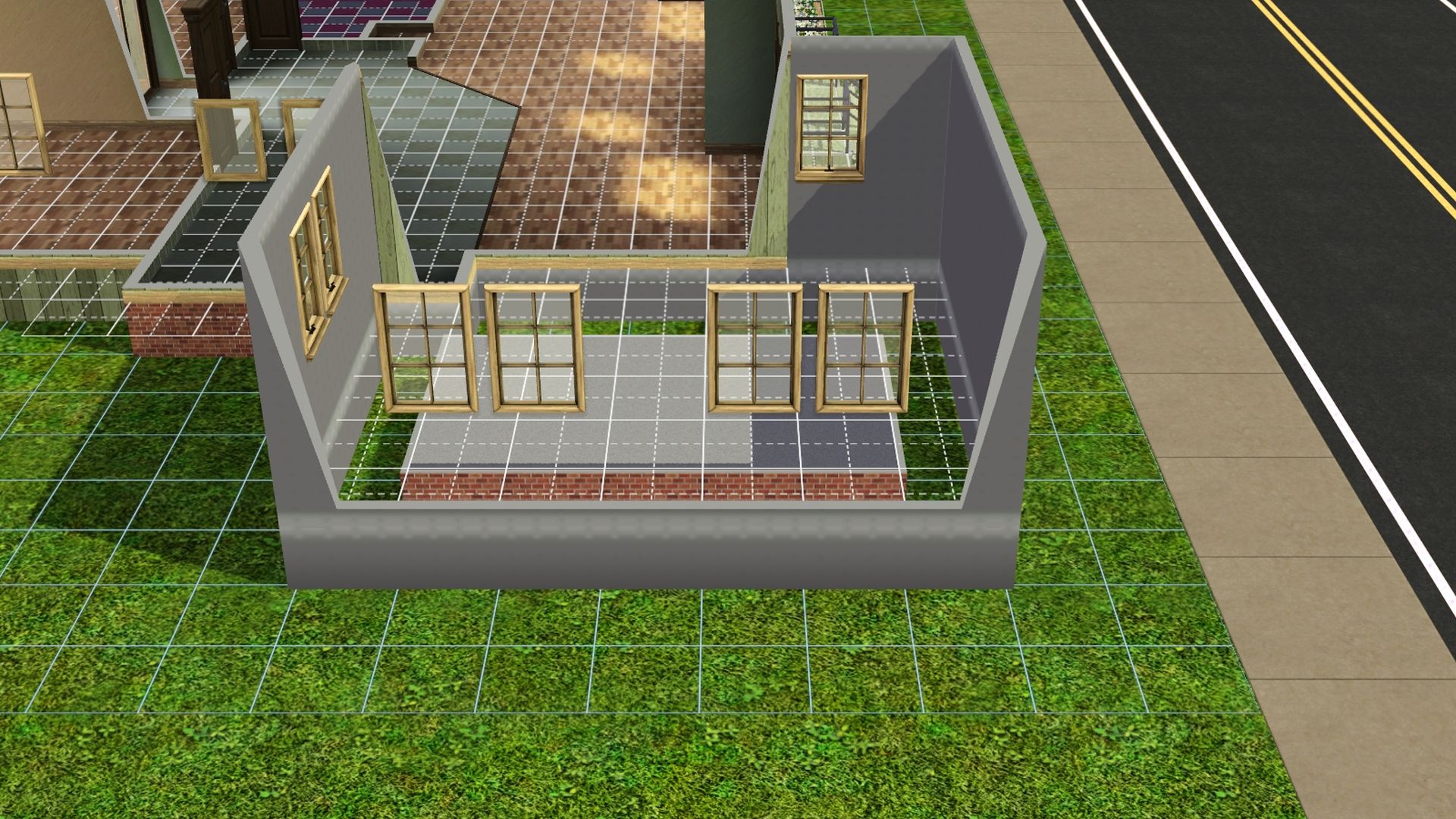
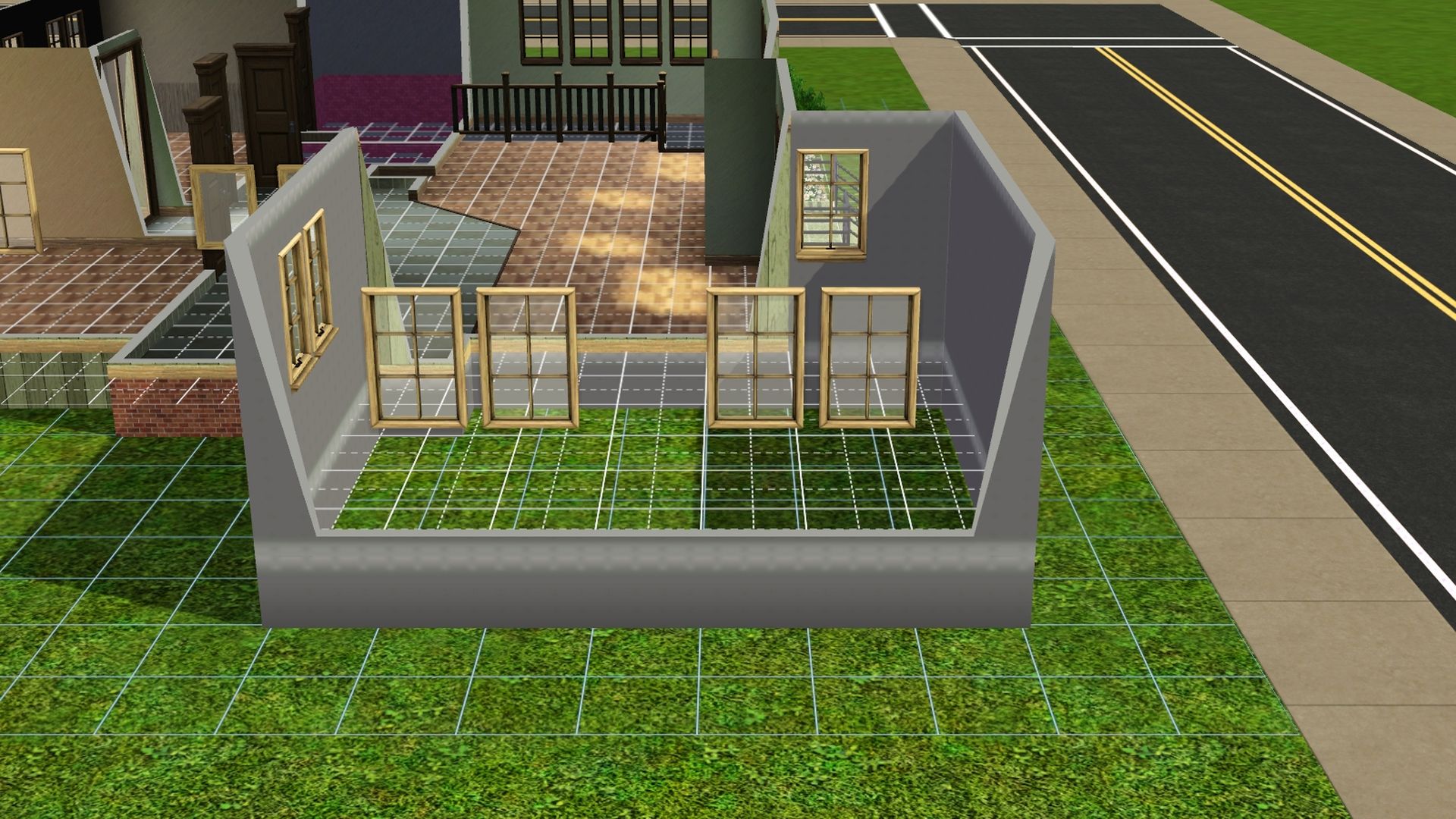
5. Use the sledgehammer to delete the 4 wall pieces in the foundation wall that the door would be attached to.
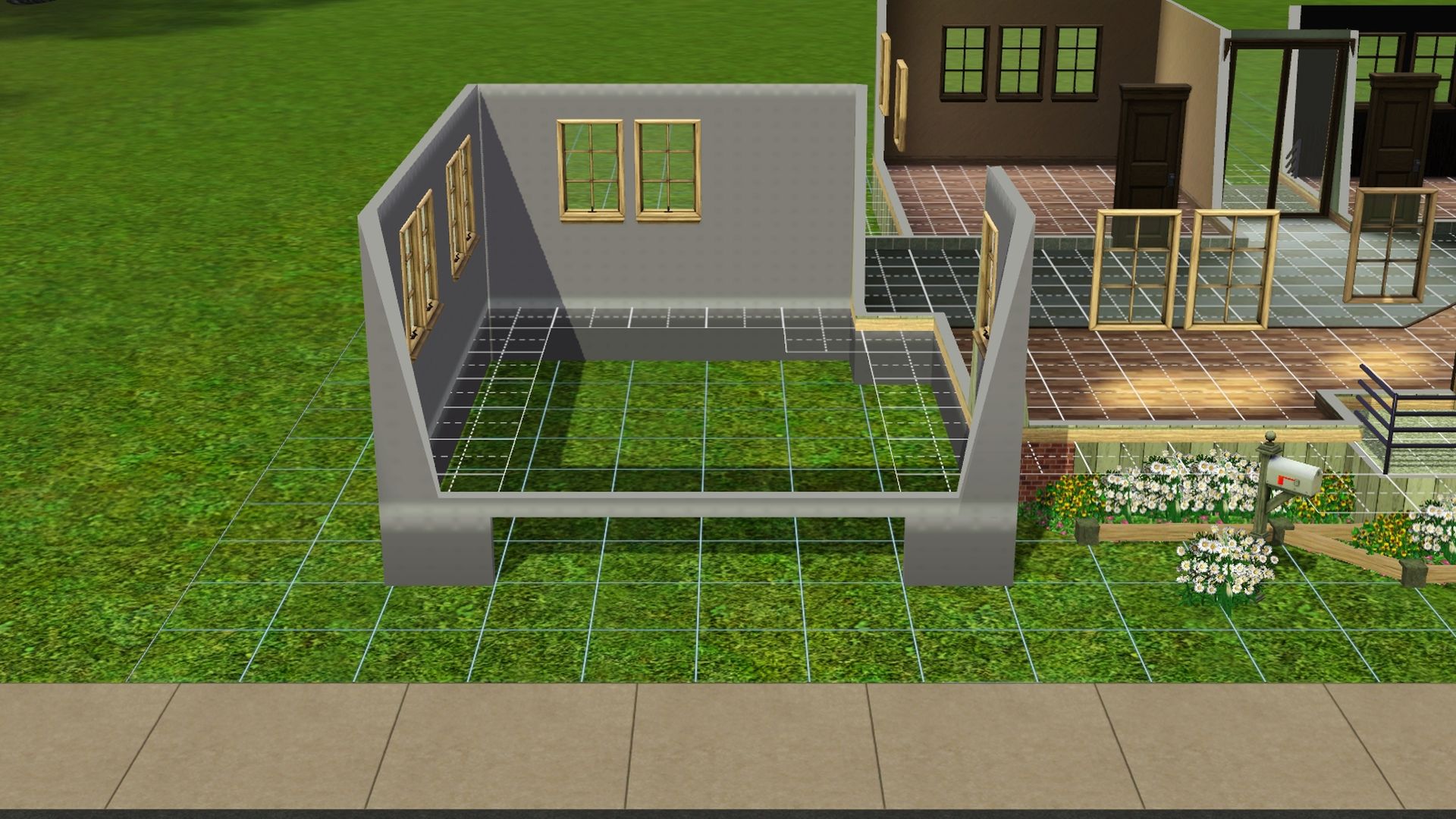
6. Press Ctrl Shift C together -- type in constrainfloorelevation false (Turns CFE on) and press Enter.
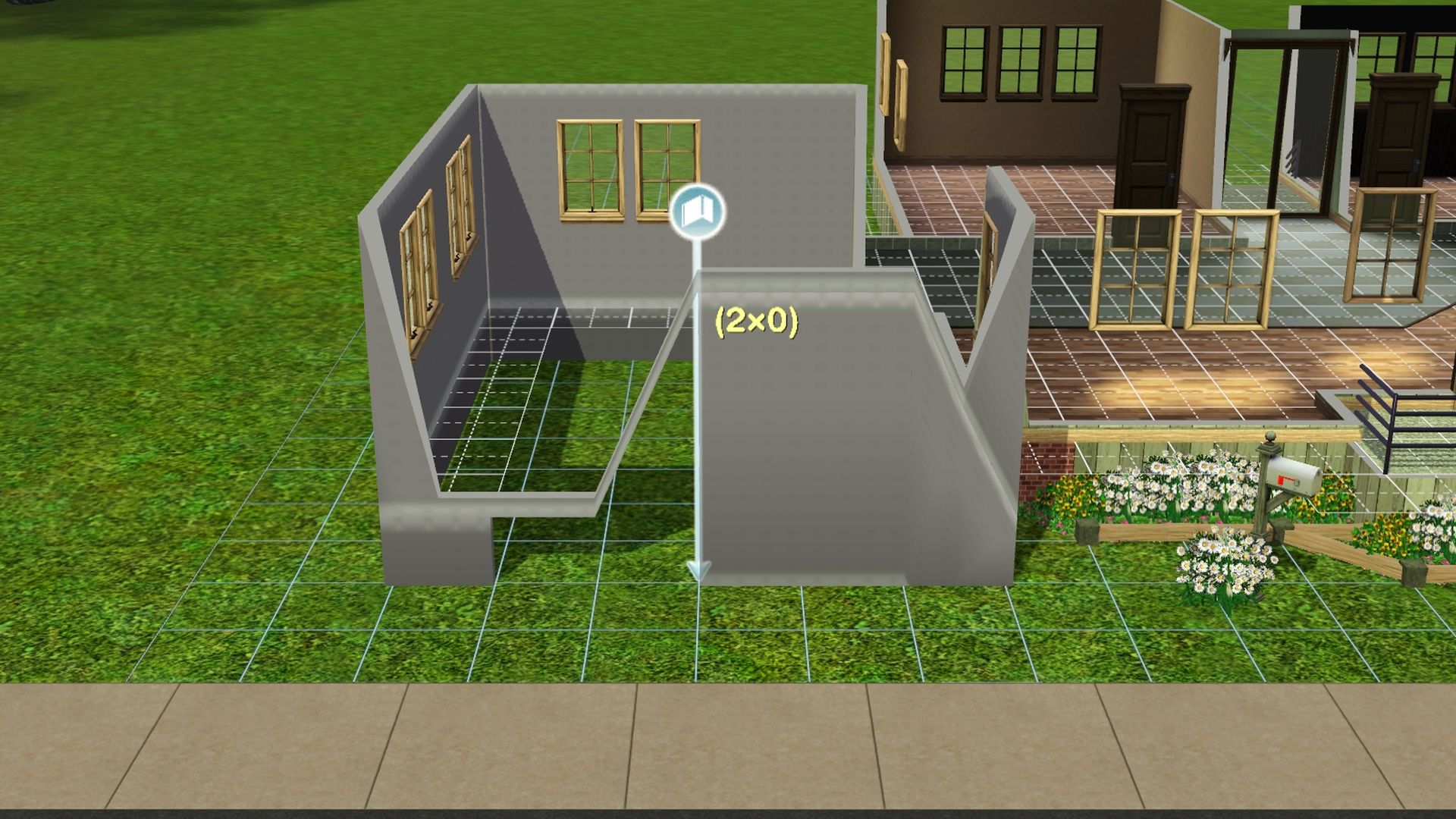
7. Draw the foundation wall back in. It will spike up and need to be fixed by leveling the terrain from the 2nd floor/roofline.
+Tip+: -- Left-click drag mouse across garage.
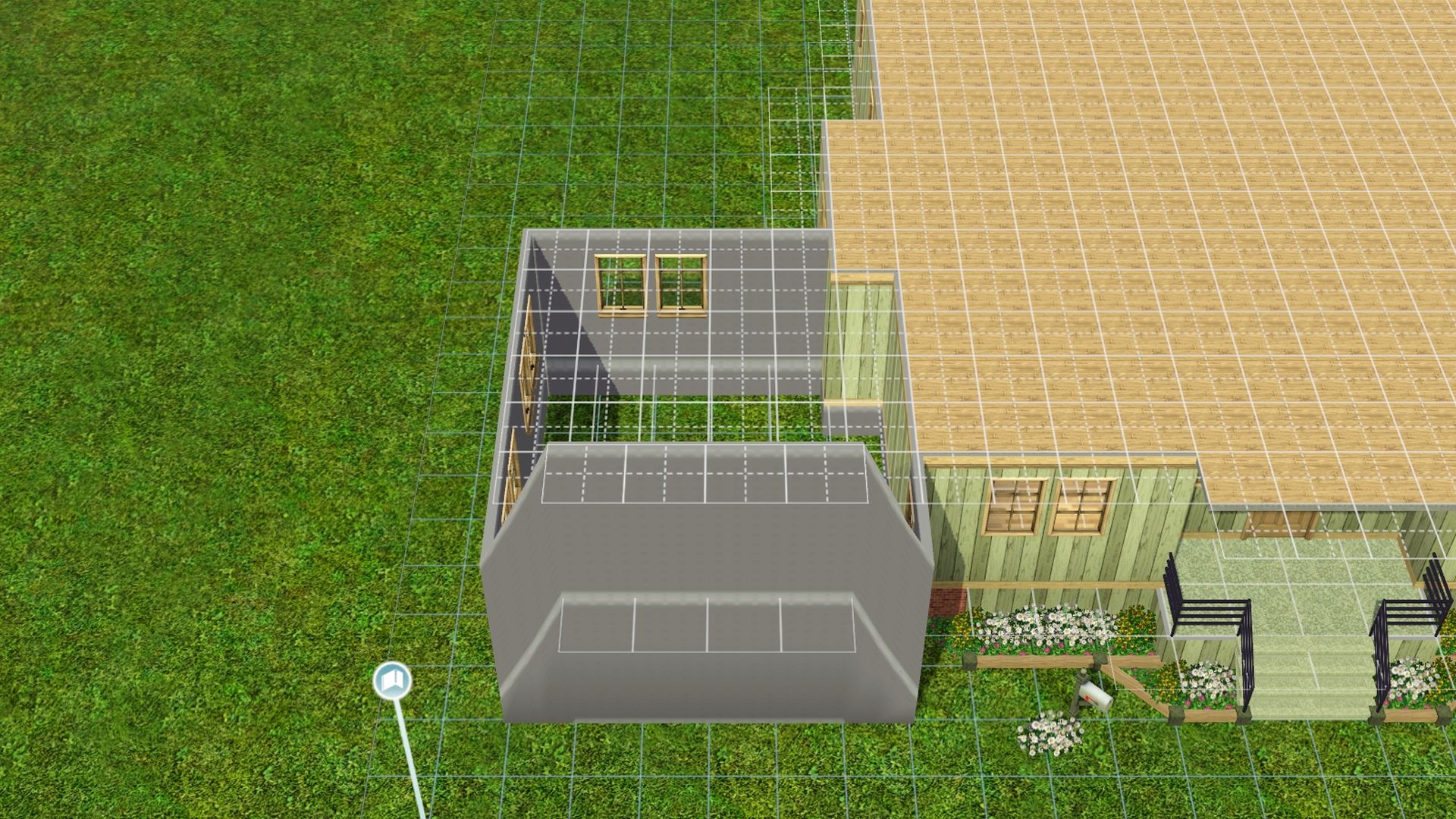
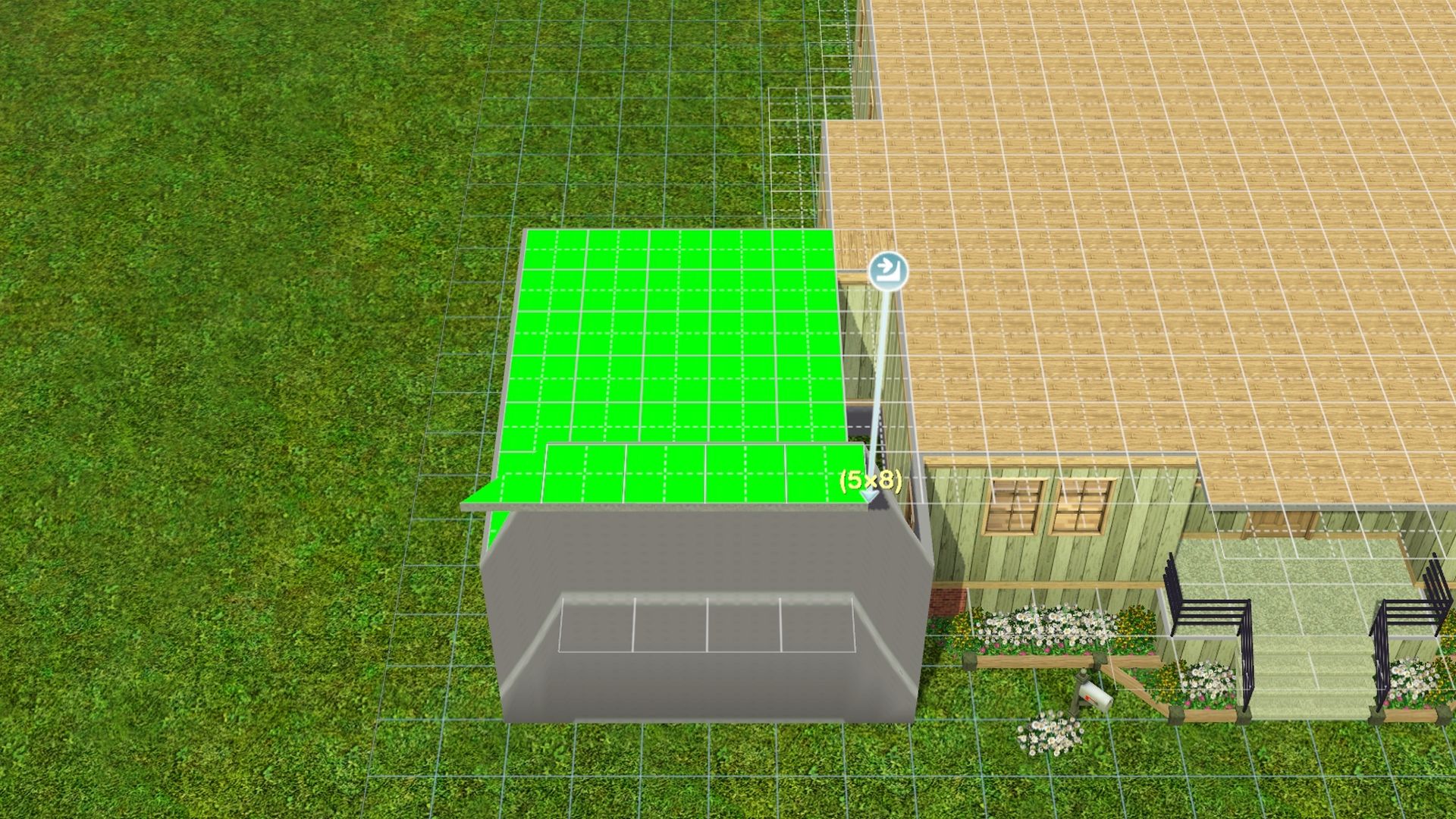
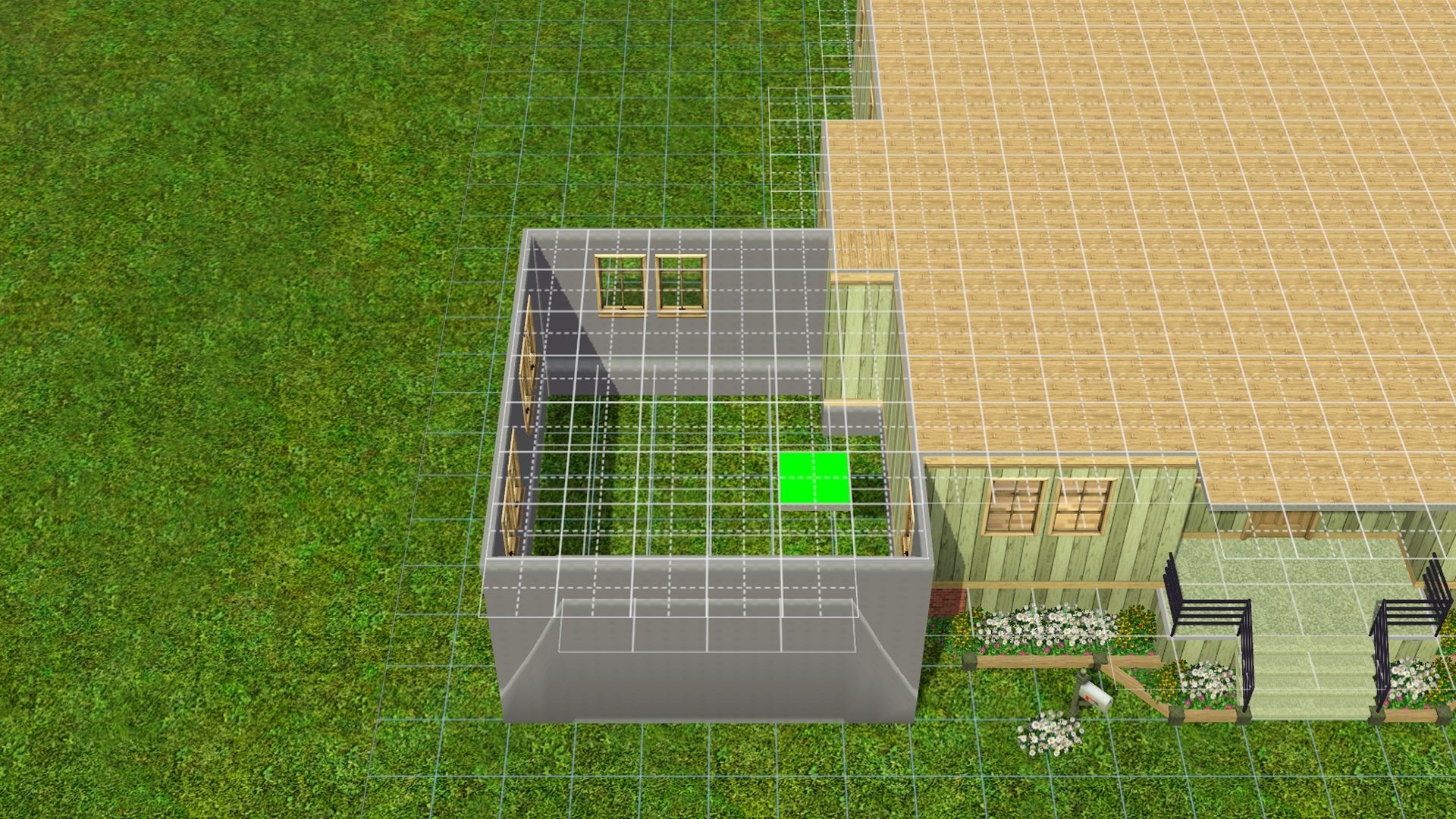
8. If everything went okay, you can add a garage door and add wall coverings to the external and internal walls.
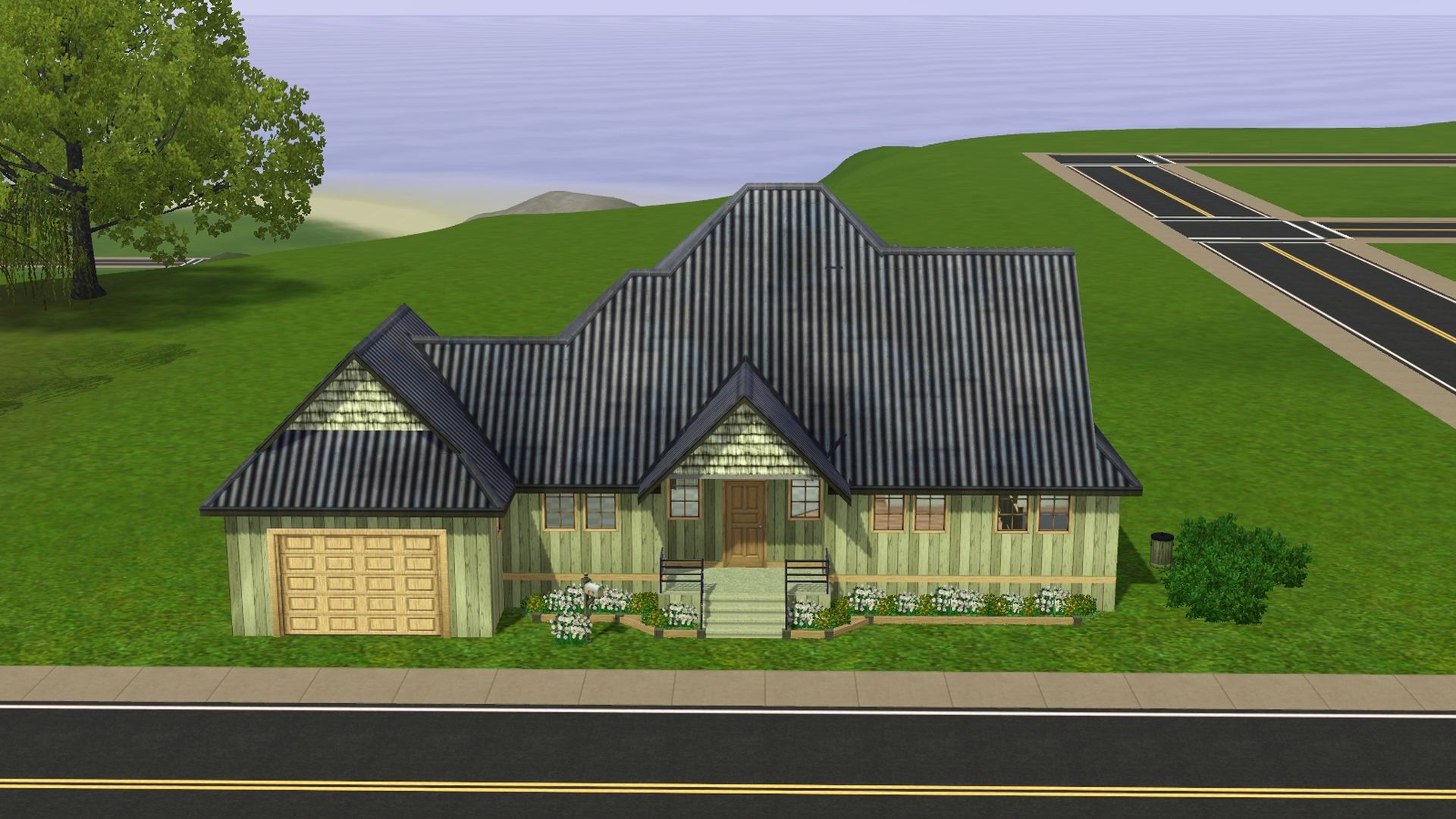
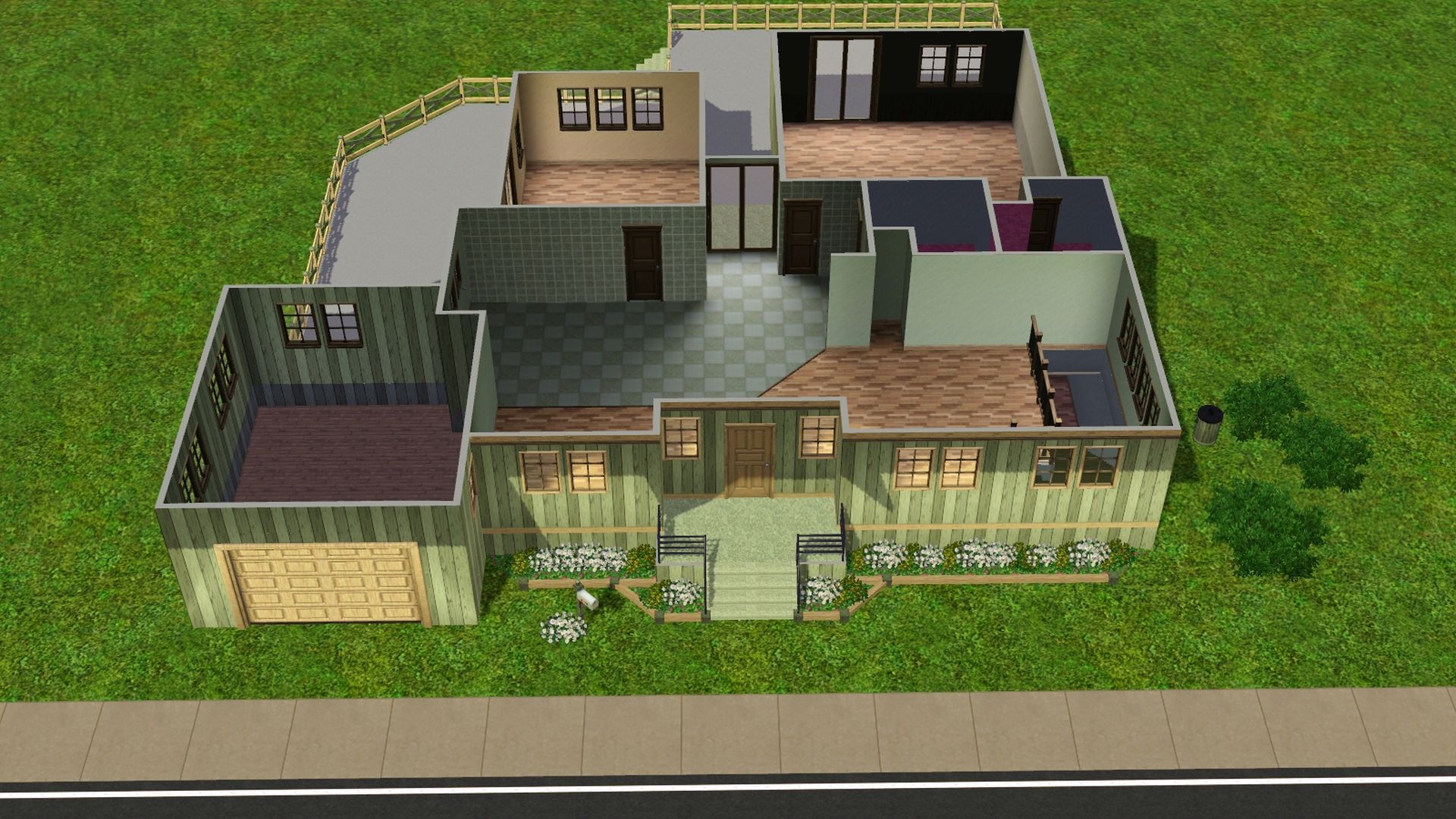
9. Fix up the rest of the house how you like it. Furnish/decorate it if you'd like.

