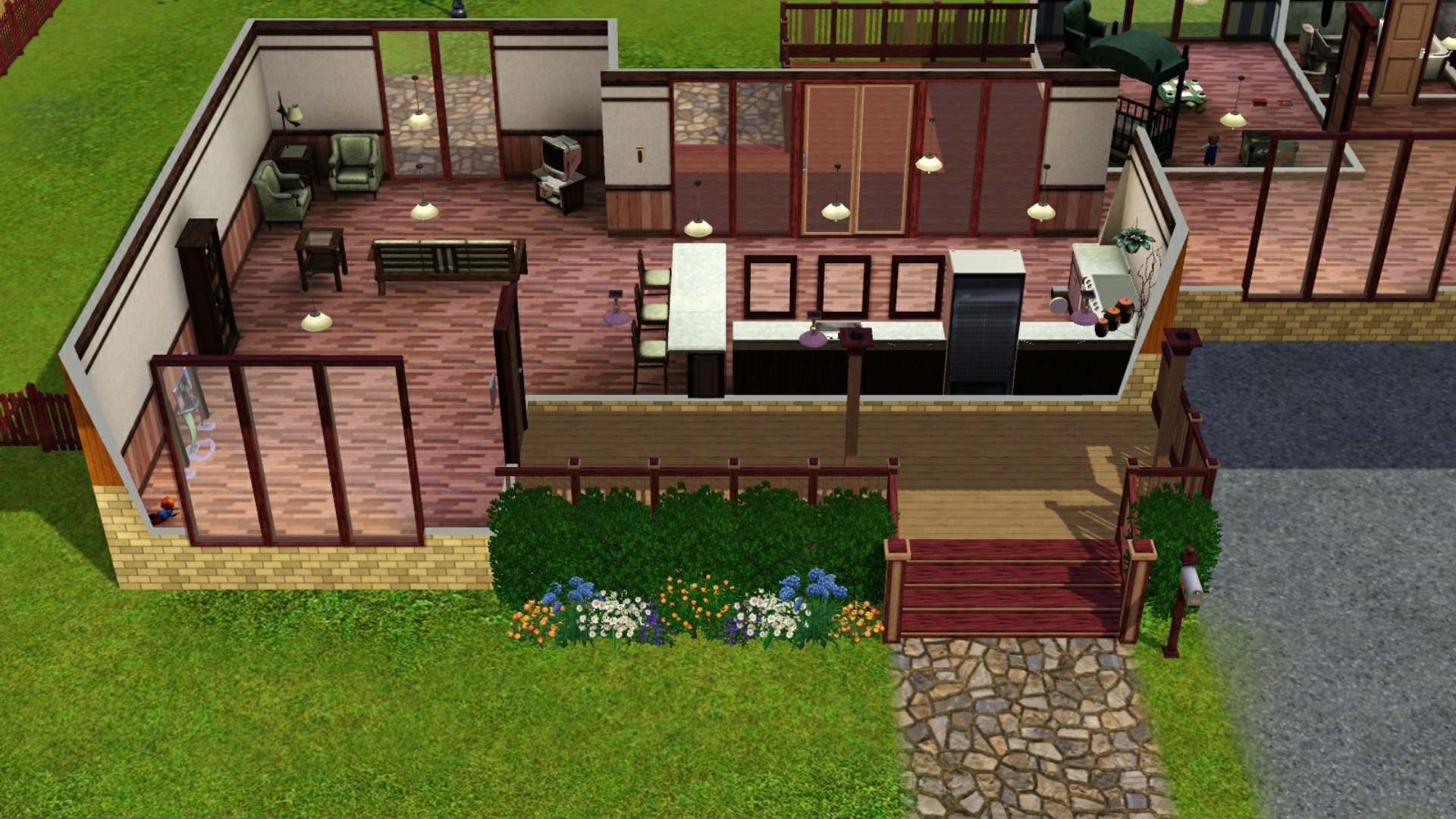
Remove the Bloom Effect from The Sims 3Before ~ with Bloom Effect On
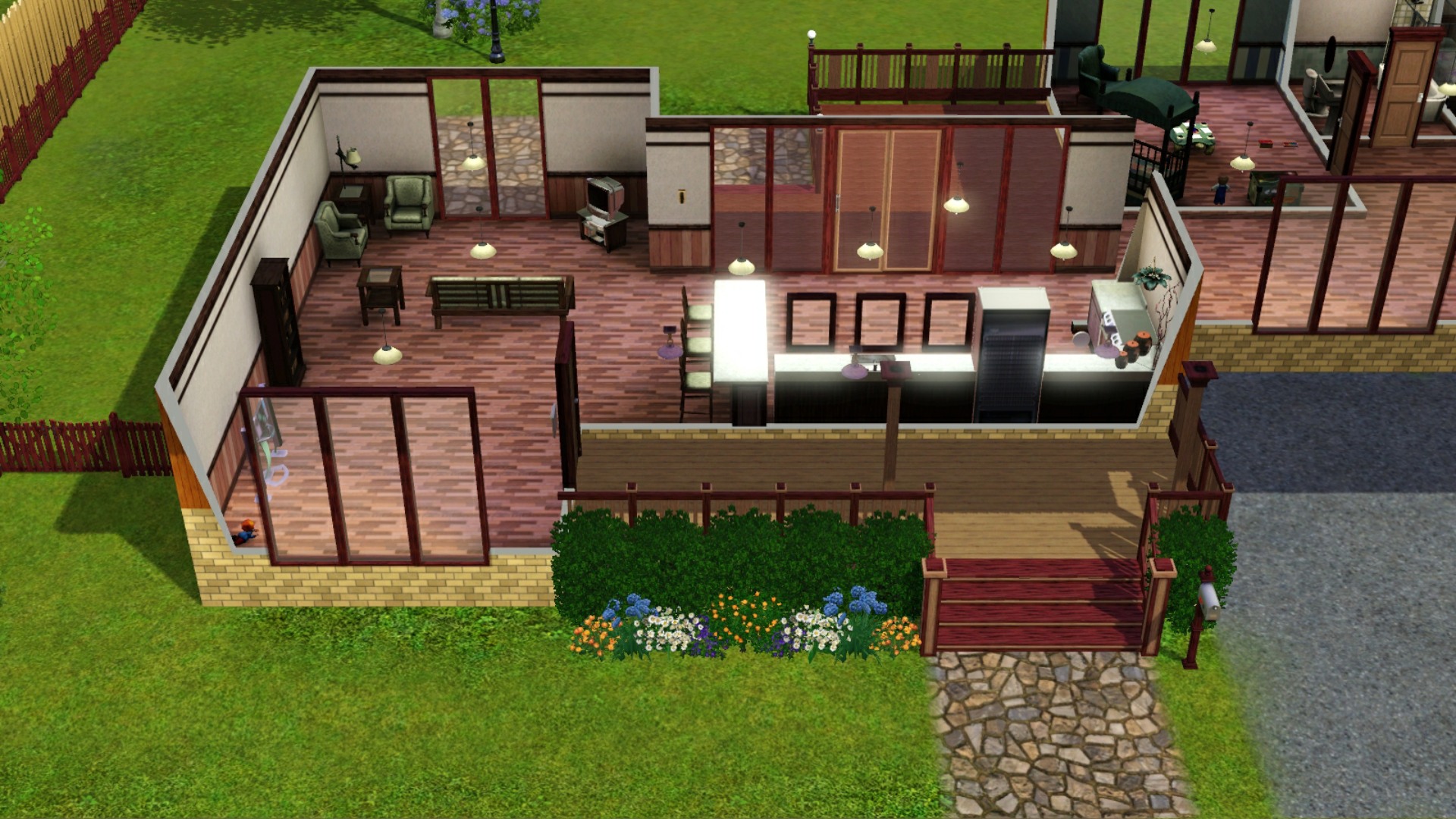
After ~ with Bloom Effect Off
Follow this path:C:\Program Files (x86)\Origin Games\The Sims 3\Game\Bin
- and open the file GraphicRules.sgr
Find this section:option AdvancedRendering
setting $Off
prop $ConfigGroup RenderForceMinspecShaders 1
prop $ConfigGroup TerrainLODMode 1
prop $ConfigGroup RenderPostProcessEnabled false
prop $ConfigGroup RenderShadowsEnabled false
prop $ConfigGroup CullUndergroundBuildBuyStructures 0
setting $On
prop $ConfigGroup RenderForceMinspecShaders 0
prop $ConfigGroup TerrainLODMode 0
prop $ConfigGroup CullUndergroundBuildBuyStructures 0
Copy the part
prop $ConfigGroup RenderPostProcessEnabled false from the Off setting.
Paste it in the On setting below TerrainLODMode 0 and hit save.
TA-DA! No more blinding bloom.

