Author Topic: The Flea Circus ~ A thread for tips, tricks and ideas  (Read 39567 times)

Lapaige46

  • Ultimate Townie
  • *****
  • Posts: 2560
  • I let my mind wander and it hasn't come back.
How to Have an Attached Garage Without the Dreaded CFE Cheat
« Reply #40 on: July 10, 2022, 02:49:43 PM »
Test at your own risk. This worked for me.

To start with, I went with a 40x40 lot to see how much room I really needed. I think you just need to make sure you have room at the front. I used a side opening garage but it would probably work with a front opening as well. I haven't tested it.

Start by leveling and flattening your lot. Build your house and garage directly on the lot. No foundations. Add flooring where you may want porches.


Drop a set of stairs as close as you can to your porch area and using the level terrain tool, level the ground from the lowest level of the stairs. I leveled way more than I needed to but you probably only need to do from the front of the house to the street. I used the soften terrain tool here but it's not necessary at this point.


Build your house and add your front stairs and porch railings. Soften your terrain all around being careful to stop before you get to the slope or you end up with a sagging railing. I used landscaping to cover the slope.


At this point you can use the basement tool to add a basement if you wish.


Lapaige46

  • Ultimate Townie
  • *****
  • Posts: 2560
  • I let my mind wander and it hasn't come back.
Dig a basement without a foundation
« Reply #41 on: July 17, 2022, 06:35:57 PM »
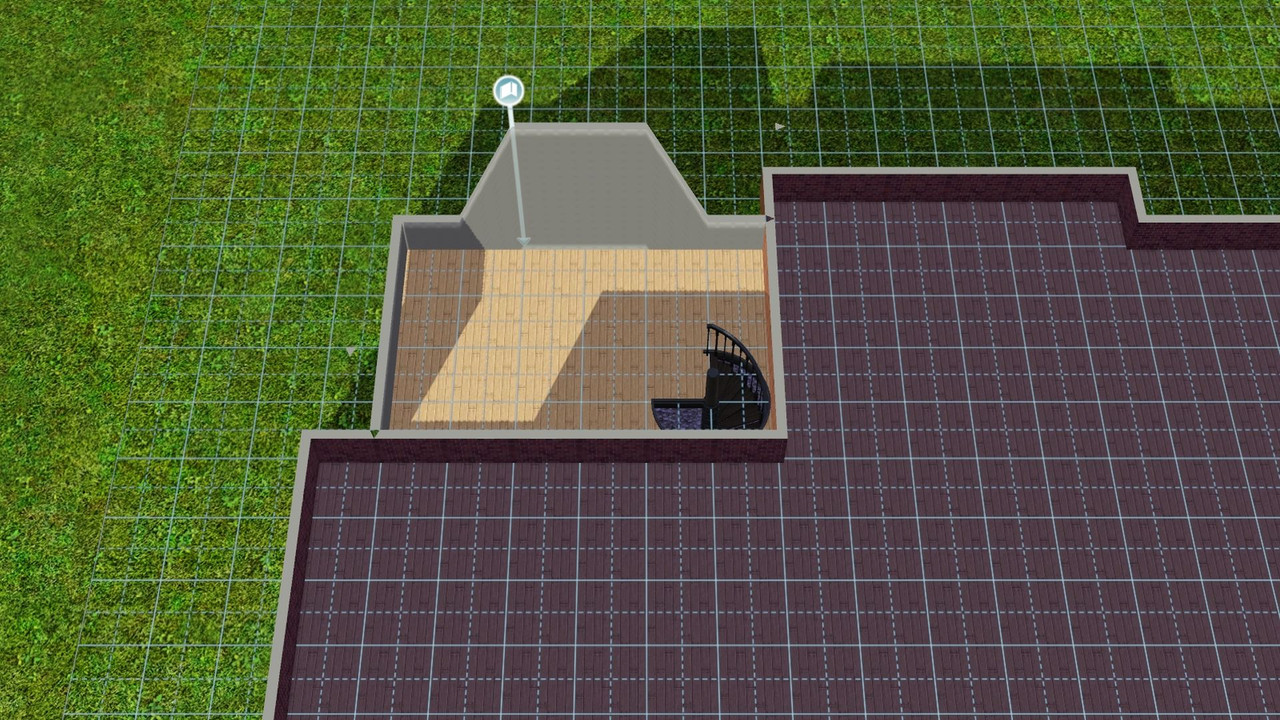
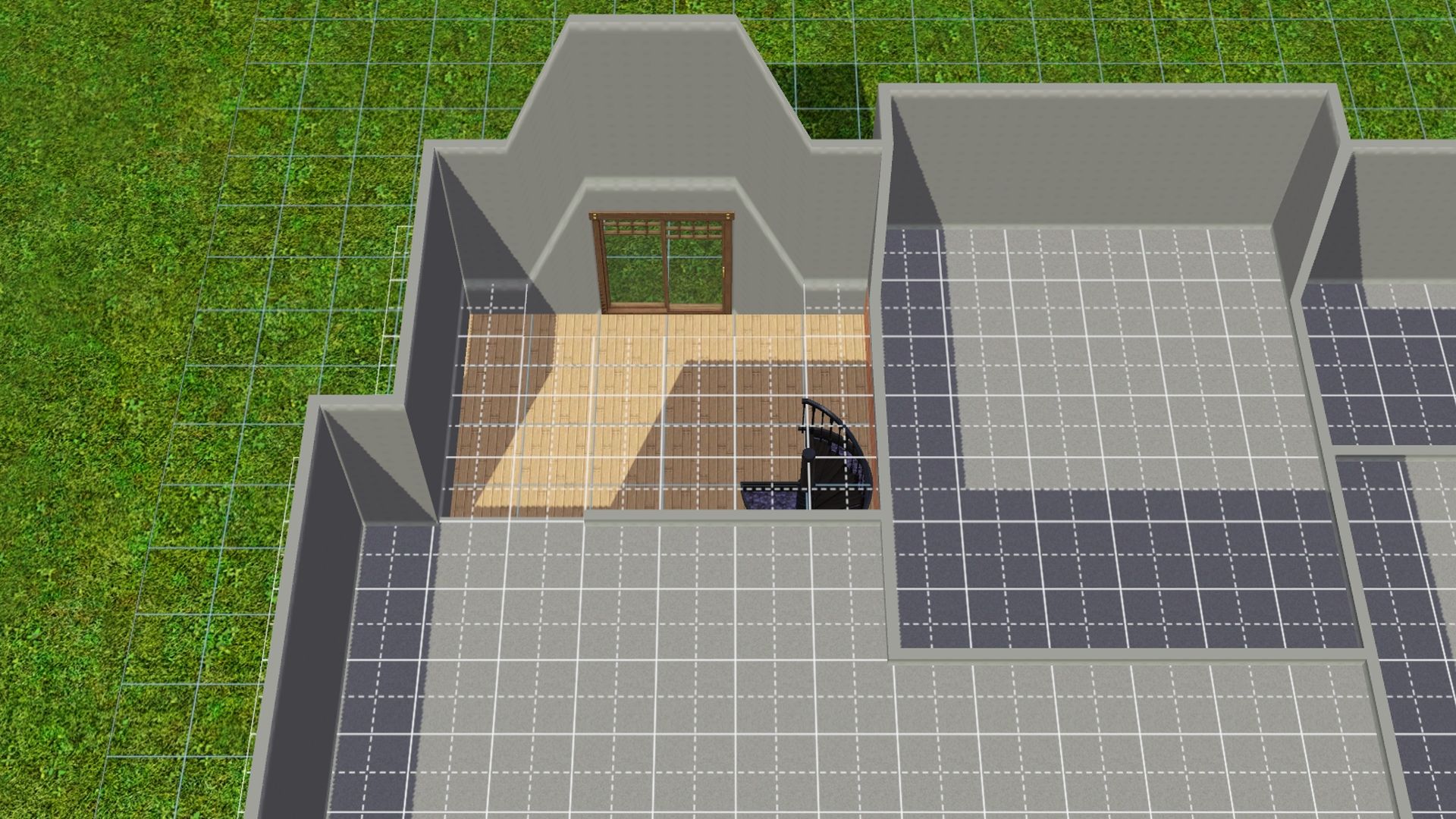
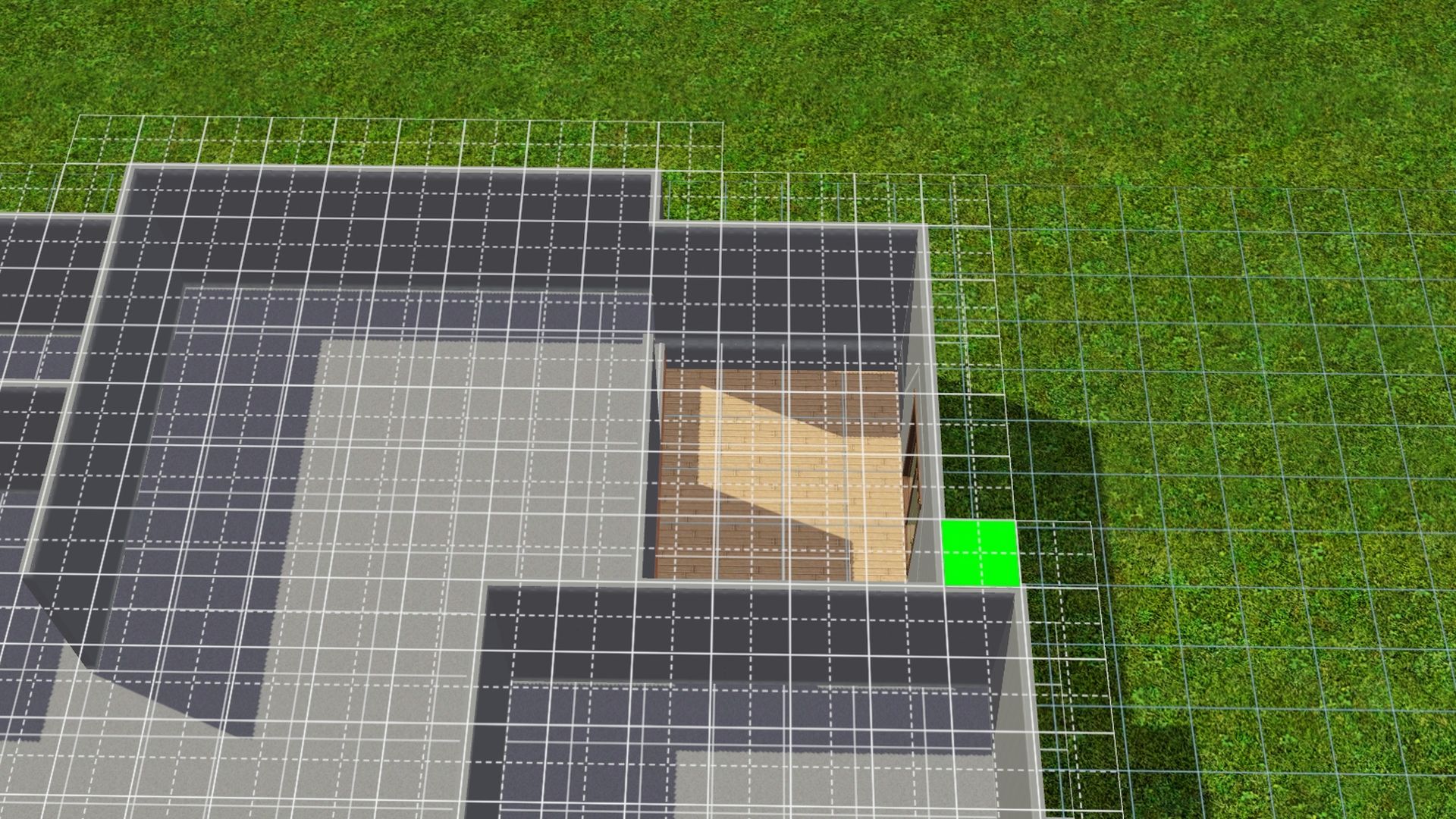
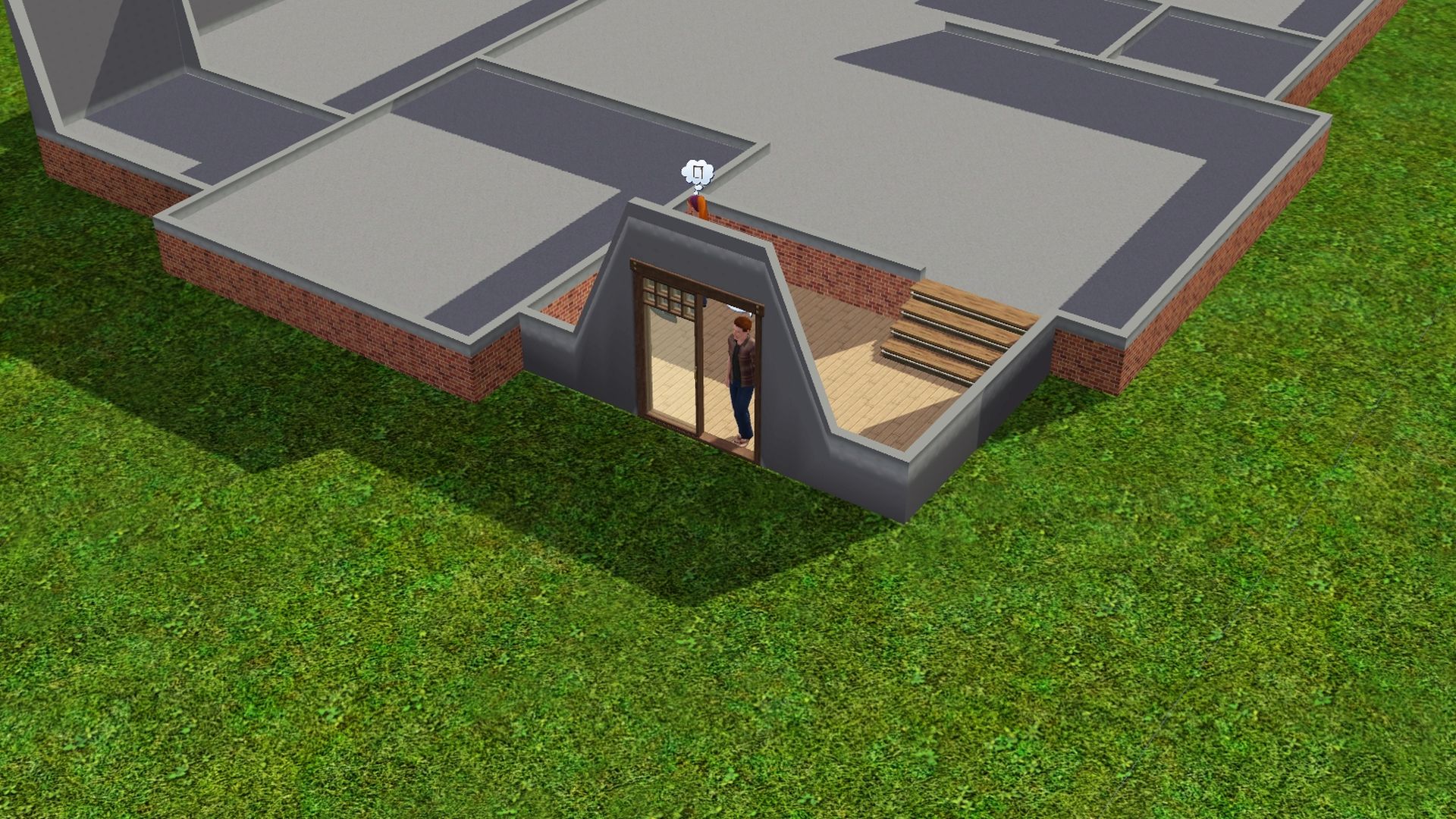
 Digging a basement without a foundation, it's possible.

Example 1 - Dig without walls or foundation.
Example 2 - Add walls, floor and stairs.
Example 3 - Dig with existing walls but must not have flooring.


Lapaige46

  • Ultimate Townie
  • *****
  • Posts: 2560
  • I let my mind wander and it hasn't come back.
MoveObjects On and Alt Key Tip
« Reply #42 on: July 20, 2022, 05:27:36 PM »
If you have 2 counter pieces and you want to place an object in the middle, it will go to one side or the other even using "alt". What I did was using Moo and "alt", I placed a counter section and moved it over so that it was almost completely within the first piece. Then I added another counter to that.

I wanted the fruit basket to sit in the middle of the island and found this was the way to do it. The section in the center is just big enough for the basket.


Lapaige46

  • Ultimate Townie
  • *****
  • Posts: 2560
  • I let my mind wander and it hasn't come back.
Attaching Garage and Doors to House with a Foundation
« Reply #43 on: July 23, 2022, 01:53:27 PM »
Another reasonably simple tutorial for attaching a garage to a house with a foundation.

https://www.youtube.com/watch?v=ZNPLFwVV_zg

- Uses constrainfloorelevation (true/false)

----

Using CFE to Add Doors to a House with Foundation

✽ Note: It maybe best to do this while building the house instead of trying to add on after the house shell is fully finished.

1. Press Ctrl Shift C together -- Type in testingcheatsenabled on and then type in constrainfloorelevation false (Turns CFE on) and press Enter.

2. Draw the foundation wall in from the ground level around the back door area.
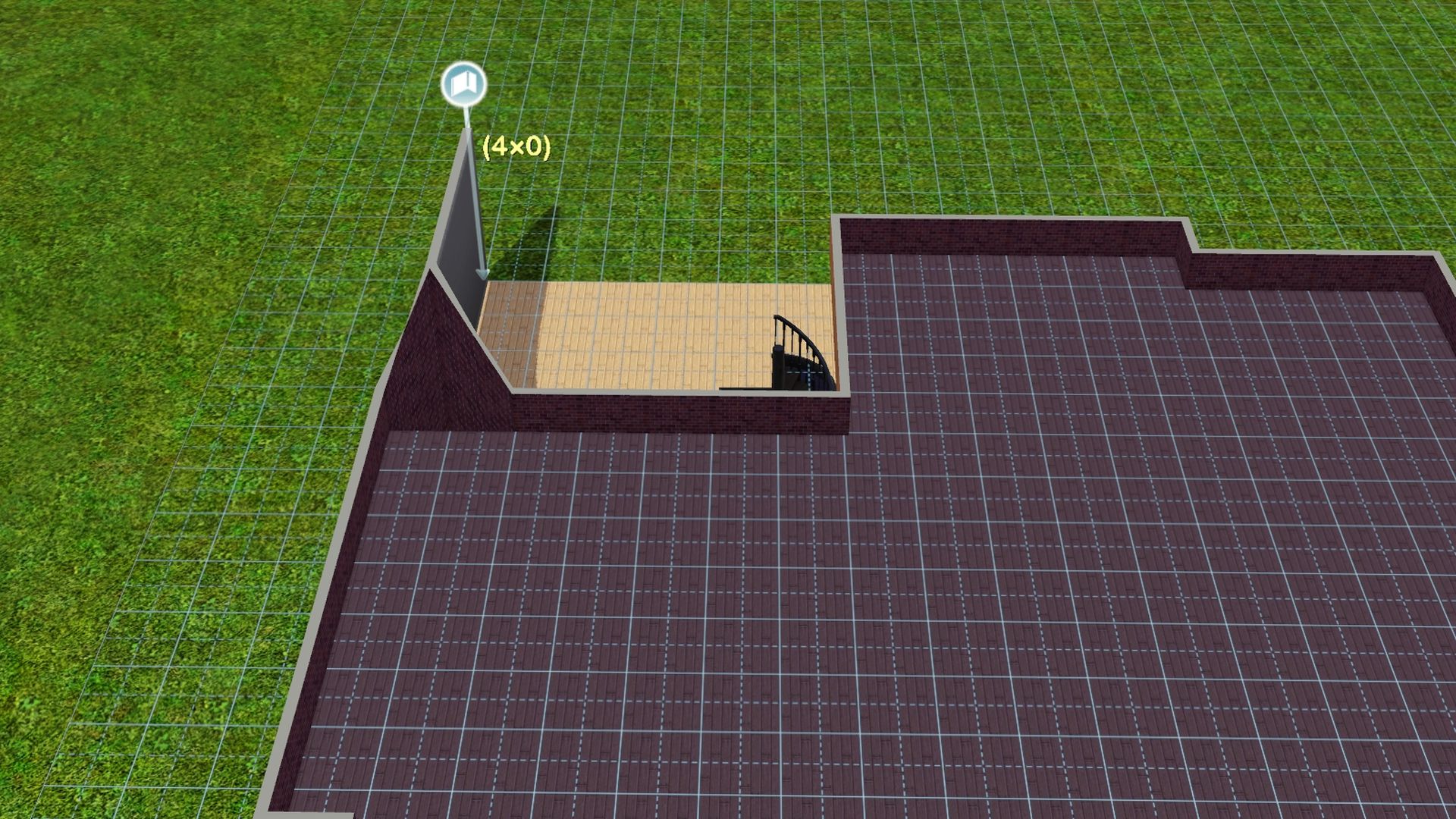


++ It will spike up on the garage side of the house and need to be fixed by leveling the terrain from the 2nd floor/roofline and the foundation level of the house.
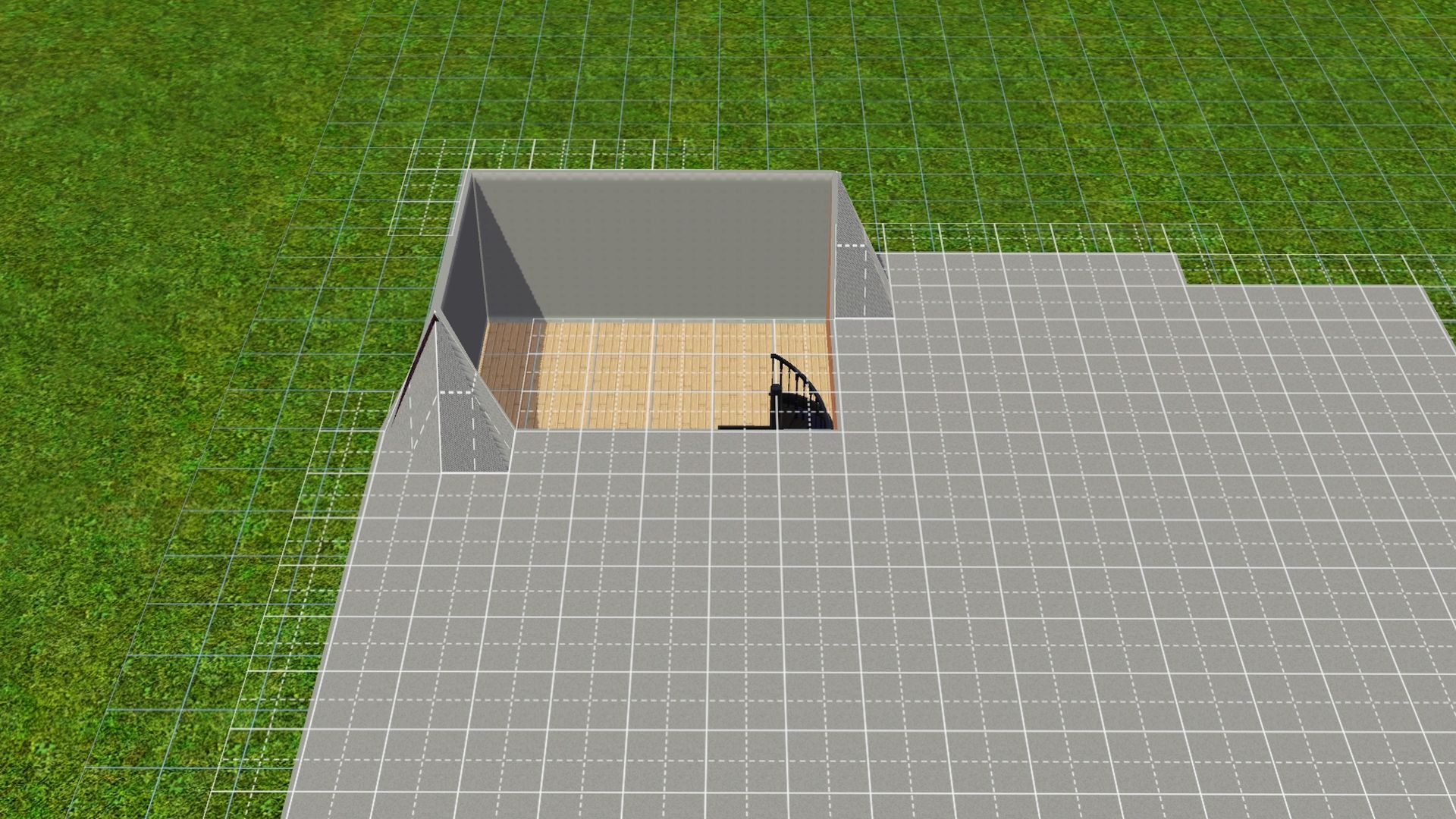
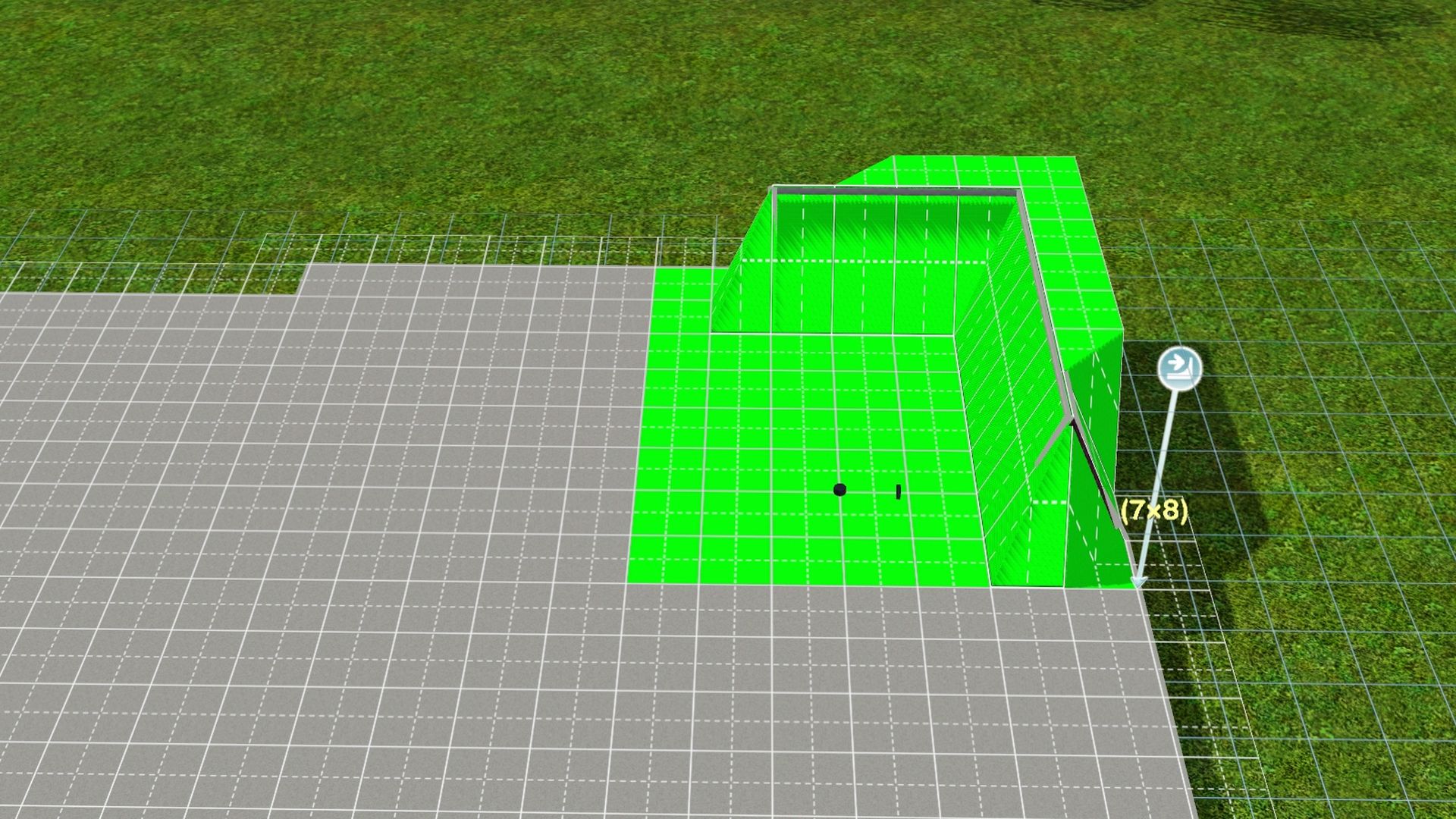

3. Draw out the room walls around the back door area and the rest of the house, if not done yet.
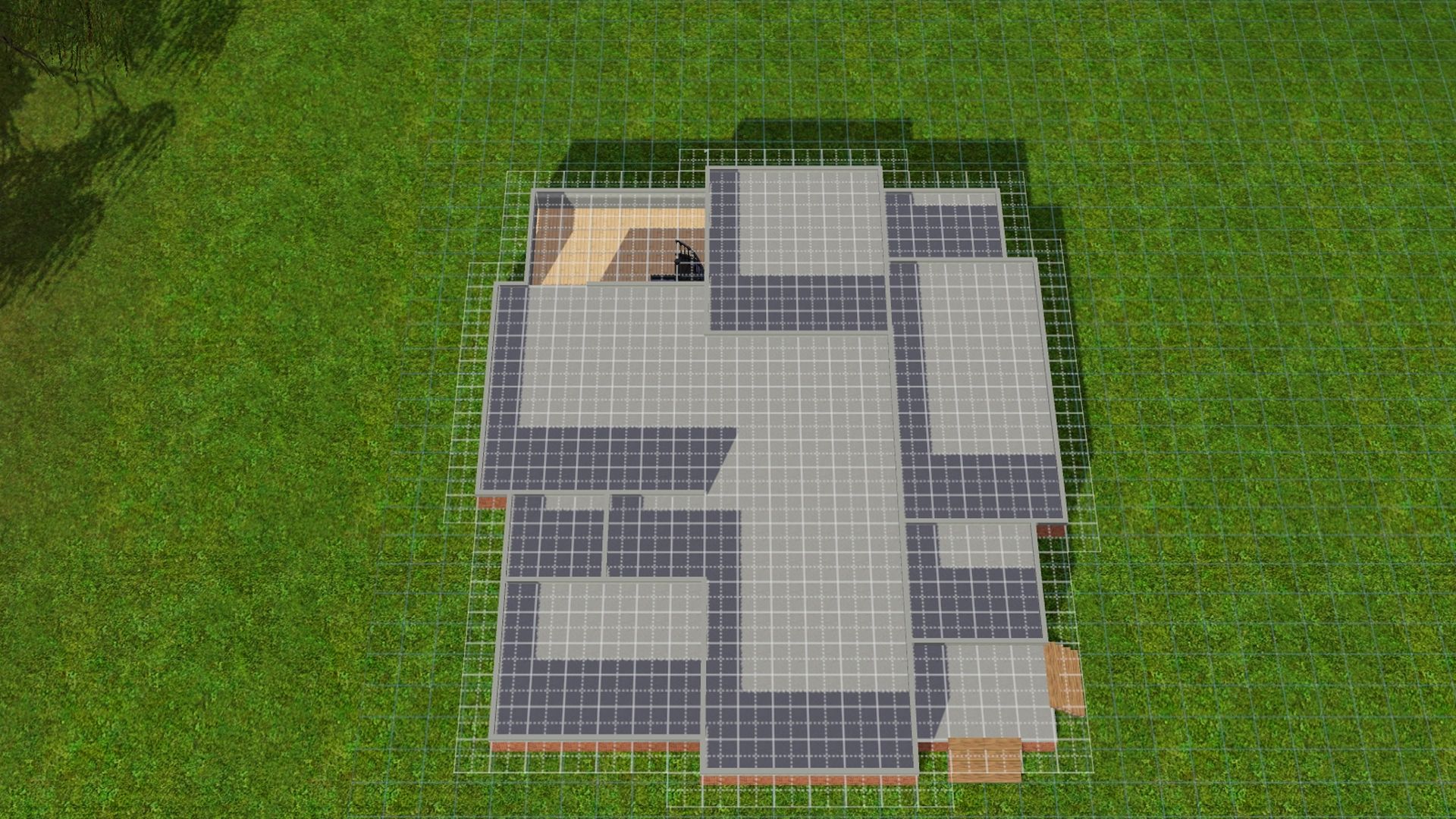


4. Use the sledgehammer tool to delete 2 - 4 wall pieces in the foundation wall that the door (s) will be attached to.
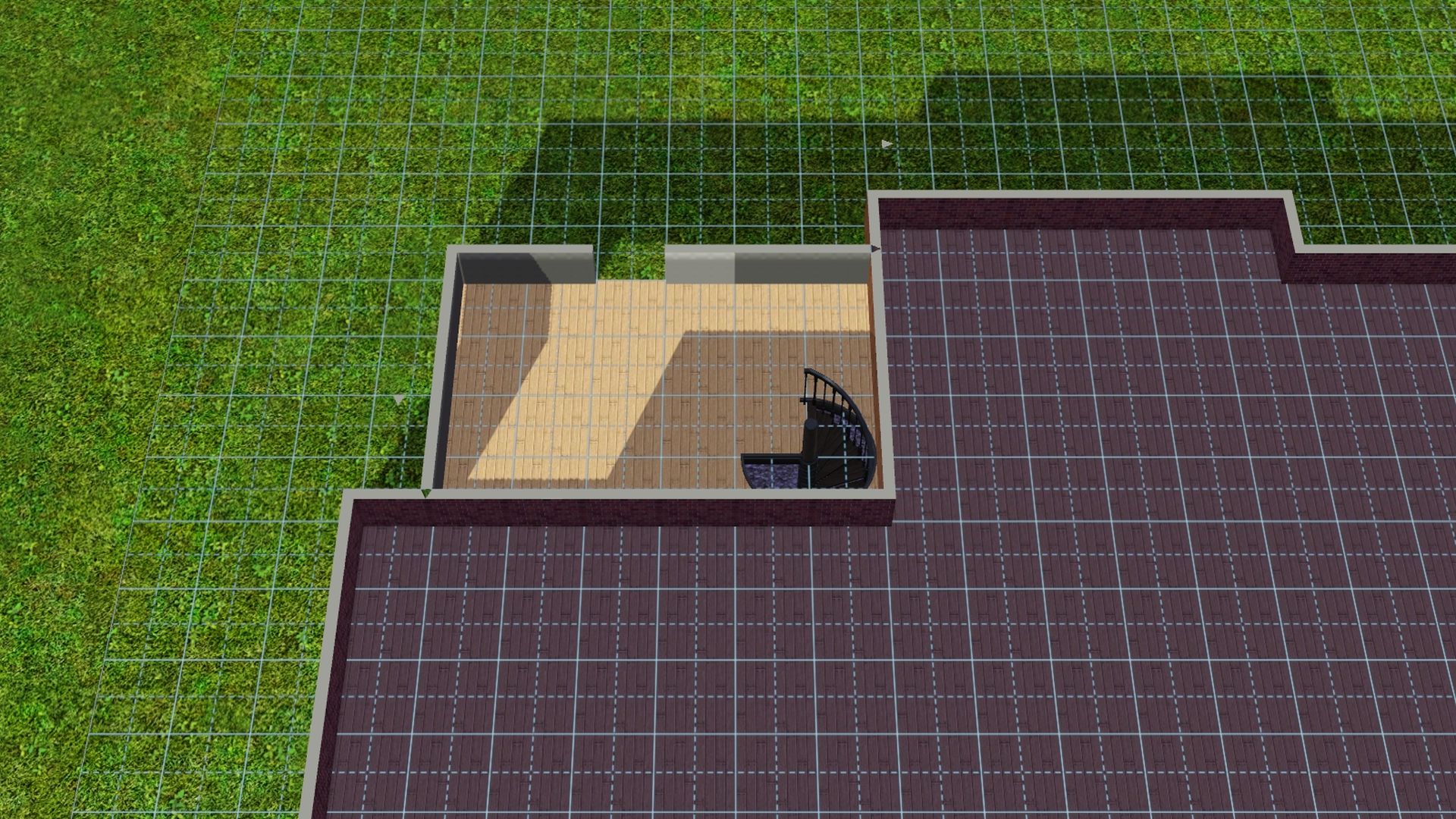
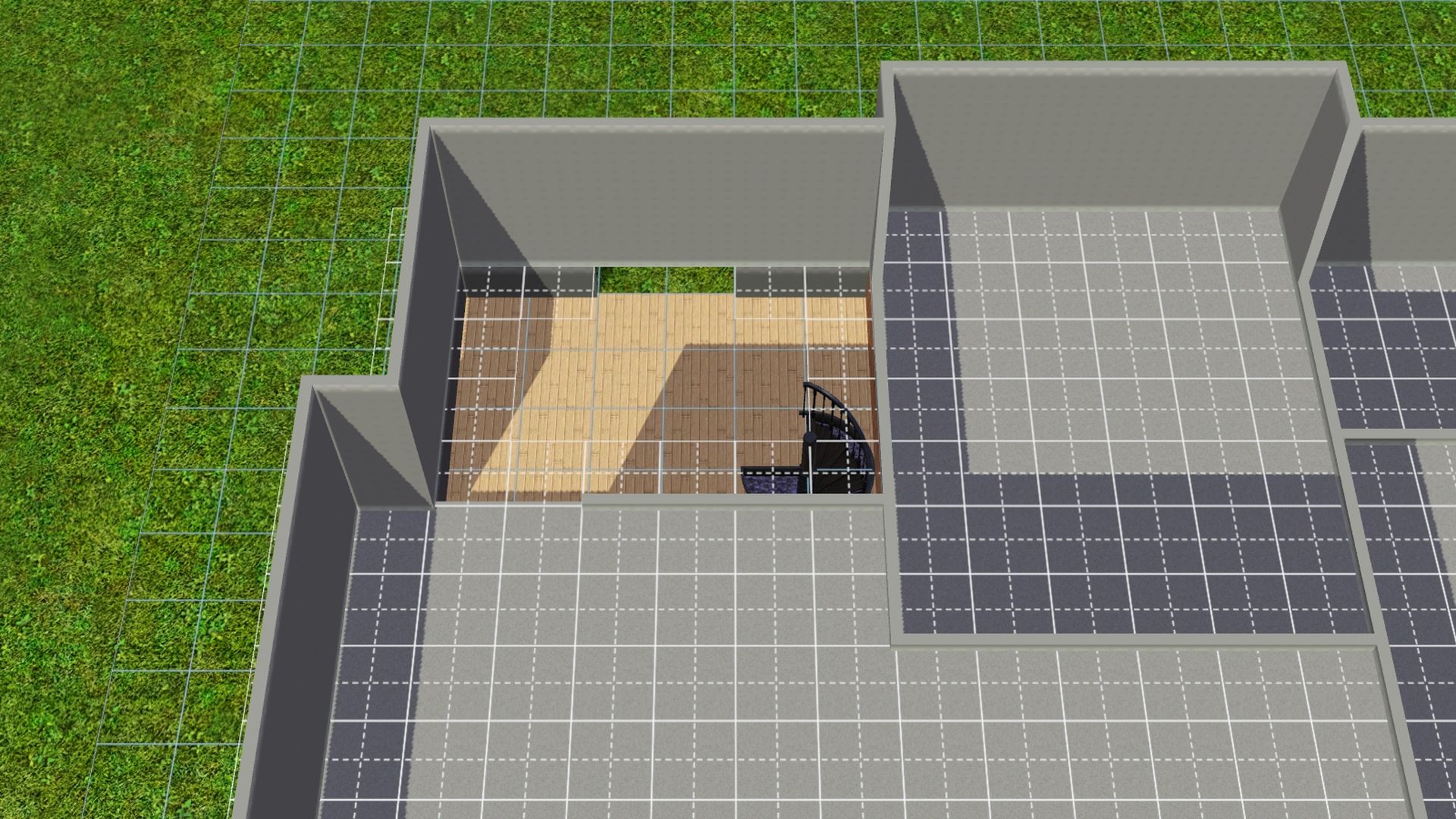

5. Draw back in the walls at ground level in where you'd like to put the door (s).
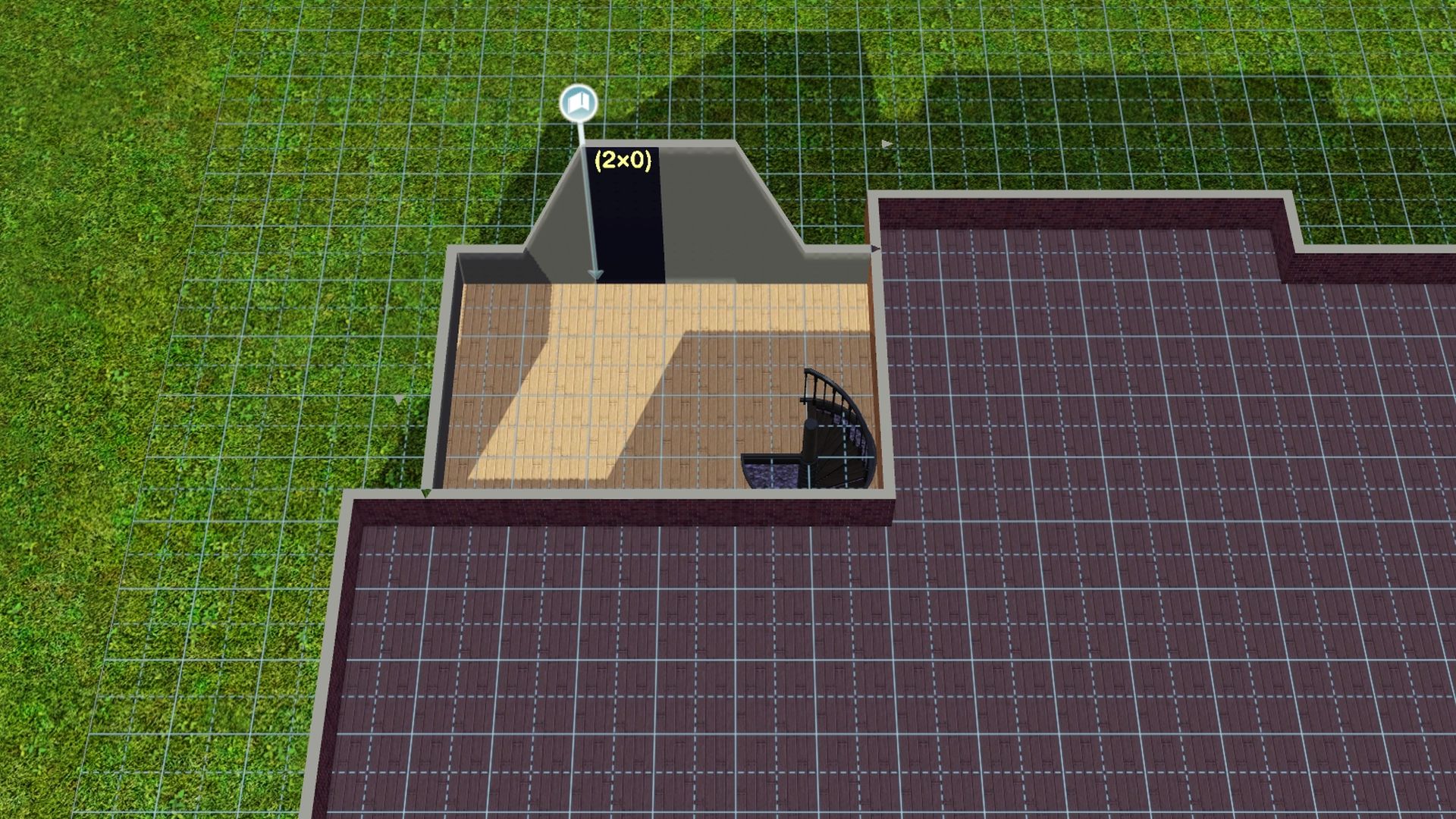


6. Add the door. Making sure it does not have a grid by it when trying to place.
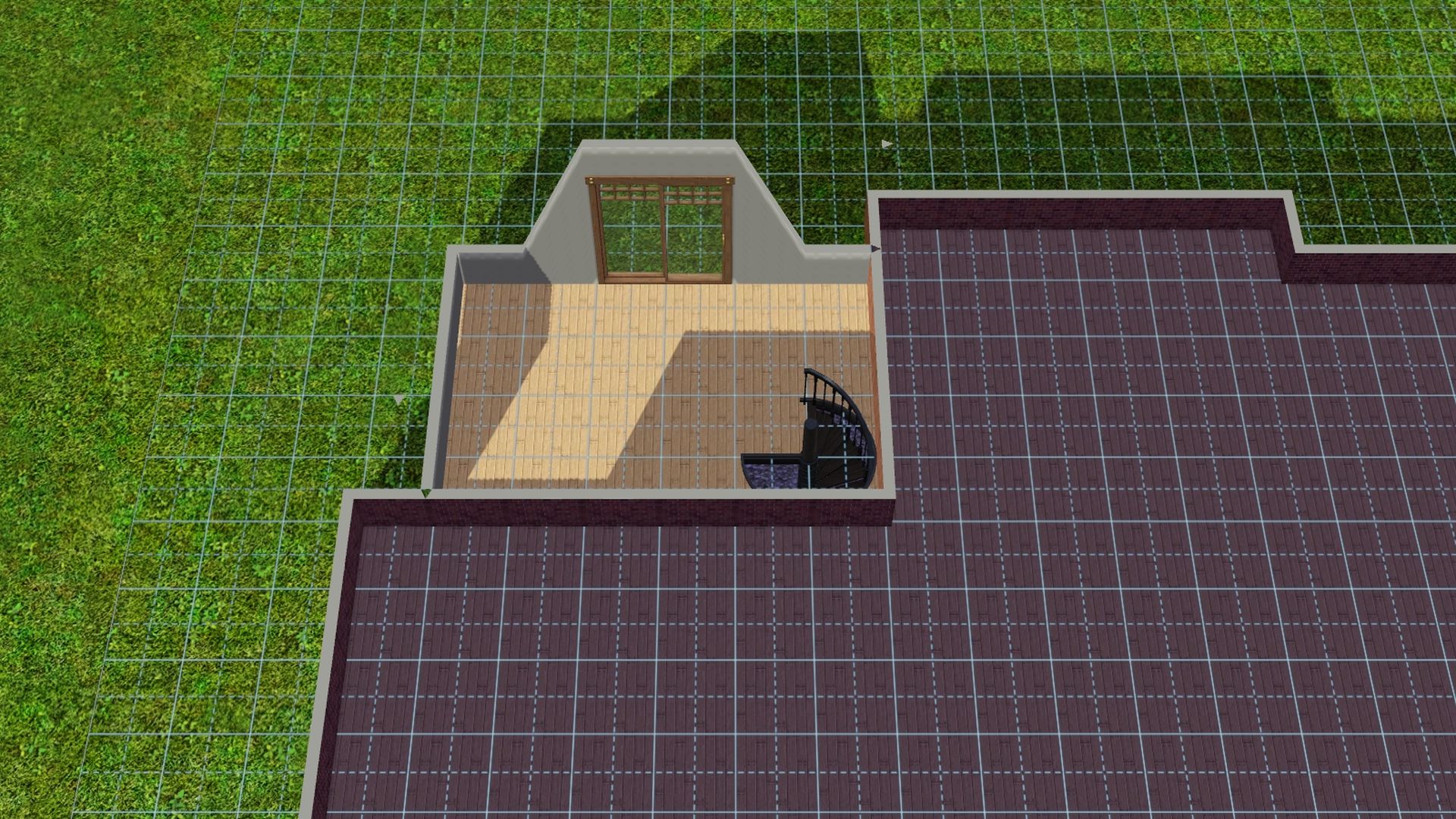


7. Add free wood flooring or level the terrain from the 2nd floor/roofline level of the house.
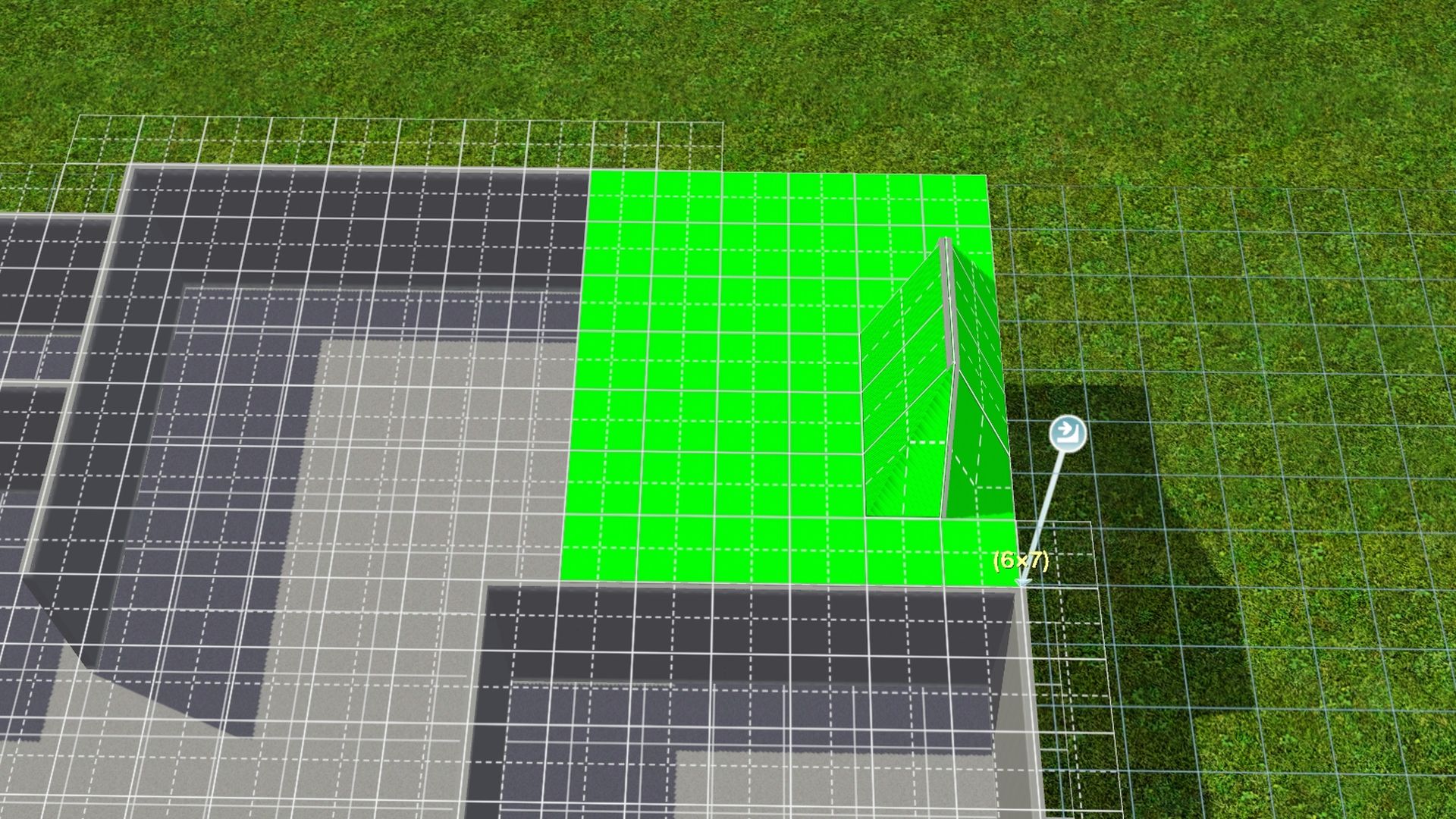


8. If all went well, you should be done with CFE and can safely turn it off. Press Ctrl Shift C together -- Type in constrainfloorelevation true (Turns CFE off) and press Enter. 
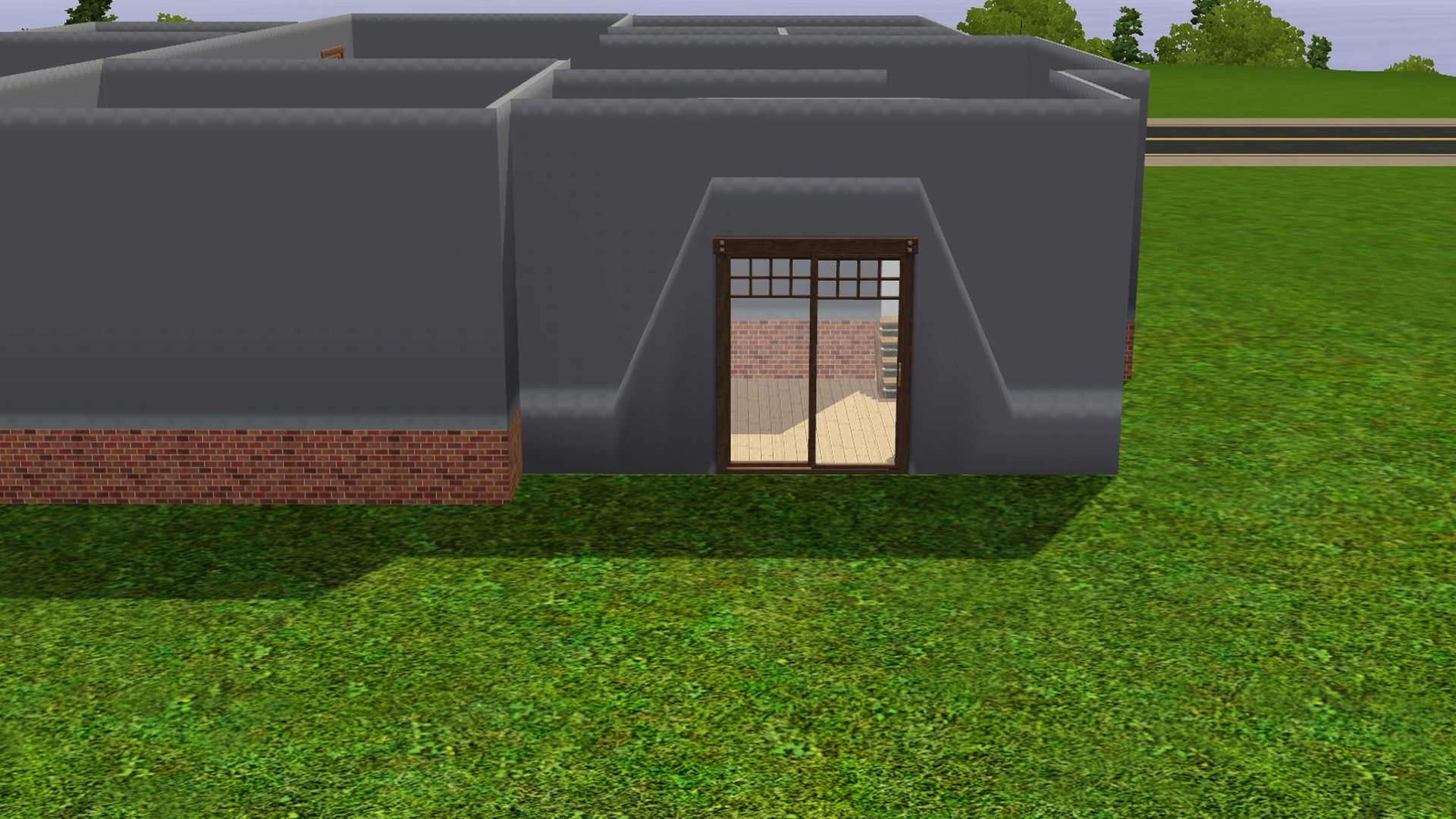


-- Finish up the build and decorate/furnish to your liking. :)

Lapaige46

  • Ultimate Townie
  • *****
  • Posts: 2560
  • I let my mind wander and it hasn't come back.
L and U Shaped Stairs - Using CFE (true/false)
« Reply #44 on: July 28, 2022, 02:18:38 PM »
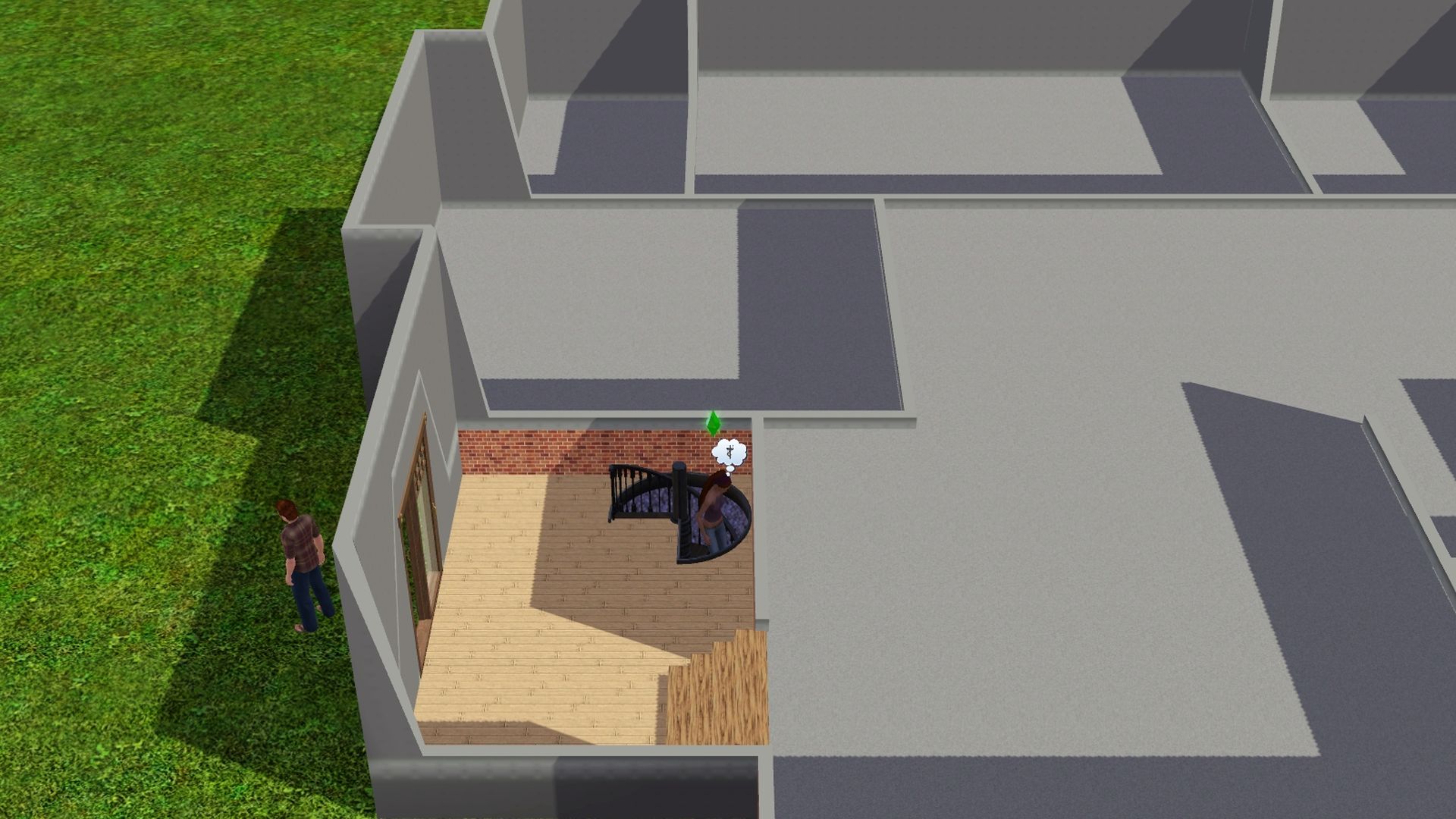
I'm getting more comfortable with CFE - constrainfloorelevation false (to turn the cheat on) and I've figured out how to do the stairs finally and it's really not that difficult. None of the videos I saw followed through with completing the house so it took me a while to realize that they all show stairs being on an outside corner rather than interior walls. Once again I was trying to make the game do something it wasn't designed to do.

When you use interior walls you end up with this happening because CFE won't allow flooring next to the area that has been adjusted.


The only solution is railings.


The biggest problem I see is when you're on the main level, a piece of the wall and the landing flooring disappears and I read that sims won't climb the stairs because they don't see the landing.


I decided to move in a sim and go live to see what would happen. As you can see, he managed the stairs just fine. I also checked to see if he'd get an "unfinished room" moodlet when he was on the main floor but it doesn't seem so.


You can also adjust the stairs by how much you lower the landing. You can split the staircase into two equal sections or you can have two steps up to a landing and a longer set of stairs to the second floor, or you can raise the landing and have the longer set of stairs first and then a couple of steps to the second floor.

This is the tutorial I used. https://www.youtube.com/watch?v=IzCL0CSfP5o
I hope this makes sense. :D

- constrainfloorelevation false (to turn the cheat on)
- Go into Build Mode > Terrain Tools > Level Terrain to flatten out the flooring/walls to where it looks normal again.

Lapaige46

  • Ultimate Townie
  • *****
  • Posts: 2560
  • I let my mind wander and it hasn't come back.
Lowering Floor Height Using Constrainfloorelevation false
« Reply #45 on: July 30, 2022, 02:14:55 PM »
I've discovered a very cool tip/trick. I won't say I've mastered it but I did manage to accomplish it and it will work perfectly for a house I'm currently working on.

Typically a sims house is built right on the ground, or on a foundation. The video linked below shows how to lower your floor level so that your house is only 1 or 2 steps off the ground.

Place stairs using "alt".

Learning from experience here. Make sure your floorplan is exactly as you want it and your porch is in place before lowering the floors. Modifying it afterwards is tricky but I've discovered it can be done.


You can recolor the base as you would any wall or you can remove it and replace it with a low fence.


The whole video is quite informative but the part regarding this particular trick starts at about 7:29.

The Sims 3 - Building Tips and Tricks #2 - Stairs (Part 1)
https://www.youtube.com/watch?v=ZBGEkQxCc78

  ----

One Step Foundations


After feeling so proud of myself for working through the process of creating a one-step foundation, I've just discovered there's a much easier way. Simply hold down "alt" when you're placing a foundation. You may already know this but I have just learned it.  ::)


Nindigo

  • Forum Nutcase
  • Ultimate Townie
  • *****
  • Posts: 1378
  • Have some tea☕ and dark side cookies🍪
    • Nindigo's Sims
Sims 3 Store Towns ~ Festival Grounds Lots
« Reply #46 on: July 31, 2022, 02:34:22 PM »
Look in the in-game Library > Community tab for some of the Store Town's Festival Lots.

Barnacle Bay; Lucky Palms; Riverview; Lunar Lakes; Hidden Springs; Sunlit Tides;

  ----

Aurora Skies Festival Lot:
https://www.thesims3.com/assetDetail.html?assetId=7022551

Dragon Valley Festival lot:
https://www.thesims3.com/assetDetail.html?assetId=7344881

Midnight Hollow Summer Festival Lot:
https://www.thesims3.com/assetDetail.html?assetId=7686949
Direct Download Link = https://lvlt.thesims3.com/7686949.Sims3Pack

Monte Vista Festival Grounds:
https://ie.thesims3.com/assetDetail.html?assetId=6715249
Avatar from HERE
Awesome emojis: emojipedia.org

(When I am AWOL sometimes, it is either because I play other games and/or have pain issues)

MrsFlynn

  • Forum Goddess
  • Administrator
  • Ultimate Townie
  • *****
  • Posts: 2902
  • Come to the dark side... We've got cookies 🍪🍪 ☕
Unframed Paintings Tip
« Reply #47 on: August 18, 2022, 08:16:55 PM »
If you evict the family or sell the furniture when moving out, unframed paintings your Sims create that have been hung on the wall will be safe when saving your house or build to the library and place it back into a save file.

Framed photos will disappear. Not sure why, that's never been explained that I have been able to find. Other than it's a glitch.


If it's desired to keep all your Sim's paintings, manually place them into their personal inventory for safe keeping. It seems that some of them may turn invisible if automatically packed into the family inventory.

MrsFlynn

  • Forum Goddess
  • Administrator
  • Ultimate Townie
  • *****
  • Posts: 2902
  • Come to the dark side... We've got cookies 🍪🍪 ☕
Neighborhood Tree Guard
« Reply #48 on: August 20, 2022, 08:45:42 AM »
Wanna Spruce up your neighborhood and protect your trees. lol Get yourself a tree guard! :)

Neighborhood Tree Guard
§450.
Pets Object


It's in Buydebug > Misc. Objects tab. Filter by Pets to find it easier. It's by the Pet Hygienator.


MrsFlynn

  • Forum Goddess
  • Administrator
  • Ultimate Townie
  • *****
  • Posts: 2902
  • Come to the dark side... We've got cookies 🍪🍪 ☕
Set As Front Door ~ Tip
« Reply #49 on: August 23, 2022, 02:07:08 PM »
If there are many doors on the lot, and you want your Sim to enter through a certain door. Pick a door to set as Front Door.

With testingcheatsenabled on - Press Ctrl-Shift-Click together on the door and select Set Door as Front Door. 


 ✿ Important to Note:  After you first place the lot and set the front door you can not reset it. Deleting and replacing the doors doesn't reset the front door. Placing a new copy of the lot will also not allow you to reset the front door. You will need to place the lot into a new save before you can set the front door again.