~ Filter and Find Installed ContentI put this how-to together in hopes that it will help finding the extra content that gets installed via the Sims 3 launcher and/or Mods/Packages folder.
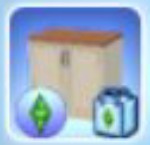
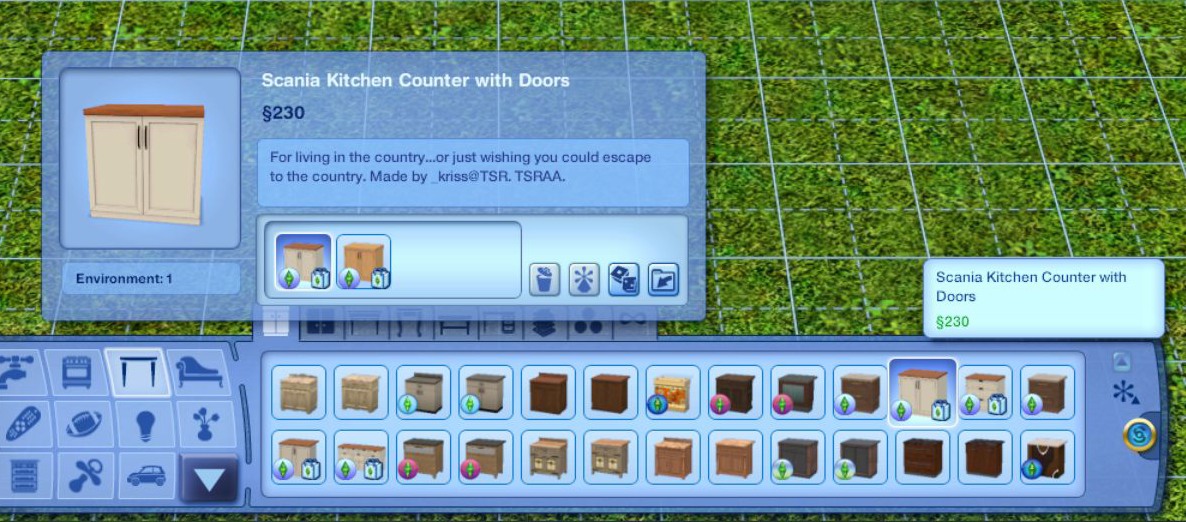
Please note, some content that gets installed may or may not have an icon of some sort in the lower left. Depending on how it's created or processed. As shown below in the Build\Buy section, in the last screenshots of this post.
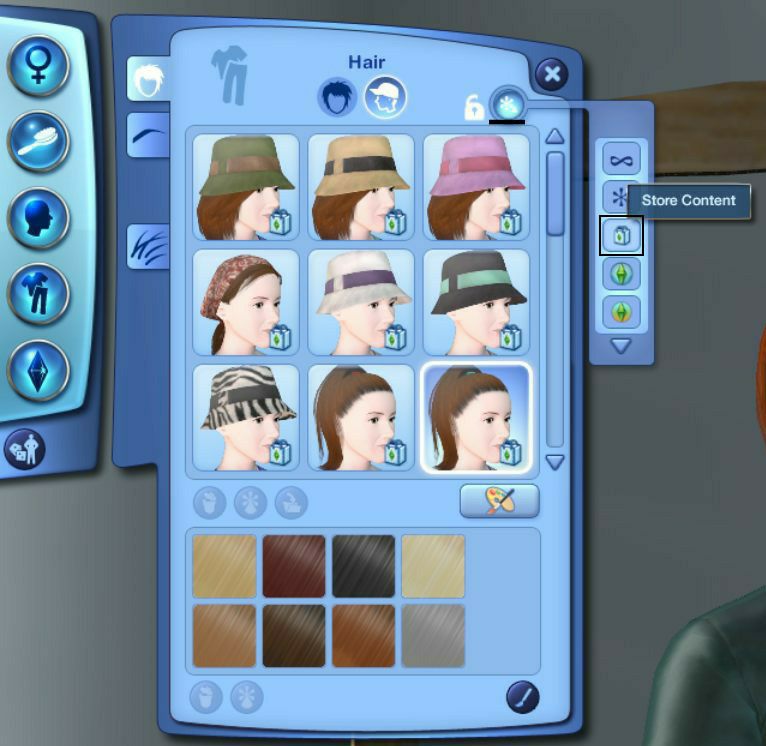
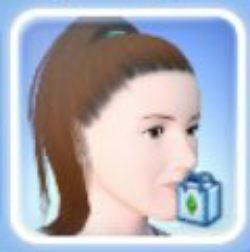
Along those same lines, objects with the Sims 3 Store bag icon on their thumbnail, in the lower right may not necessarily be from the Sims 3 Store. Depending how the items were created or processed, they sometimes get the store bag icon.
✽ Click images to see larger view.
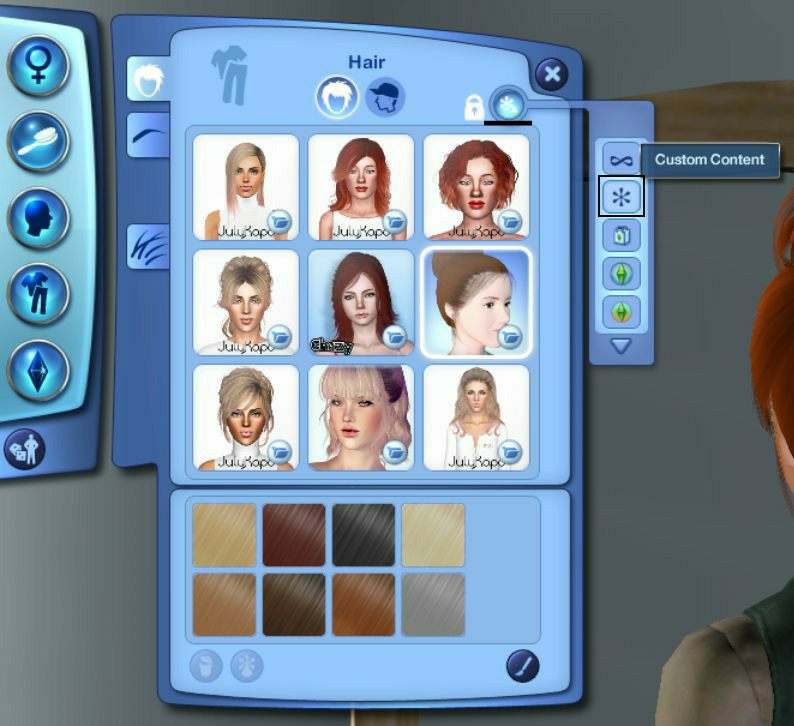
In Create A SimTo use the Content Filter, click the asterisk symbol above the hair thumbnails.
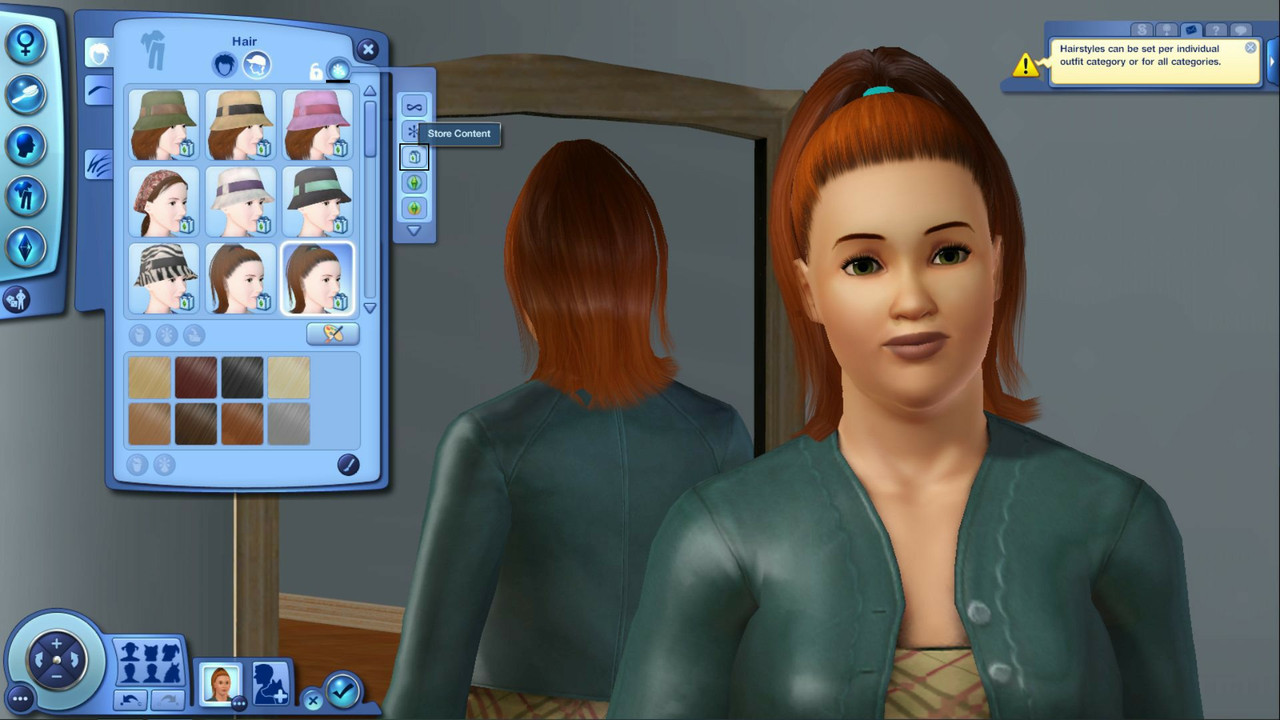
– Via the Sims 3 launcher: To Find content that's been installed via the Sims 3 launcher, you might try filtering content by clicking the Sims 3 Store Bag in the filter list.
–– - –– - ––
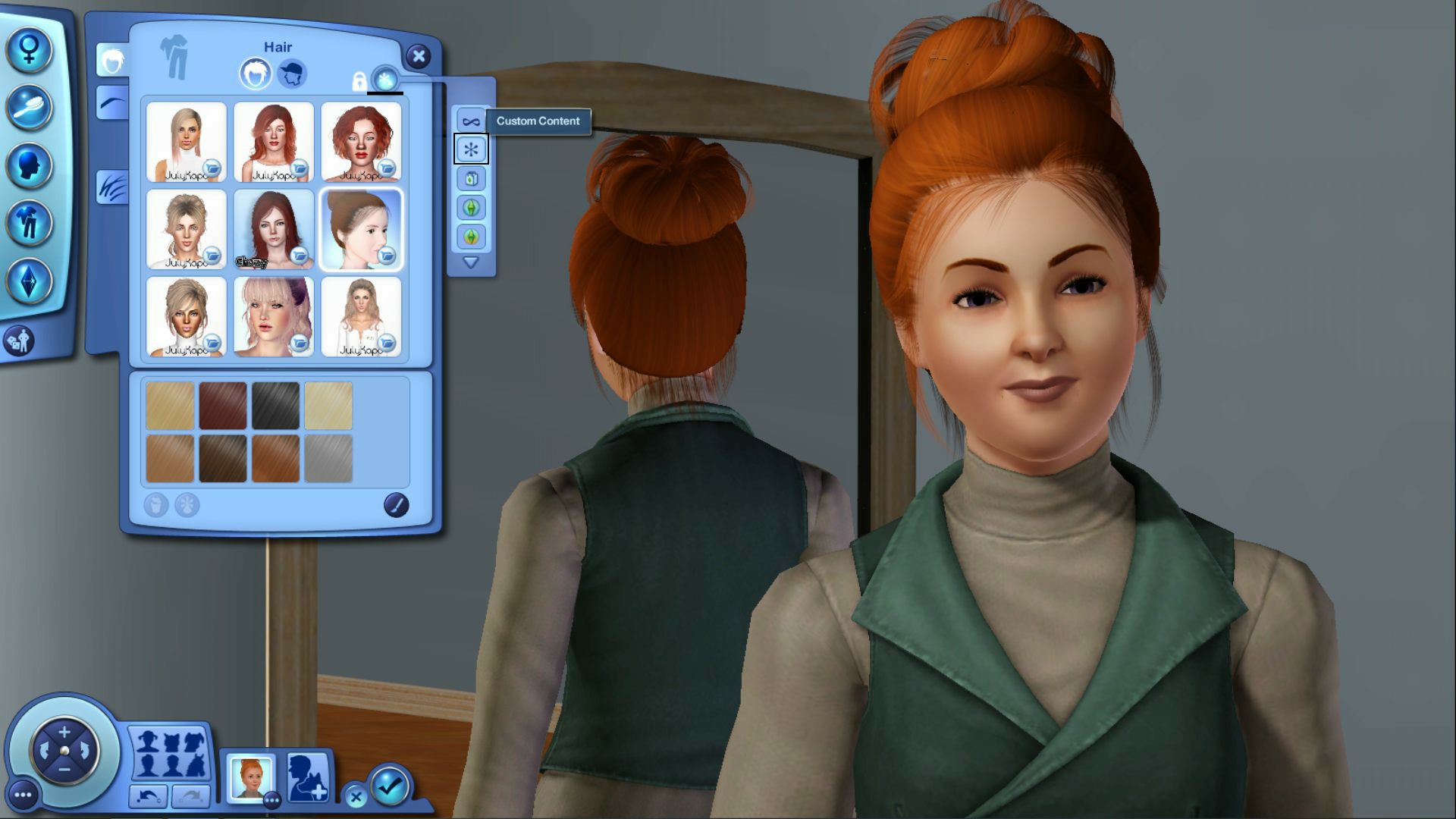
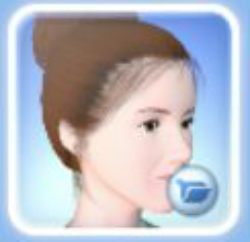
– Via the Mods\Packages Folder:To Find content that's been installed via the Mods\Packages folder, you might try filtering content by clicking the a asterisk symbol in the filter list. Content installed this way will have a folder icon in the lower right of the thumbnail.
–– - –– - ––
In Build\Buy ModeTo use the Content Filter, click the asterisk symbol to the right of the catalog.

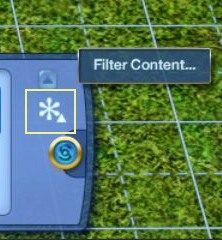
Like in Create a Sim, you can filter content by the Sims 3 Store bag in the filter list:
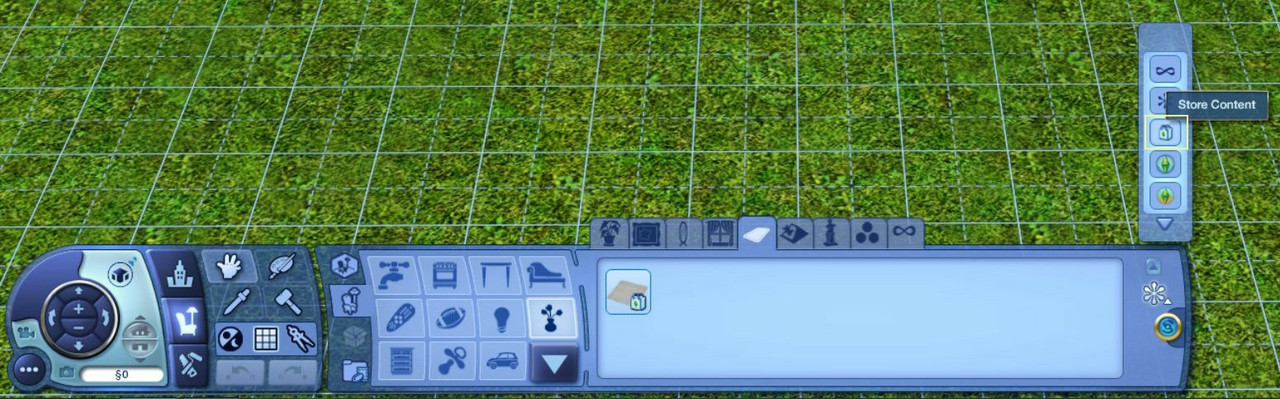
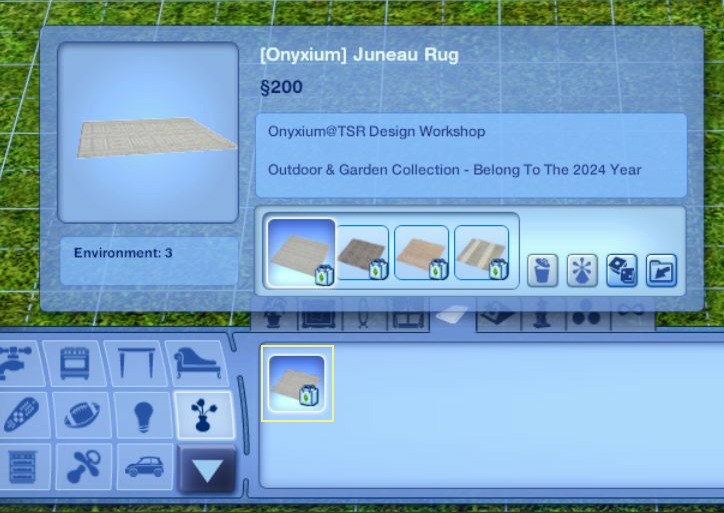
Or by the asterisk symbol, and look for the folder in the lower right corner of the item's thumbnail.
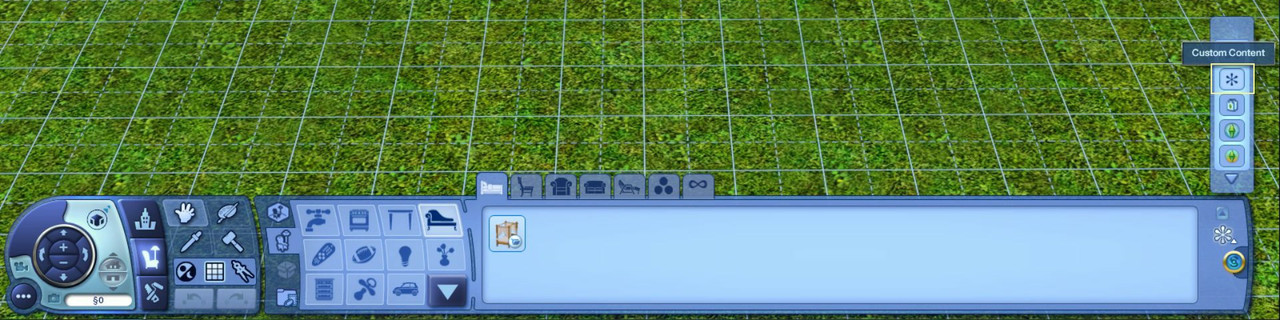
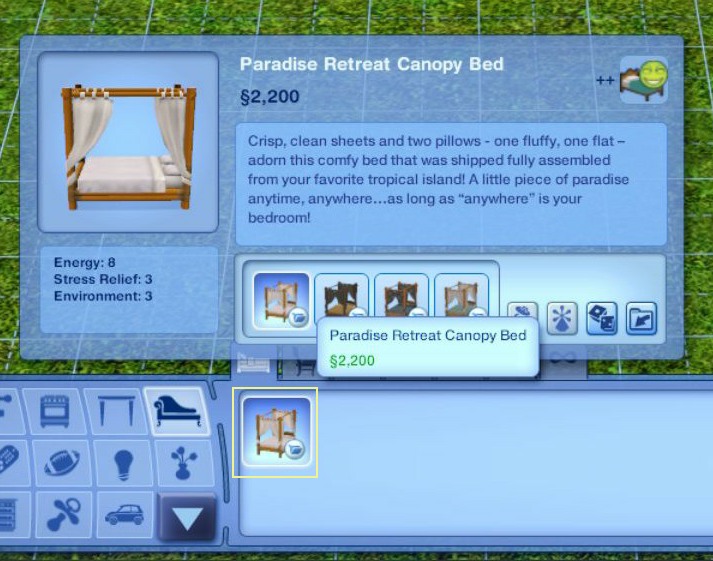
-- Some content that gets installed may or may not have an icon of some sort in the lower left. Depending on how it's created or processed.
–– - –– - ––
~ Helpful Reference Links: –-
Renew DCCache Files of Missing/Not Working Custom or Store Content.
–-
Look at Package Files in DCBackup via S3PE.
–-
Look at Library and CC Files via S3PE (Basics).
–-
Fix Problems with Mods/CC.

